







































AI assistant
Brings an AI model into the workspace through the workspace's own provider account: AI agents with their own instructions and the actions they may run, ready prompts on a record's menu, an Ask the assistant step in automations, and a chat where people ask questions citing files they can open.
| At a glance | |
|---|---|
| Type | Business module |
| Group | Office |
| Needs | Nothing to switch on; answers need a provider and its API key under Settings → AI |
| Included in | No pack switches it on by itself, because every answer costs the workspace at its provider |
| Offered to | Every industry pack, on the Growth and Pro plans |
| Permissions | View AI agents (ai_assistant.view), Manage AI agents (ai_assistant.manage), Chat with the AI assistant (ai_assistant.use) |
The provider
Settings → AI chooses which provider answers, Claude (Anthropic), ChatGPT (OpenAI) or Gemini (Google), and takes an API key from the workspace's own account. The workspace pays the provider directly; there are no AI credits here. A token limit can cap what is spent. Until a provider is saved, agents can be written but none can answer, and each AI screen says so.
Switching it on
Workspace → Modules → AI assistant → Enable (needs Manage modules). AI agents, AI prompts and Ask the assistant appear under Office.
AI agents
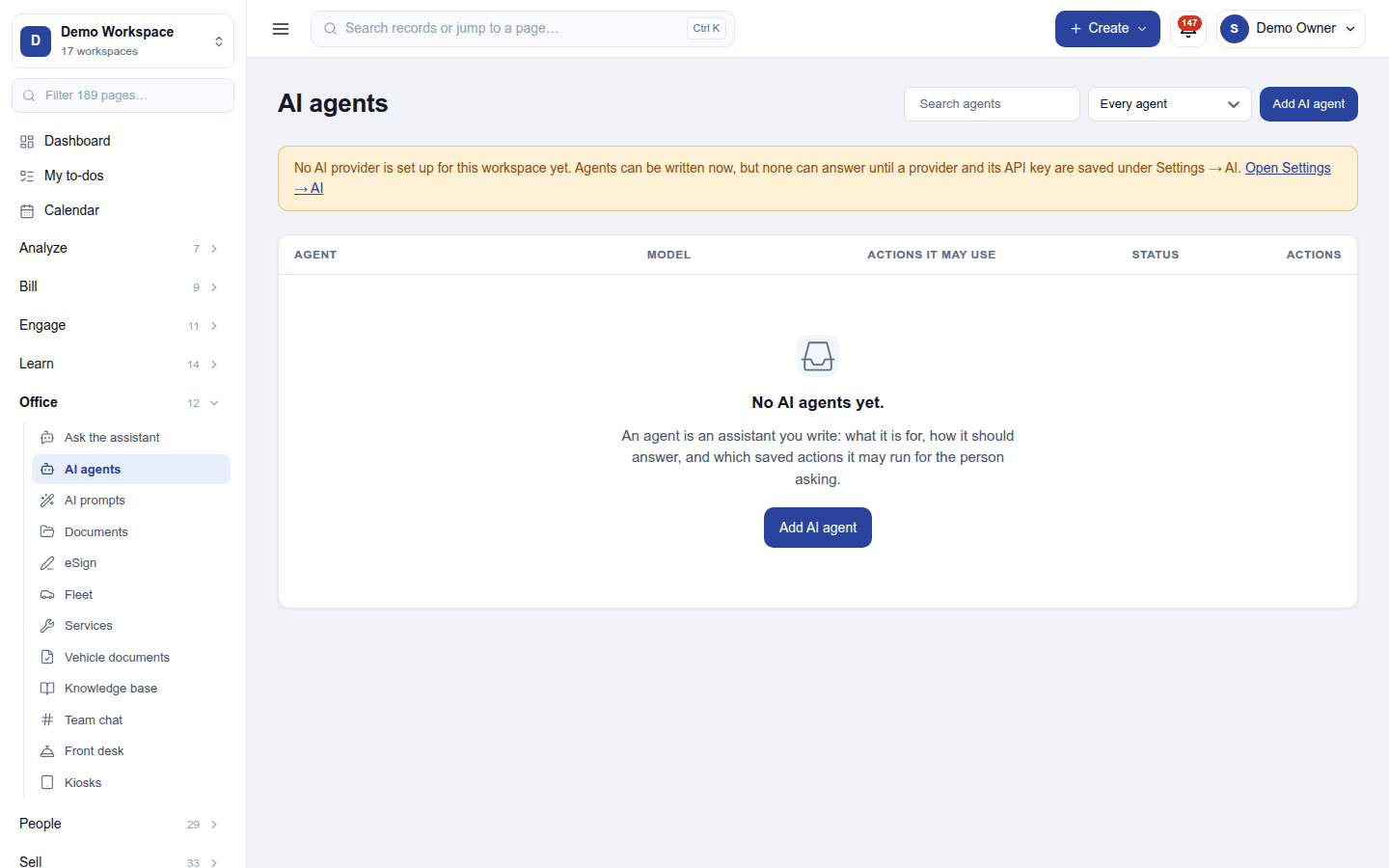
Office → AI agents lists the agents, with a search, a status filter (Every agent, Active, Switched off) and Add AI agent. An agent has a name, its instructions (what it is told), a model (the workspace's model or one of the provider's own), and the actions it may run on the workspace's records. Try this agent asks it something on the spot (each try is paid for at the workspace's provider).
AI prompts and automations
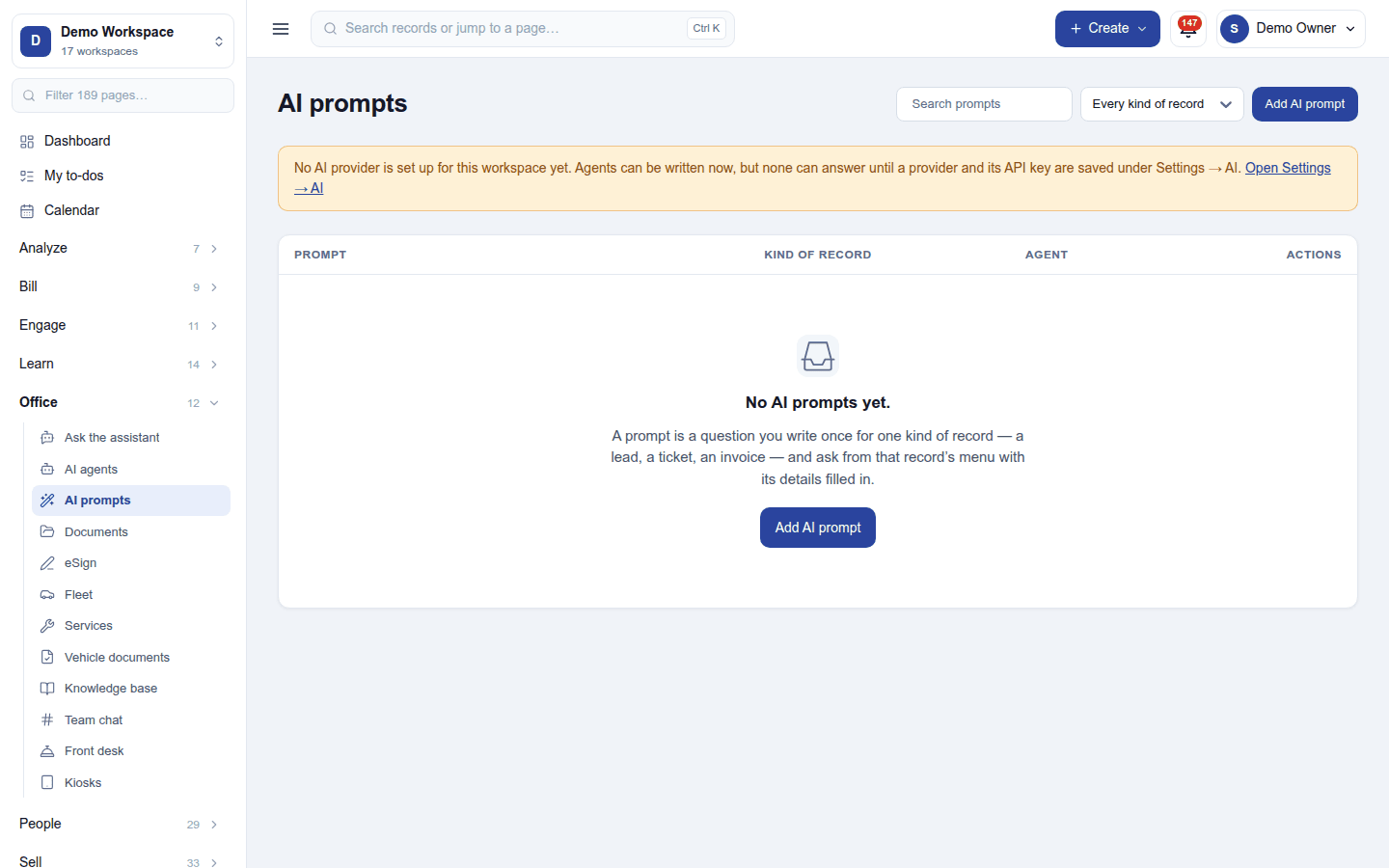
Office → AI prompts keeps ready prompts that appear on a record's menu (Summarise this ticket, Draft a reply to this lead): pick one on a record, and the answer comes back with the record's details filled in. An automation can Ask the assistant as one of its steps.
Ask the assistant
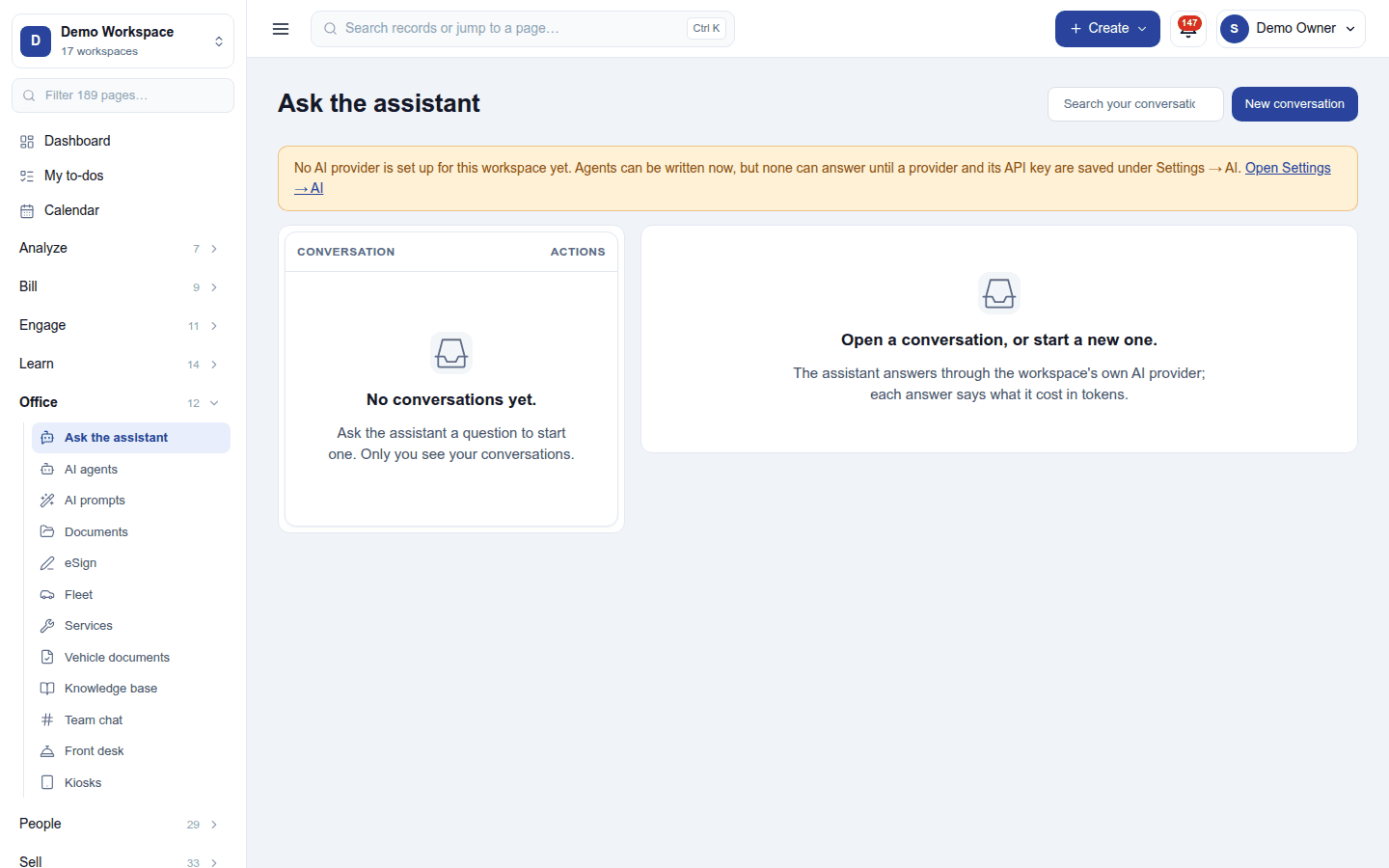
Office → Ask the assistant is a chat. Each person's conversations are their own. A question can bring in an agent, and cite files the person may open, which the assistant reads to answer. A record page has the same panel, about that record. Every answer is paid for at the workspace's provider, and limits are said in words when they are reached.
Permissions
| Permission | Allows |
|---|---|
View AI agents (ai_assistant.view) |
See the agents, what each is told and which actions it may use. |
Manage AI agents (ai_assistant.manage) |
Write, change, switch off and delete agents and prompts, and try them. |
Chat with the AI assistant (ai_assistant.use) |
Ask the assistant in one's own conversations, citing files one can open. |
Ready-made automations
None. The assistant is asked, never triggered.
Turning it off
The AI screens leave the menu, the record prompts disappear, and automation steps that ask the assistant refuse. Agents, prompts and conversations are kept.
In the desktop and mobile apps
Not carried.