







































Campaigns
Sends one message to many people by email, SMS or WhatsApp: to all customers, a saved segment, a mailing list or tagged contacts; scheduled, tested, A/B tested, tracked for opens, clicks and the sales they brought, with opt-out respected everywhere.
| At a glance | |
|---|---|
| Type | Business module |
| Group | Engage |
| Needs | Nothing to switch on, but each channel needs its sender: an email add-on module (SMTP, Brevo, Gmail, Microsoft 365), an SMS add-on module, or WhatsApp |
| Included in | Shops & counters, E-commerce, Hotel, Trusts & non-profits, Clinics, Gym & coaching, Schools & colleges and others |
| Offered to | Every industry pack |
| Permissions | View campaigns (campaigns.view), Manage campaigns (campaigns.manage) |
Switching it on
Workspace → Modules → Campaigns → Enable (needs Manage modules). Campaigns, Segments, Mailing lists and Campaign groups appear under Engage.
Campaigns
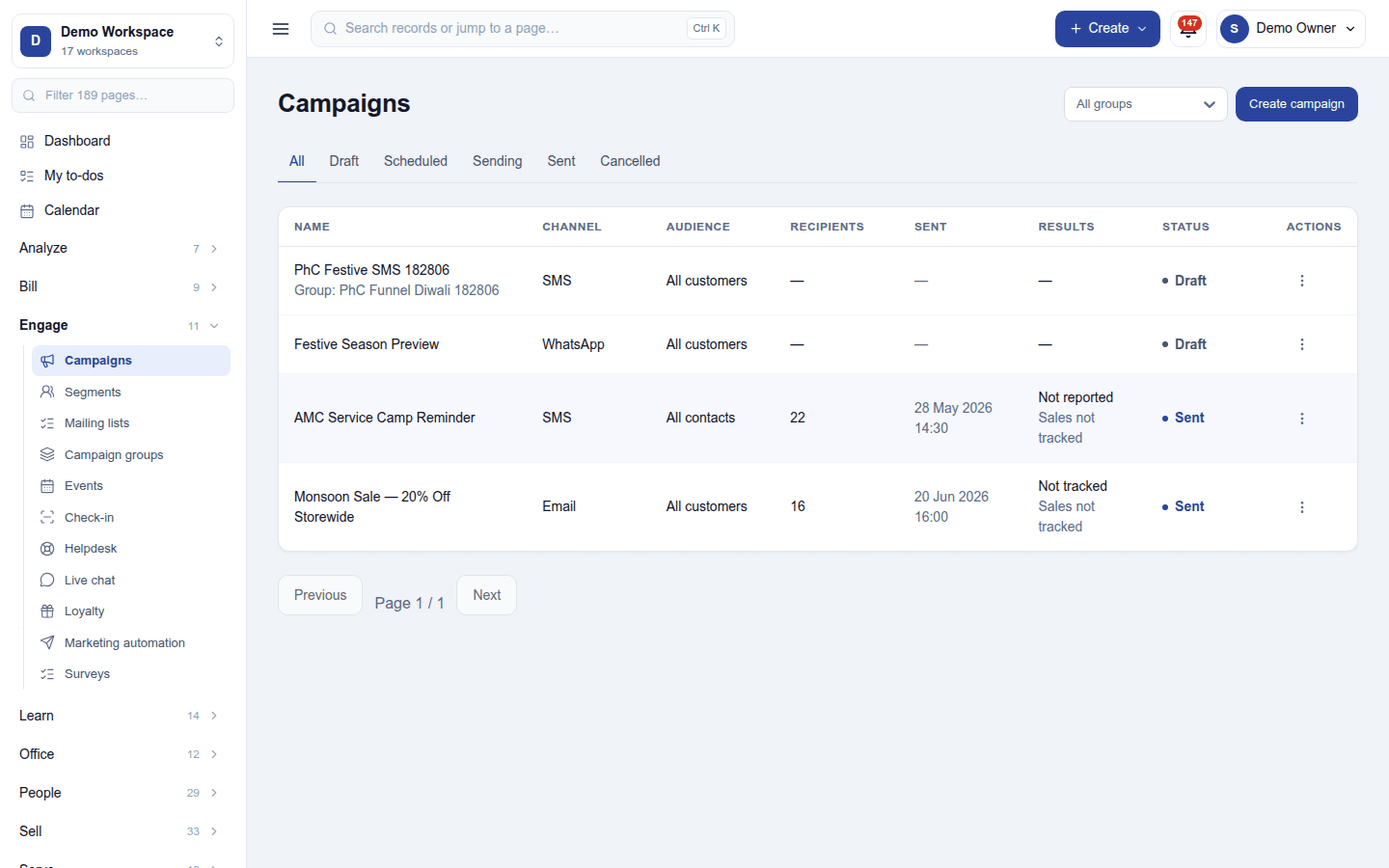
Engage → Campaigns lists each campaign with its channel, audience, recipients, when it was sent, its results and status (Draft, Scheduled, Sending, Sent, Cancelled), filtered by group. Create campaign opens:
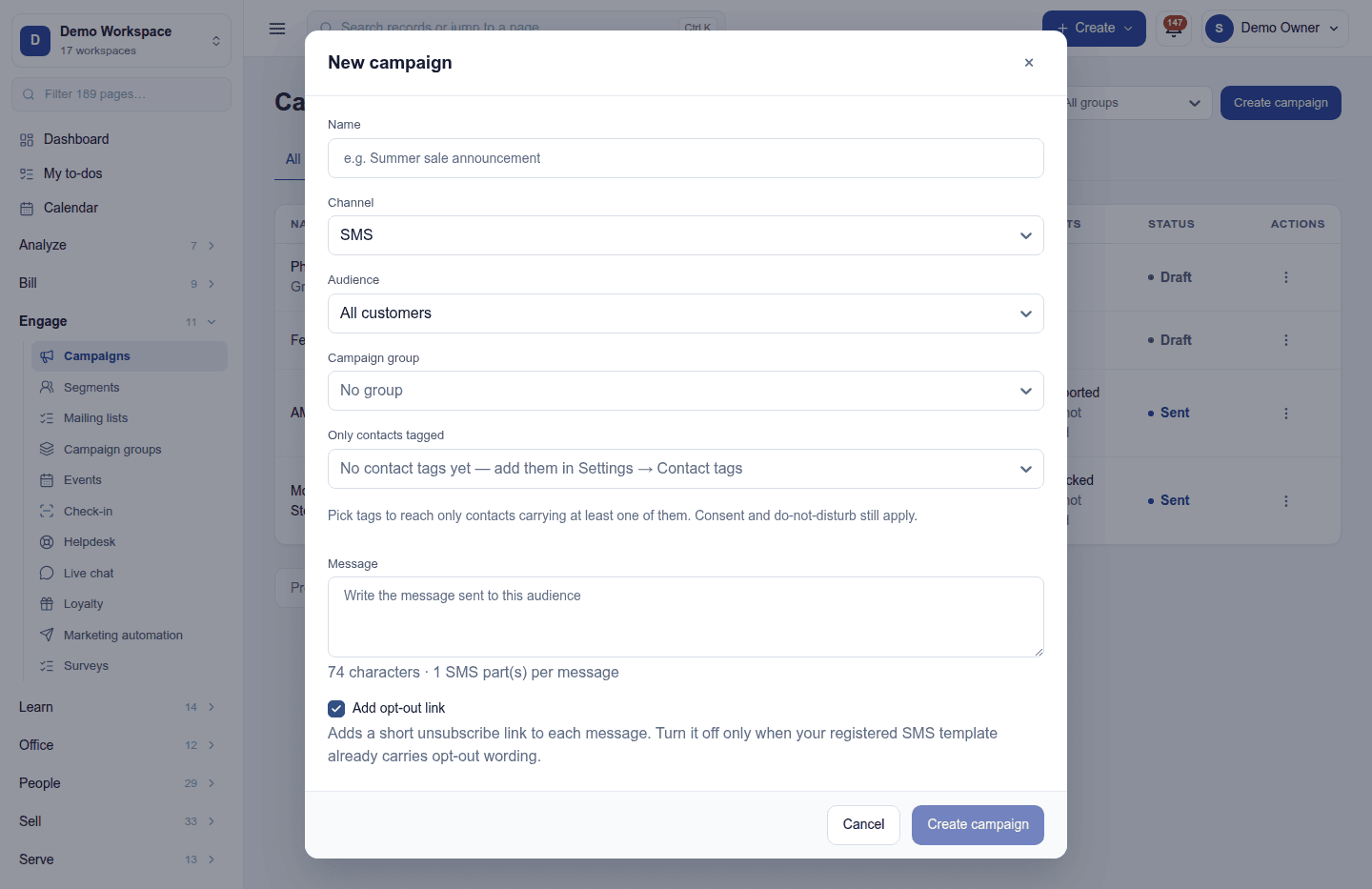
| Field | What it is for |
|---|---|
| Name | For you, such as Summer sale announcement |
| Channel | Email, SMS or WhatsApp |
| Audience | All customers, all contacts, a saved segment or a mailing list |
| Campaign group | To file related campaigns together |
| Only contacts tagged | Narrows the audience to contacts with chosen tags |
| Message | The subject and body (email), the text (SMS, with its character and part count), or the approved template (WhatsApp) |
| Add opt-out link | A short unsubscribe link on each SMS (on by default) |
Then send now, schedule for later, send a test to yourself, or set up an A/B test that sends two versions to a sample and the winner to the rest. Retry failed resends to those whose message failed.
Who is never sent to: a contact who opted out of marketing or is on Do not disturb. Every email carries an unsubscribe link, and the public unsubscribe page records the choice.
Results: recipients, delivered, opened and clicked (with tracking), and, through UTM tags, the orders, revenue and sign-ups each campaign brought. The sender gets a results email a day after sending.
Segments, mailing lists and groups
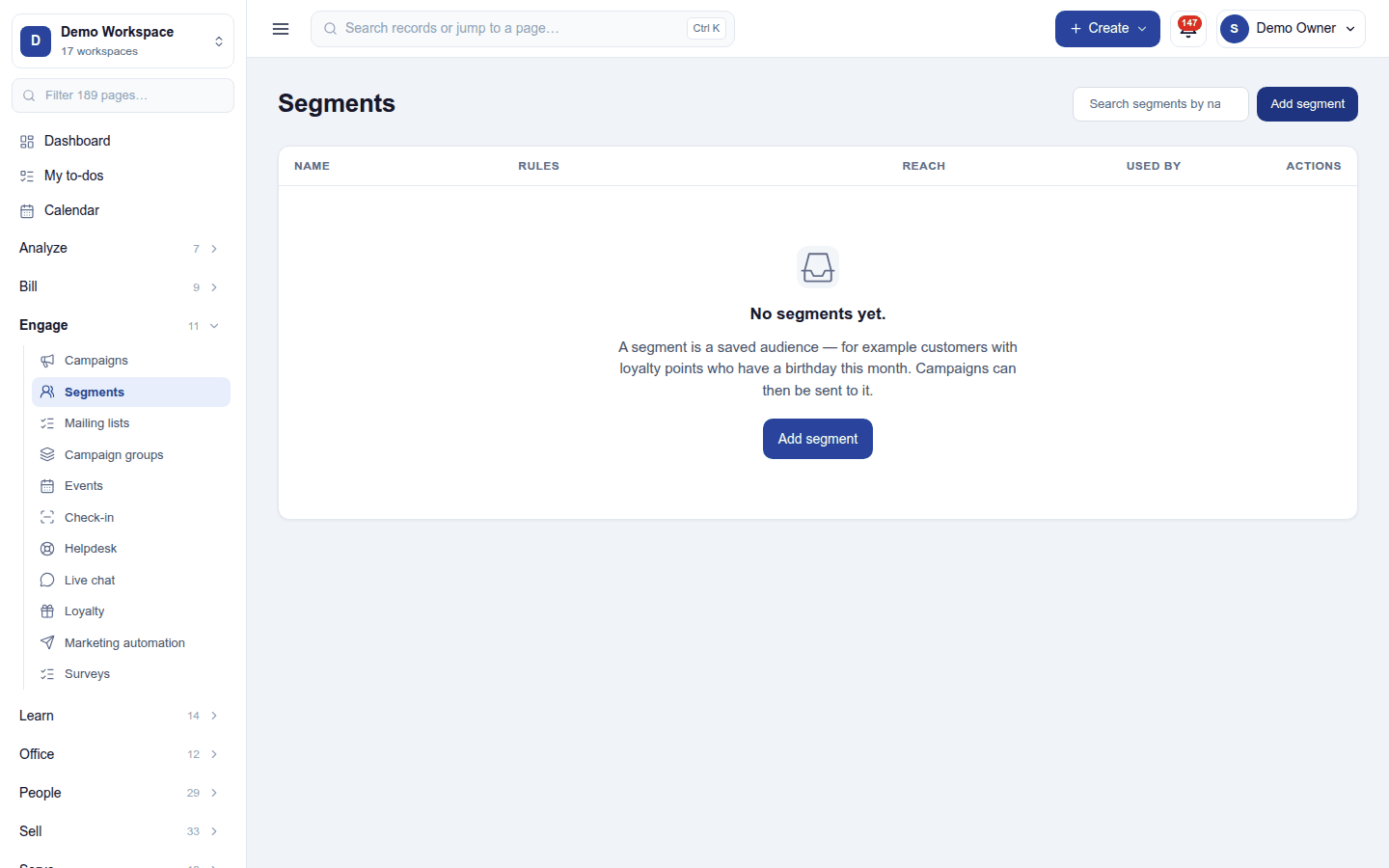
- Segments: a saved "who", worked out at the moment of sending, such as customers with at least 100 loyalty points whose birthday is this month. Add segment builds it from rules; its reach is counted live.
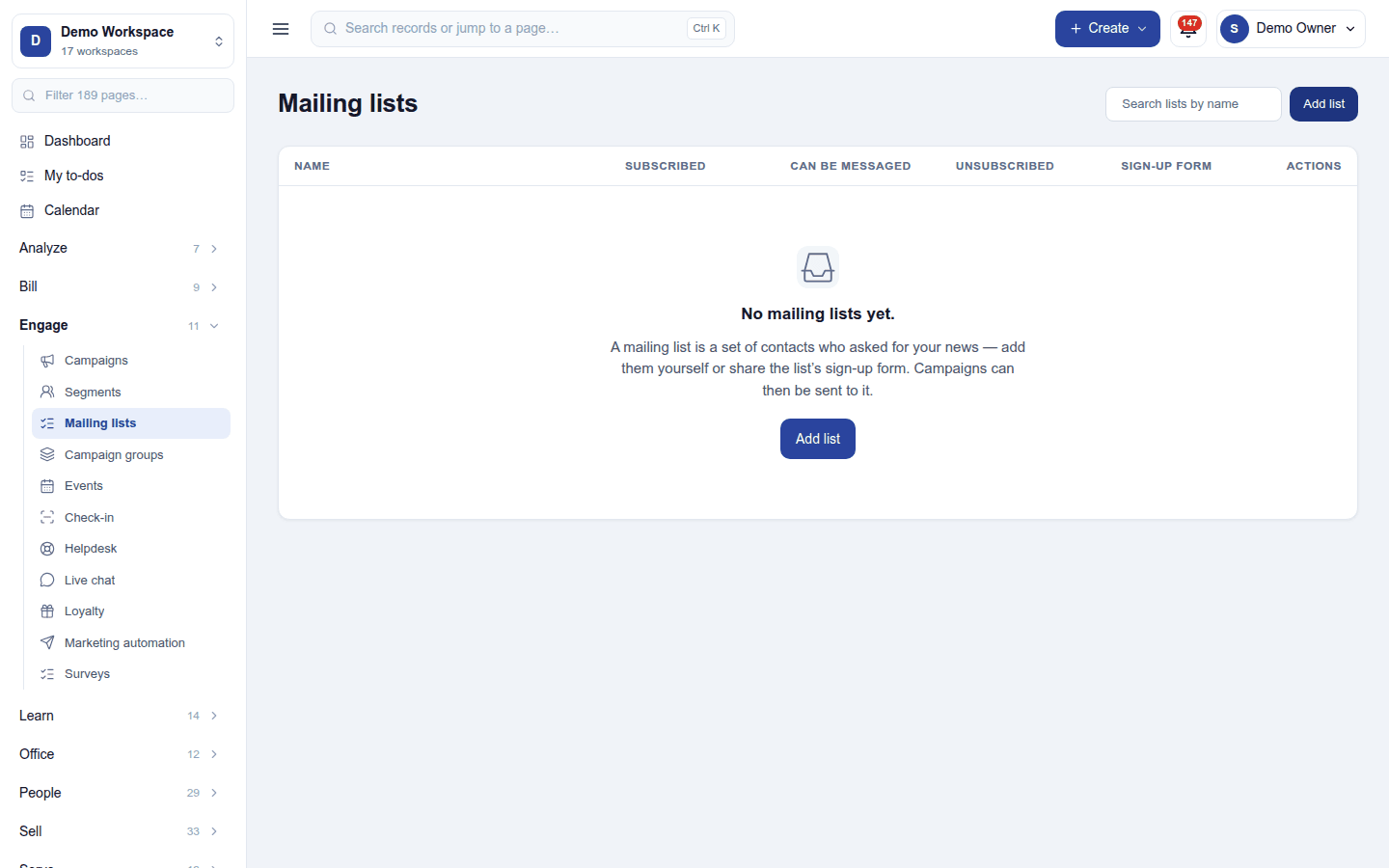
- Mailing lists: contacts who asked for your news, added by hand or through the list's sign-up form, with who is subscribed, who can be messaged and who unsubscribed.
- Campaign groups: files related campaigns together, with their combined results.
Settings
Settings → Campaigns:
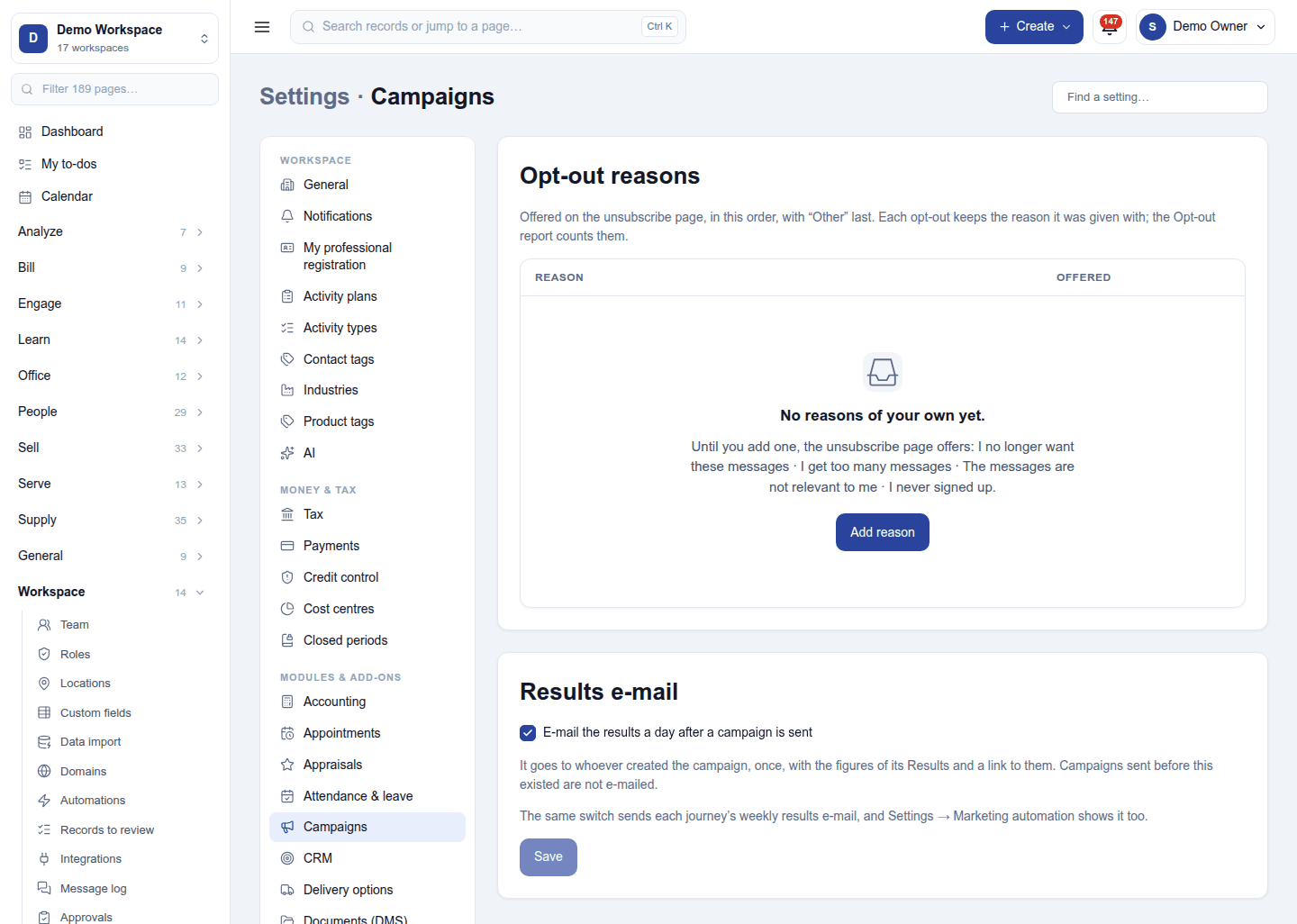
- Opt-out reasons: the reasons offered on the unsubscribe page, in order, with Other last. Until you add your own, the page offers I no longer want these messages, I get too many messages, The messages are not relevant to me and I never signed up. The Opt-out report counts them.
- Results e-mail: E-mail the results a day after a campaign is sent (on by default) to whoever created it. The same switch sends each journey's weekly results email.
Permissions
| Permission | Allows |
|---|---|
View campaigns (campaigns.view) |
See campaigns, segments, lists and their results. |
Manage campaigns (campaigns.manage) |
Write, schedule, test and send campaigns; keep segments, lists and groups. |
Ready-made automations
None. Campaign results are mailed to the sender on their own.
Turning it off
The campaign screens leave the menu and scheduled campaigns do not go. Campaigns, segments and lists are kept.
In the desktop and mobile apps
Not carried.