







































Transport
Runs the school's buses: routes with their driver, vehicle and stops, the students who ride each stop, and a monthly transport fee invoiced for every rider.
| At a glance | |
|---|---|
| Type | Business module |
| Group | Learn |
| Needs | Nothing (riders are contacts, usually students) |
| Included in | Schools & colleges |
| Offered to | Schools & colleges, Classes & coaching |
| Permissions | View transport (transport.view), Manage transport (transport.manage) |
Switching it on
Workspace → Modules → Transport → Enable (needs Manage modules). Transport appears under Learn.
Bus routes
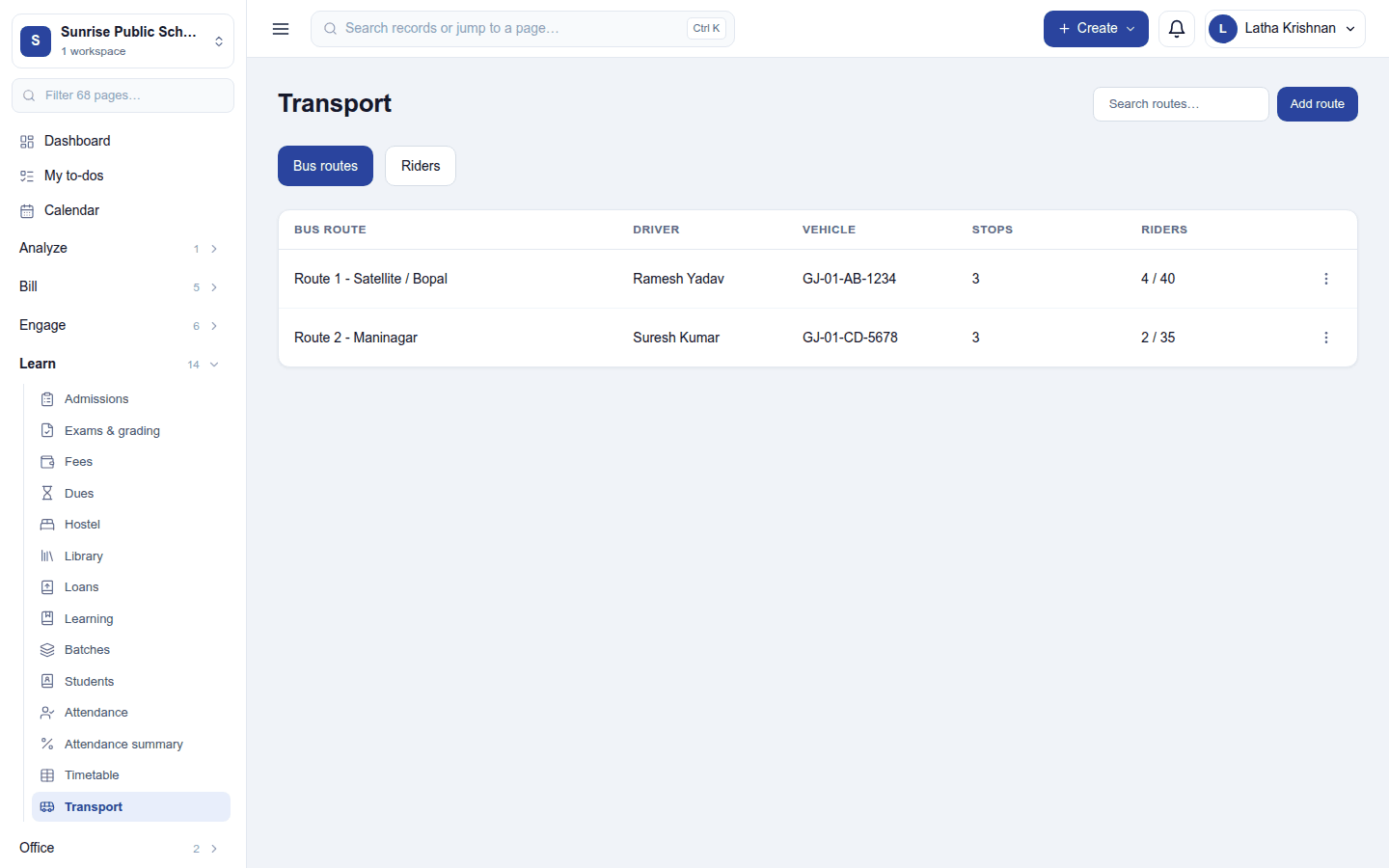
Learn → Transport opens on Bus routes: each route with its driver, vehicle, number of stops, and riders against capacity (4 / 40). Search routes from the header. Add route asks for:
| Field | What to enter |
|---|---|
| Bus route | Its name, for example North Campus route |
| Driver name | The driver |
| Vehicle | The registration, for example GJ-01-AB-1234 |
| Capacity | Seats; blank means unlimited |
| Tax on transport fees | The tax group the monthly fee is invoiced with, or No tax |
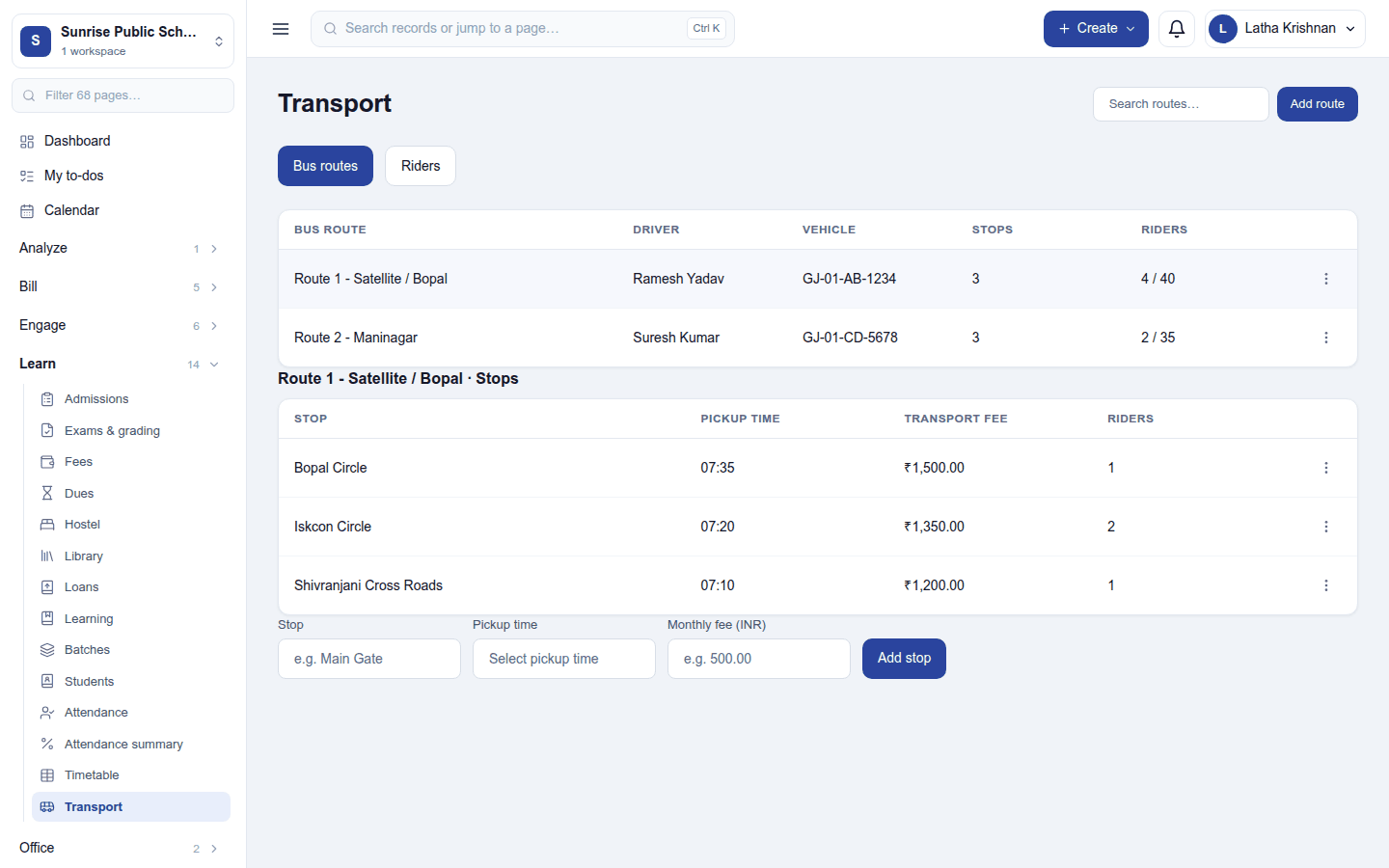
Click a route to see its stops: each with its pickup time, transport fee (per month) and riders. Add a stop with the row under the list: Stop, Pickup time and Monthly fee, then Add stop.
Riders
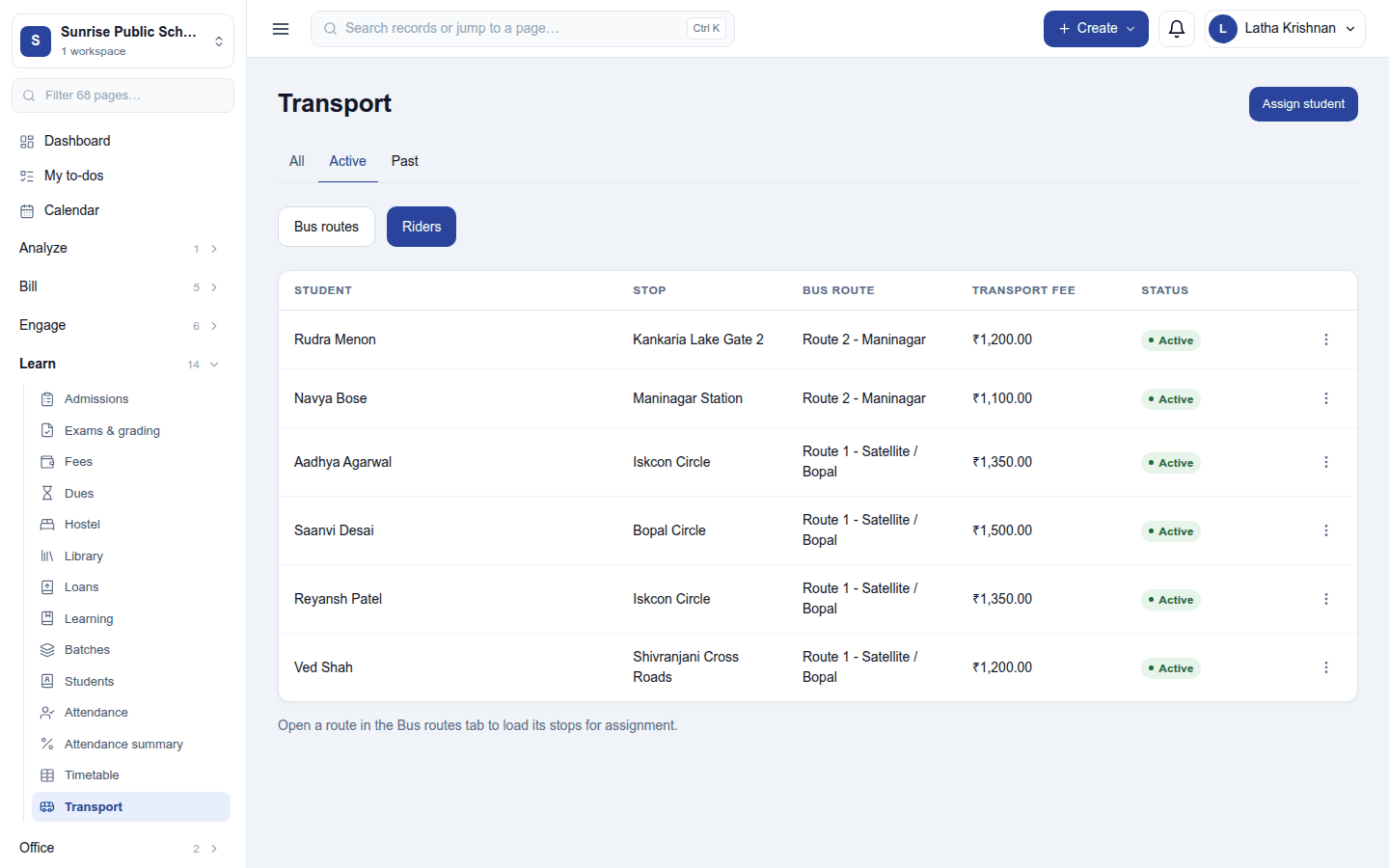
Riders lists who rides where: student, stop, route, transport fee and status, filtered All / Active / Past.
- Open the route on Bus routes first, so its stops are loaded.
- Press Assign student, pick the student and the stop, and the date.
Unassign on a rider's ⋮ menu takes them off the route; their history is kept and they move to Past.
The monthly transport fee
On the 1st of each month, at 08:00 on the workspace's clock, every active rider is invoiced once for that month: one invoice for the stop's monthly fee, taxed with the route's tax group, numbered from the workspace's invoice series. The invoice then behaves like any other: it can be paid, reminded and reported. A rider is never billed twice for the same month.
Permissions
| Permission | Allows |
|---|---|
View transport (transport.view) |
See routes, stops and who rides them. |
Manage transport (transport.manage) |
Set up routes and stops, and assign and unassign riders. |
Ready-made automations
None. Route assignments are made by staff on the spot.
Turning it off
Transport leaves the menu and the monthly invoicing stops. Routes, stops, riders and invoices already raised are kept.
In the desktop and mobile apps
Not carried.
Related guides
- Student information (SIS), Fees, Invoicing
- Fleet (the workspace's own vehicles)
- Module guides index