







































Appraisals
Reviews people's performance: appraisal cycles for the whole team or chosen people, templates of questions, self-assessment before the manager's review, an evaluation scale, goals, 360° feedback from colleagues, appraisals scheduled by themselves, and analysis of who is overdue.
| At a glance | |
|---|---|
| Type | Business module |
| Group | People |
| Needs | HR core |
| Included in | Manufacturing, Restaurant and others |
| Offered to | Every industry pack |
| Permissions | View appraisals (appraisals.view), Manage appraisals (appraisals.manage), Own appraisal (appraisals.self), See everyone's goals and 360° feedback (appraisals.view_all) |
Switching it on
Workspace → Modules → Appraisals → Enable (needs Manage modules). HR core must be on first. Appraisals, My appraisal and Goals appear under People, and Settings gains an Appraisals page.
Cycles
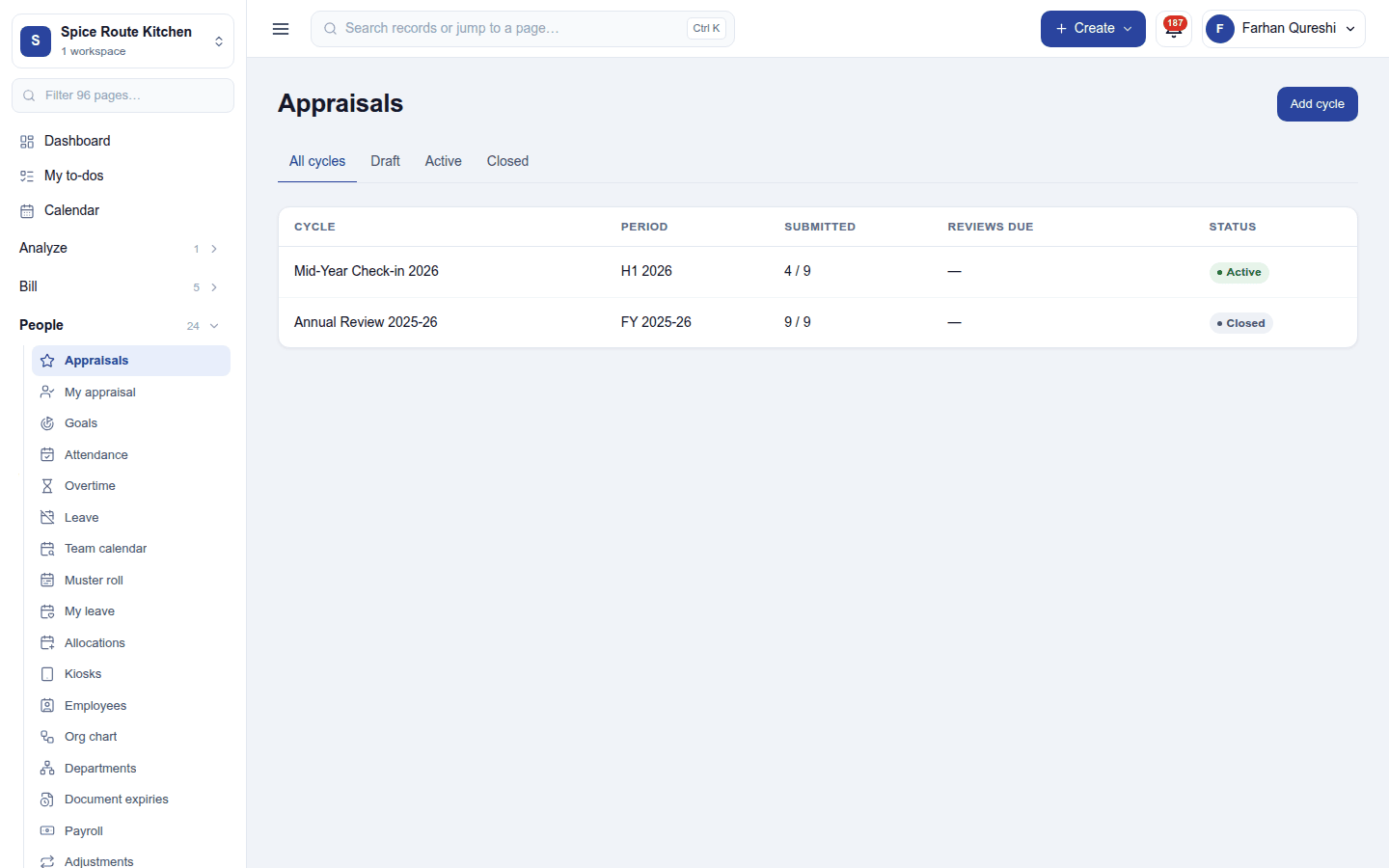
People → Appraisals lists the cycles (Mid-Year Check-in 2026, Annual Review 2025-26) with their period, how many reviews are submitted and due, and status (Draft, Active, Closed). Add cycle sets its name and period, the template of questions, and who it reviews: everyone, or chosen departments or people, with late joiners added later.
Within a cycle, each person's appraisal goes through:
- Self-assessment: the employee answers the template's questions from My appraisal.
- The manager's review: ratings on the evaluation scale and comments.
- Published: the employee sees the finished review.
An appraisal can be cancelled, and someone added to a running cycle. 360° feedback asks colleagues through a survey.
Goals
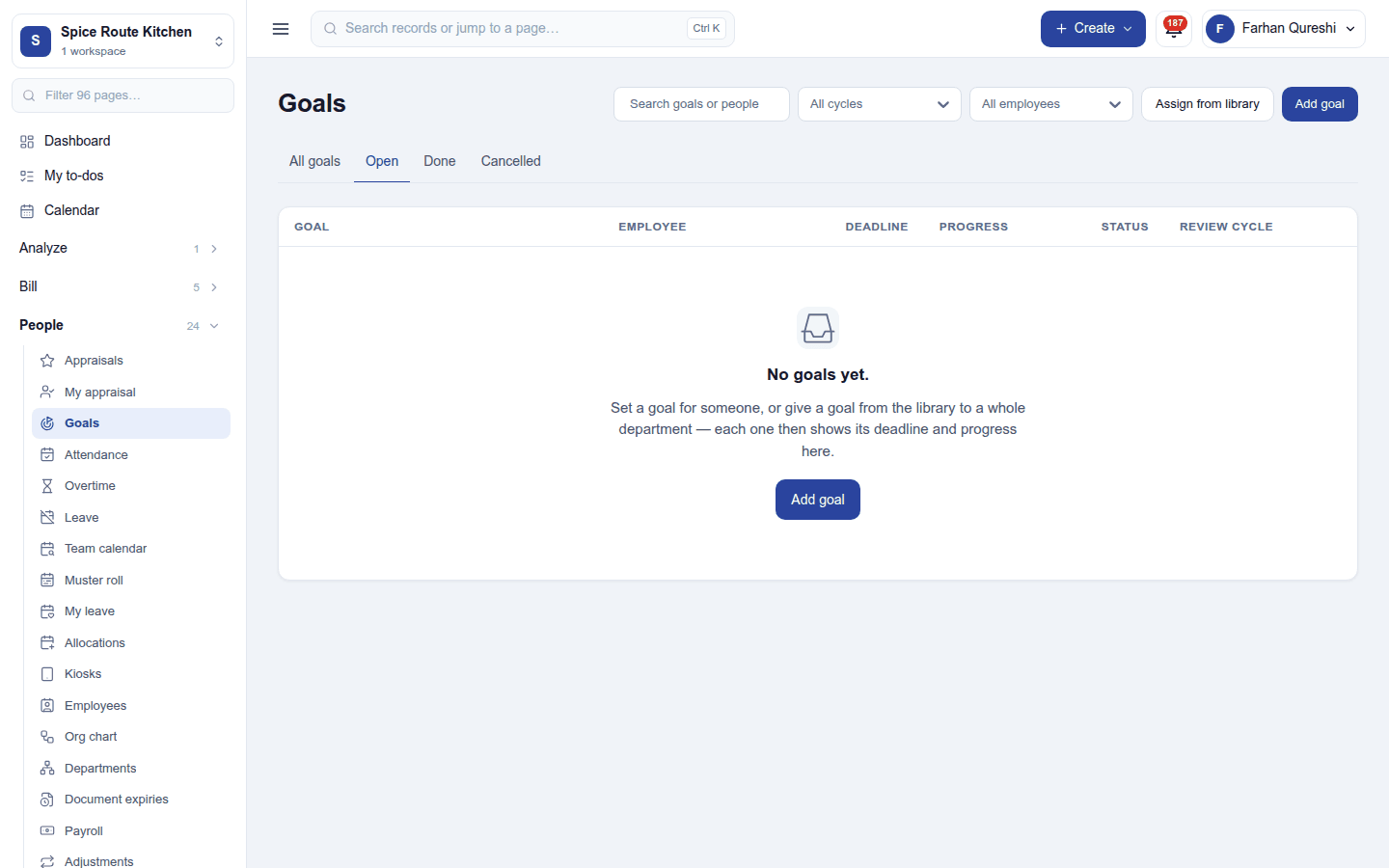
People → Goals lists goals with their employee, deadline, progress and status. Add goal sets one for a person, or Assign from library gives a goal from the library to a whole department. Employees can update their own goals' progress when allowed.
Settings
Settings → Appraisals:
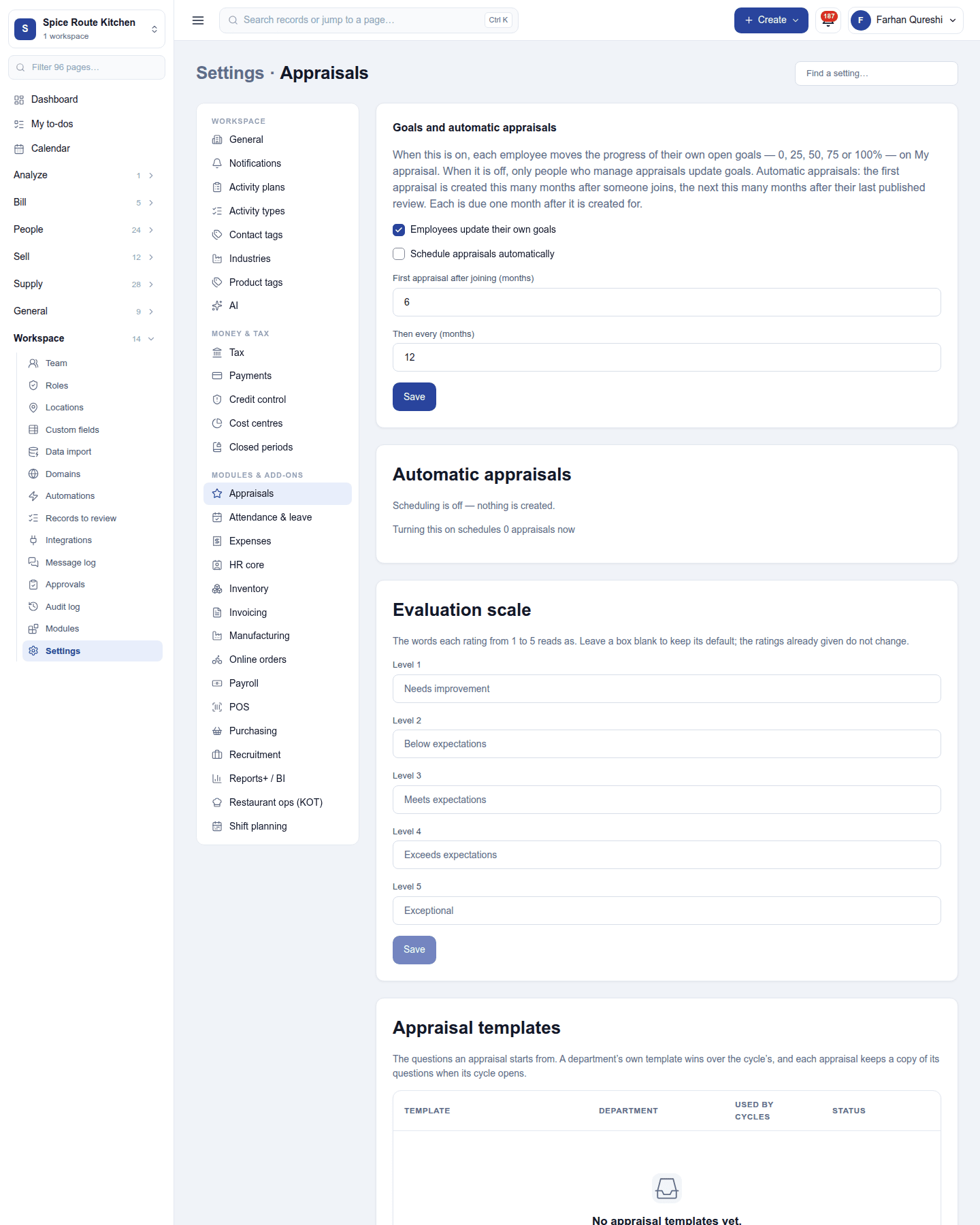
| Setting | Default | What it does |
|---|---|---|
| Employees update their own goals | On | Lets people move their own goals forward. |
| Schedule appraisals automatically | Off | Opens an appraisal for each person by itself: the first so many months after joining (6), then every so many months (12). |
The same page keeps the evaluation scale (the words for each level) and the appraisal templates.
Permissions
| Permission | Allows |
|---|---|
View appraisals (appraisals.view) |
See cycles and reviews. |
Manage appraisals (appraisals.manage) |
Run cycles, write reviews, keep templates, the scale and goals. |
Own appraisal (appraisals.self) |
See and fill in one's own appraisal. |
See everyone's goals and 360° feedback (appraisals.view_all) |
Read every person's goals and their colleagues' feedback (HR). |
Ready-made automations
| Name | Kind | What it does | Starts |
|---|---|---|---|
| Tell me when an appraisal is due | Rule | Tells the workspace owner when an appraisal falls due. | On |
Turning it off
The appraisal screens leave the menu. Cycles, reviews and goals are kept.
In the desktop and mobile apps
Not carried.