







































Share cards
Designs a personalised card once and fills it in from each of the workspace's records (a welcome card with a patient's name, a thank-you with a donor's gift, a card for each event registration or finished course), with a public page per card that people share, and an optional reward for sharing.
| At a glance | |
|---|---|
| Type | Business module |
| Group | Engage |
| Needs | Nothing. Sending needs an email sender or WhatsApp; a reward needs Loyalty & coupons. |
| Included in | Shops & counters, E-commerce, Trusts & non-profits, Gym & coaching, Schools & colleges, Classes & coaching |
| Offered to | Every industry pack |
| Permissions | View share cards (share_cards.view), Manage share cards (share_cards.manage) |
Switching it on
Workspace → Modules → Share cards → Enable (needs Manage modules). Share cards and Card templates appear under Engage.
Card templates
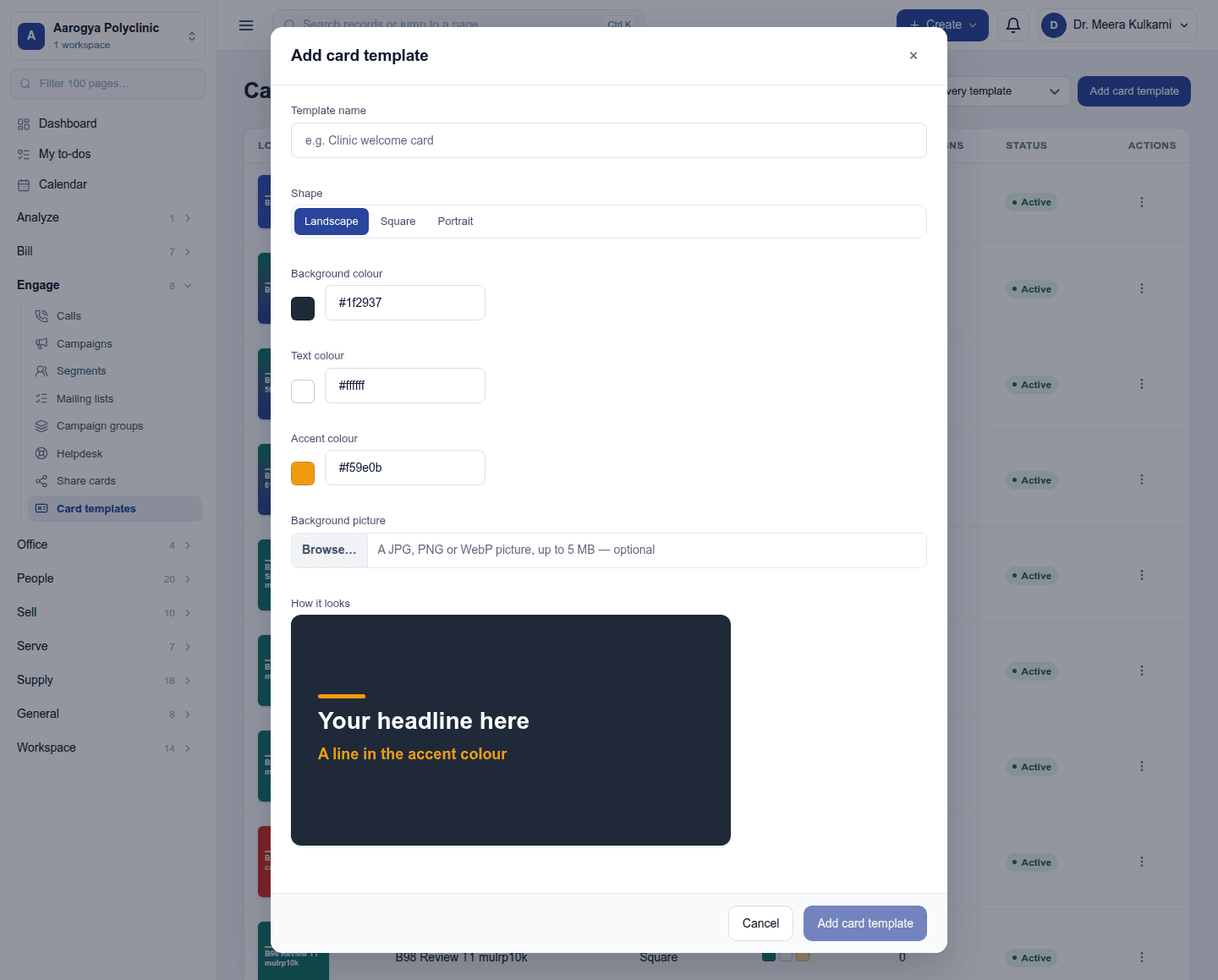
Engage → Card templates: the look of a card: its shape, three colours and a background picture. Add card template:
Campaigns
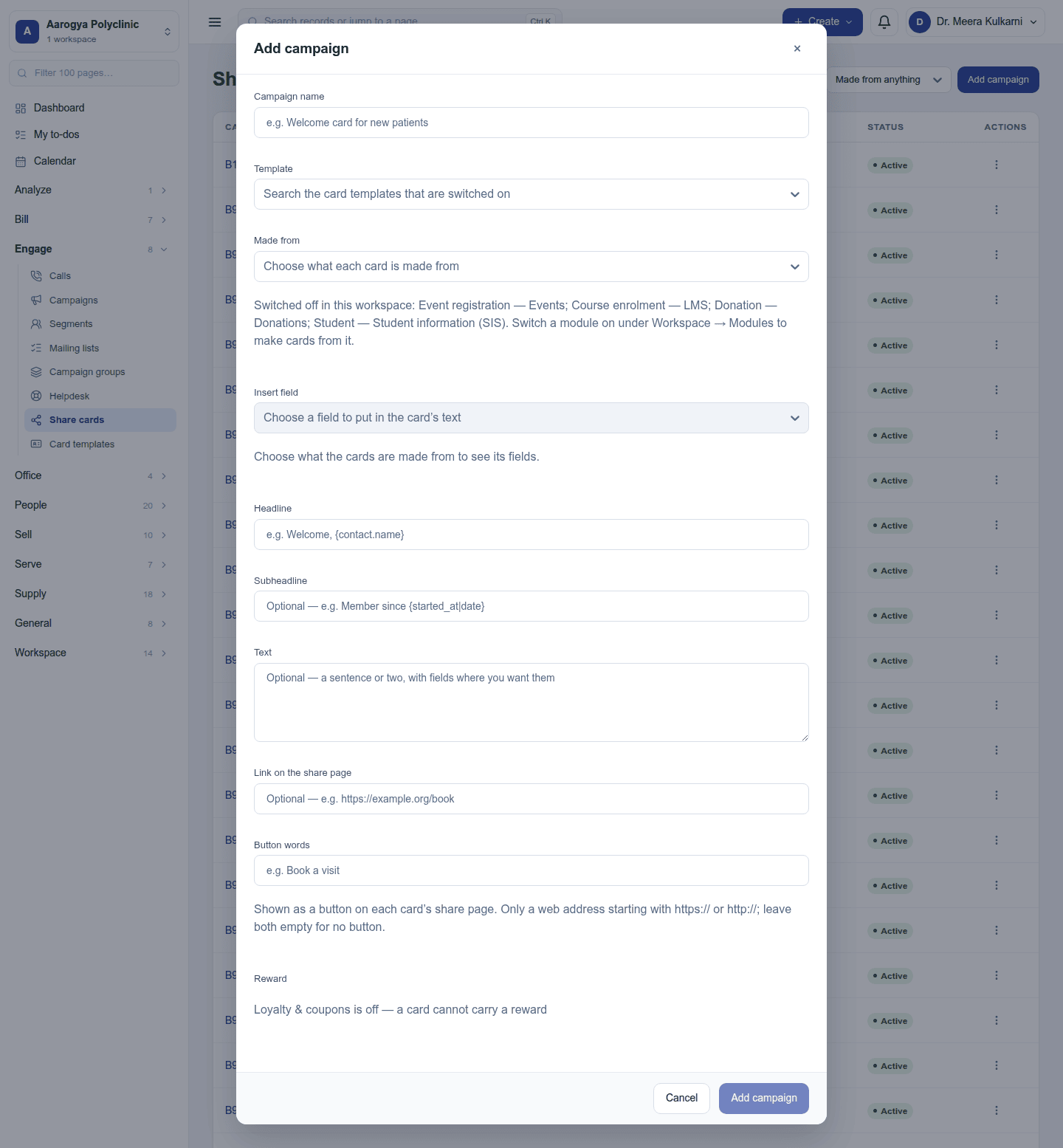
Engage → Share cards lists the campaigns. A campaign is one card design made from one kind of record (contacts, subscriptions, donations, event registrations, course completions …), with a headline, a subheadline and a short text in which {fields} are filled in from each record.
Add campaign:
- Preview: pick one record and see its card drawn with the text filled in.
- Share links: one link per record, a public page showing the card as a picture, the workspace's button (Book a visit) and share buttons for WhatsApp, Facebook, X and LinkedIn.
- Send cards: send each person their card by email or WhatsApp, up to 50 at a time. Each gets a link to their own card page.
- A reward for sharing (with Loyalty & coupons): a single-use discount code appears on the person's card page once somebody has opened their card.
Permissions
| Permission | Allows |
|---|---|
View share cards (share_cards.view) |
See templates and campaigns. |
Manage share cards (share_cards.manage) |
Design templates, run campaigns, send cards. |
Ready-made automations
None. Share cards are made on demand.
Turning it off
The screens leave the menu and the public card pages stop opening. Templates and campaigns are kept.
In the desktop and mobile apps
Not carried.