







































Library
Runs the library: the catalogue of titles and their copies, issuing copies to members and taking them back, overdue fines, and reminders to borrowers.
| At a glance | |
|---|---|
| Type | Business module |
| Group | Learn |
| Needs | Nothing |
| Included in | Schools & colleges |
| Offered to | Schools & colleges, Classes & coaching, Association & club, Housing society & RWA, Trusts & non-profits |
| Permissions | View library (library.view), Manage library (library.manage) |
What it does
The library keeps titles (a book: title, author, ISBN, category) and copies (each physical book, with its own accession number). A copy is issued to a member, which is any contact (a student, a teacher, a club member), for the loan period. Returning a late copy works out the fine.
Switching it on
Workspace → Modules → Library → Enable (needs Manage modules). Library and Loans appear under Learn, and Settings gains a Library page.
The catalogue
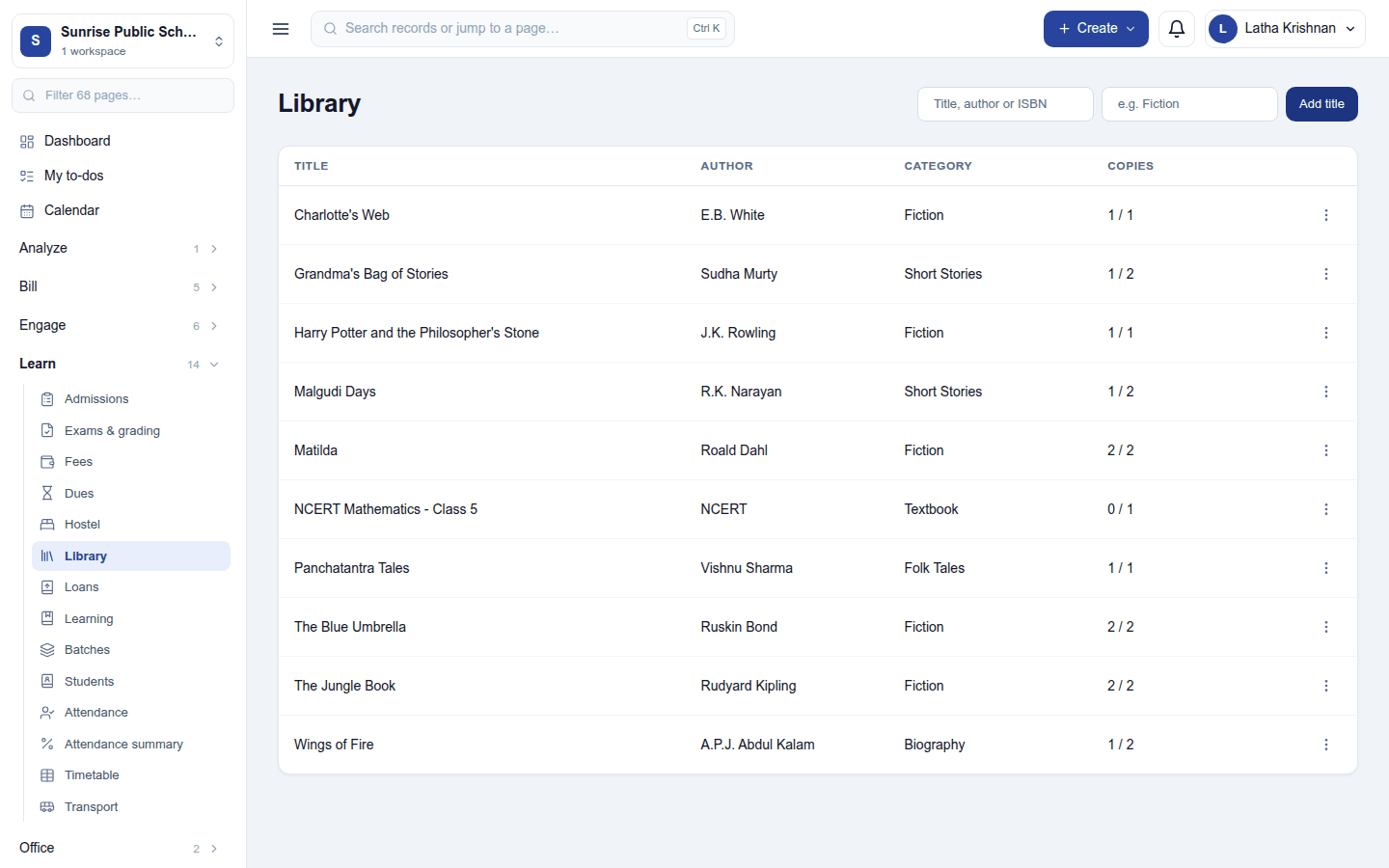
Learn → Library lists the titles with their copies; search by title, author or ISBN. New title adds one (title, author, ISBN, category); a title's ⋮ menu edits or deletes it (deleting removes its copies and cannot be undone).
Click a title to open it:
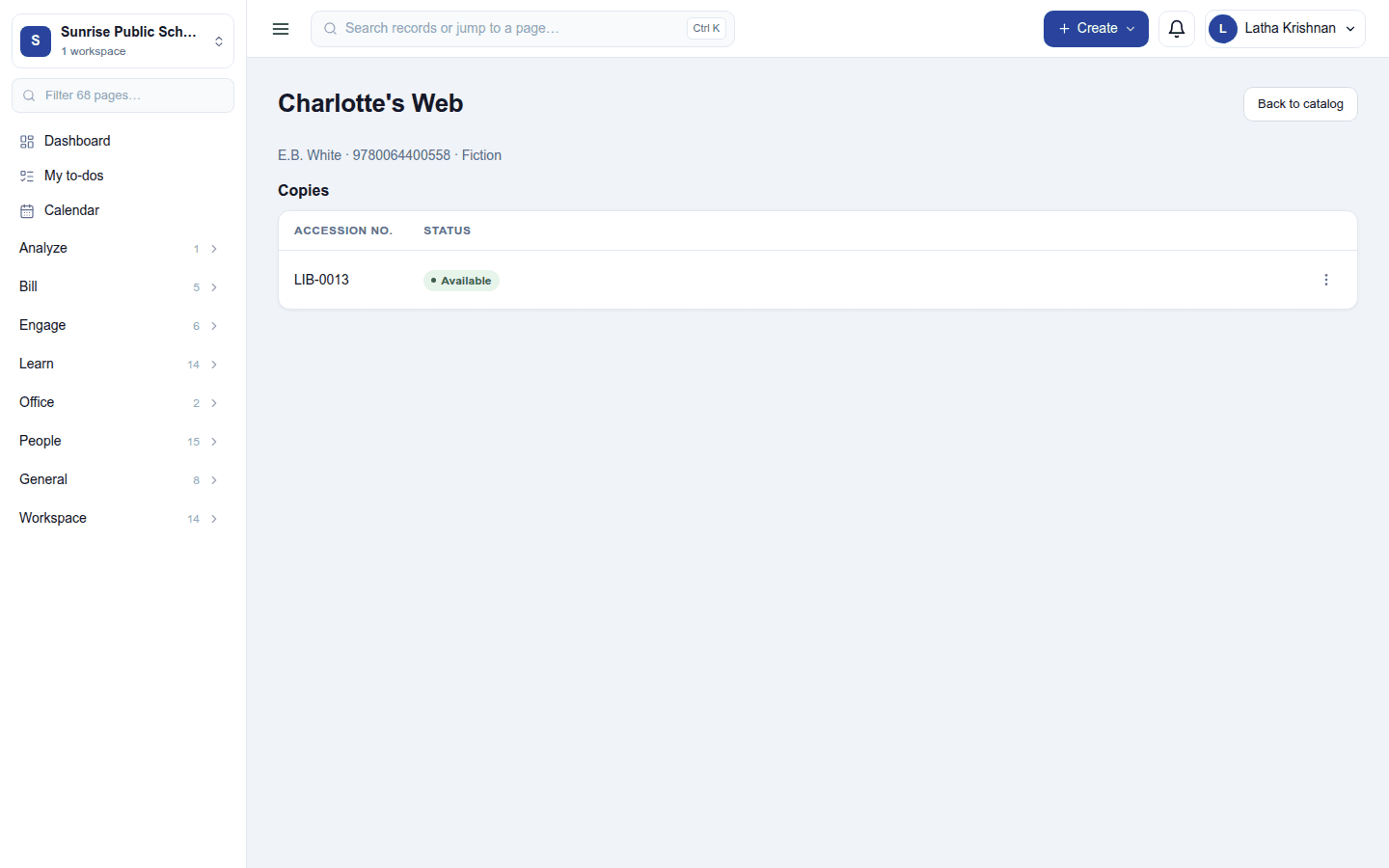
- Add copy with its accession number (for example
ACC-0042). - A copy's ⋮ menu: Issue (pick the member; the due date follows the loan period), Mark lost, and Delete. A copy on loan cannot be deleted. Marking a loaned copy lost closes its loan and keeps any fine it had built up.
Loans
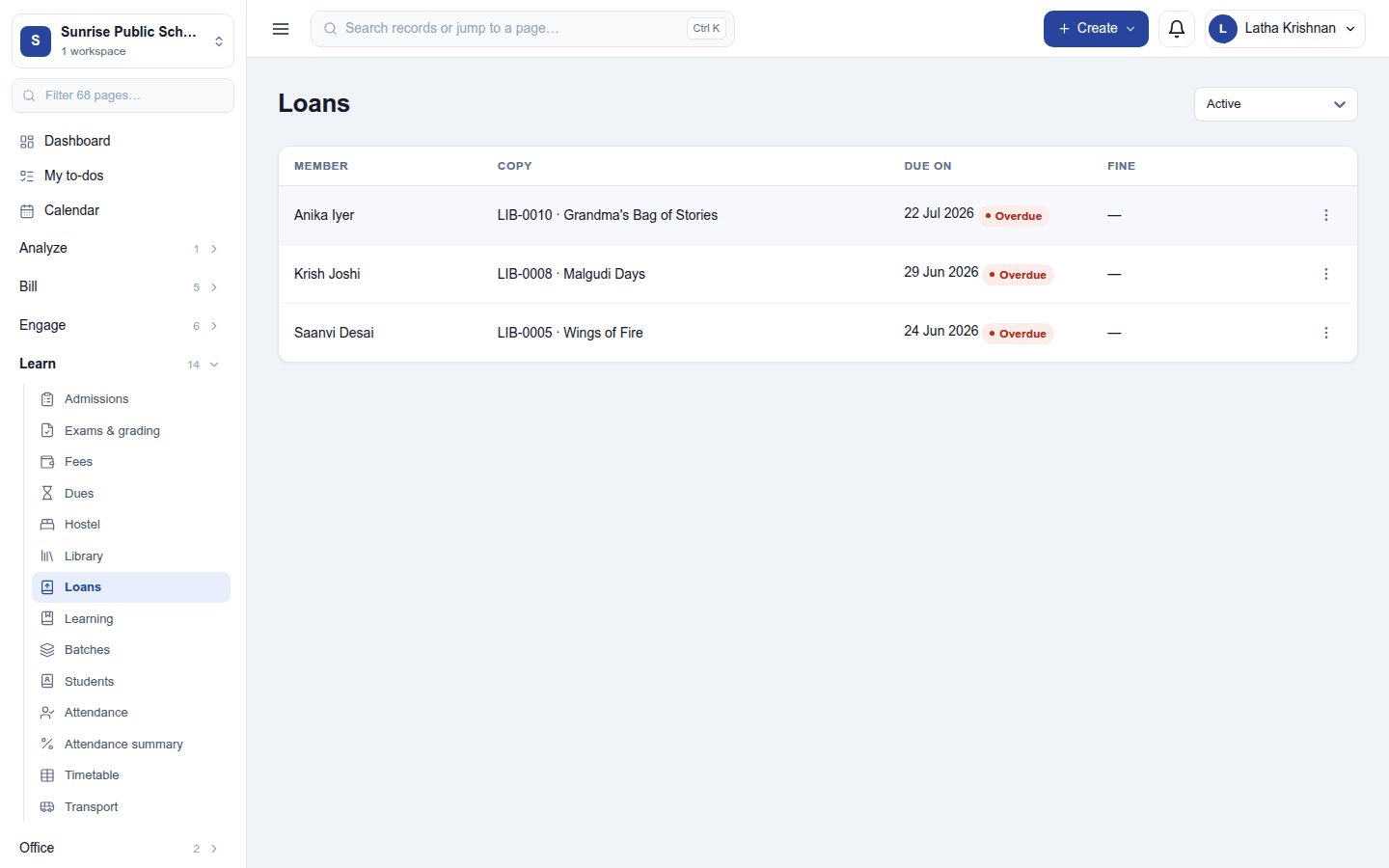
Learn → Loans lists loans by member, copy, due date and fine, filtered by state (active, overdue, returned …). A late loan carries an Overdue badge. Return on a loan's ⋮ menu takes the copy back and says what is owed: Returned. Fine due: ₹20.00 or Returned. No fine due.
The fine is the days overdue × the per-day fine, counted on the workspace's own calendar. It is recorded on the loan; it is not invoiced by itself, so collect it at the desk or bill it as a fee.
Settings
Settings → Library:
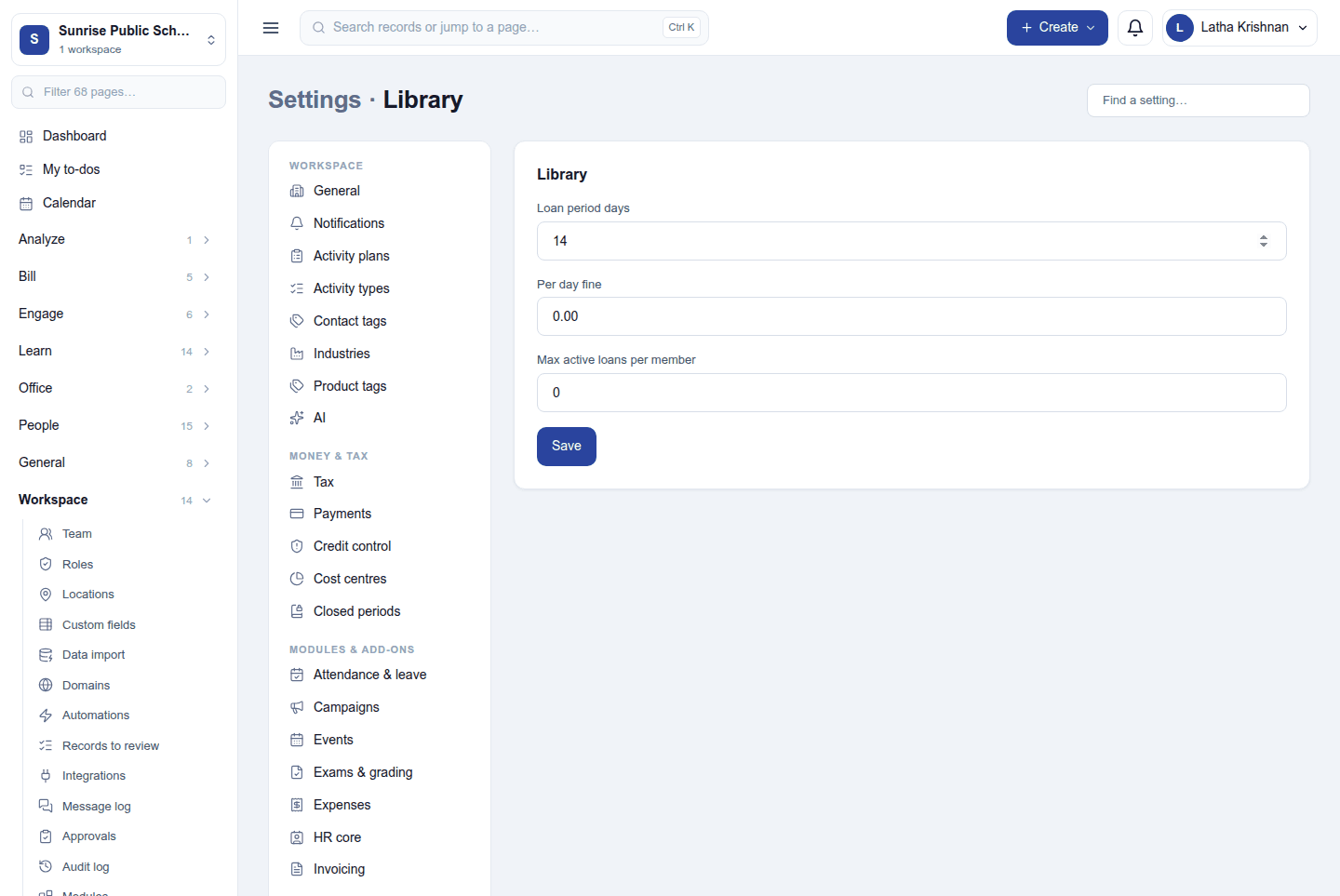
| Setting | Default | What it does |
|---|---|---|
| Loan period days | 14 | How long a copy is issued for. |
| Per day fine | 0.00 | The fine for each day a copy is late. 0 means no fines. |
| Max active loans per member | 0 | How many copies one member may hold at once. 0 means no limit. |
Permissions
| Permission | Allows |
|---|---|
View library (library.view) |
See the catalogue and the loans. |
Manage library (library.manage) |
Add titles and copies, issue and take back loans, mark copies lost. |
Ready-made automations
| Name | Kind | What it does | Starts |
|---|---|---|---|
| Remind borrowers the day before a book is due | Rule | Emails the borrower the day before a loan is due back, if it is still out. | On |
| Tell borrowers when a book is overdue | Rule | Emails the borrower the day after a loan was due back, if it is still out. | On |
Turning it off
Library and Loans leave the menu and the reminders stop. The catalogue and loans are kept.
In the desktop and mobile apps
Not carried.