







































Employee referrals
Lets employees refer people they know for open jobs: a personal link per opening, the referred candidates and how far they have got, points earned at each hiring stage, and rewards the points are spent on.
| At a glance | |
|---|---|
| Type | Business module |
| Group | People |
| Needs | Recruitment (which needs HR core) |
| Included in | No pack switches it on by itself |
| Offered to | Every industry pack, on plans that include it |
| Permissions | Refer candidates (referrals.refer), View referrals (referrals.view), Manage referrals (referrals.manage) |
Switching it on
Workspace → Modules → Employee referrals → Enable (needs Manage modules). The card reads Requires: Recruitment; with Recruitment off, Enable is refused with the whole chain: To enable Employee referrals you first need to enable HR core and Recruitment. My referrals, Referred candidates, Openings to share and Redemptions appear under People, and Settings gains an Employee referrals page.
Referrals belong to employees
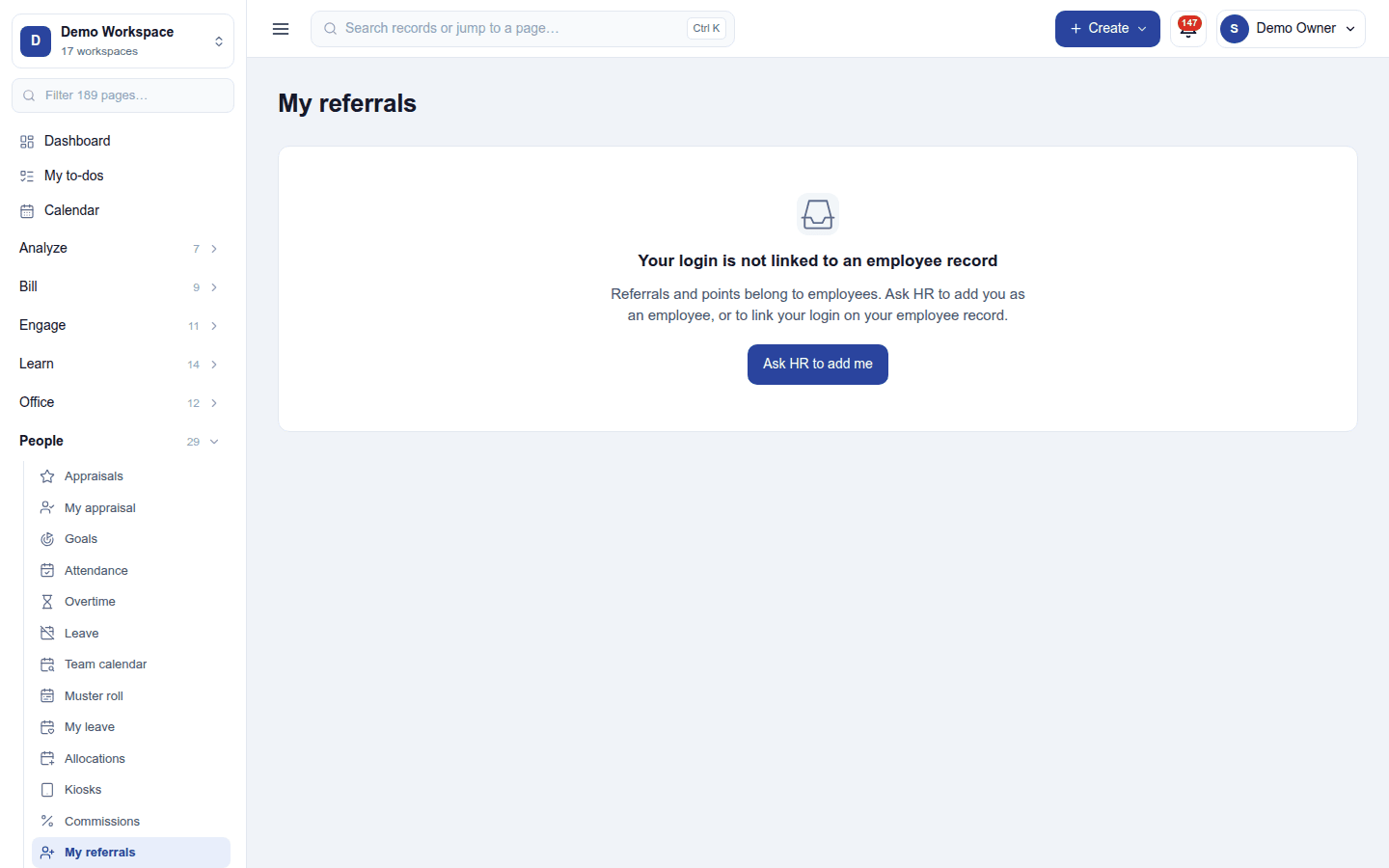
A person refers as an employee, so their login must be linked to an employee record. Without one, My referrals says so and offers Ask HR to add me:
Referring someone
People → My referrals lists each open job with your own link to copy and share. A friend who opens it sees the job's careers page; when they apply, the candidate is recorded as referred by you. The first referrer is kept. The page also shows the people you referred and their stage, and your points: earned, held, spent and available.
Openings to share lists the published jobs with how many were referred and hired through a referral, the links shared, the clicks, and Ask the team to email everyone for referrals.
Points and rewards
Settings → Employee referrals:
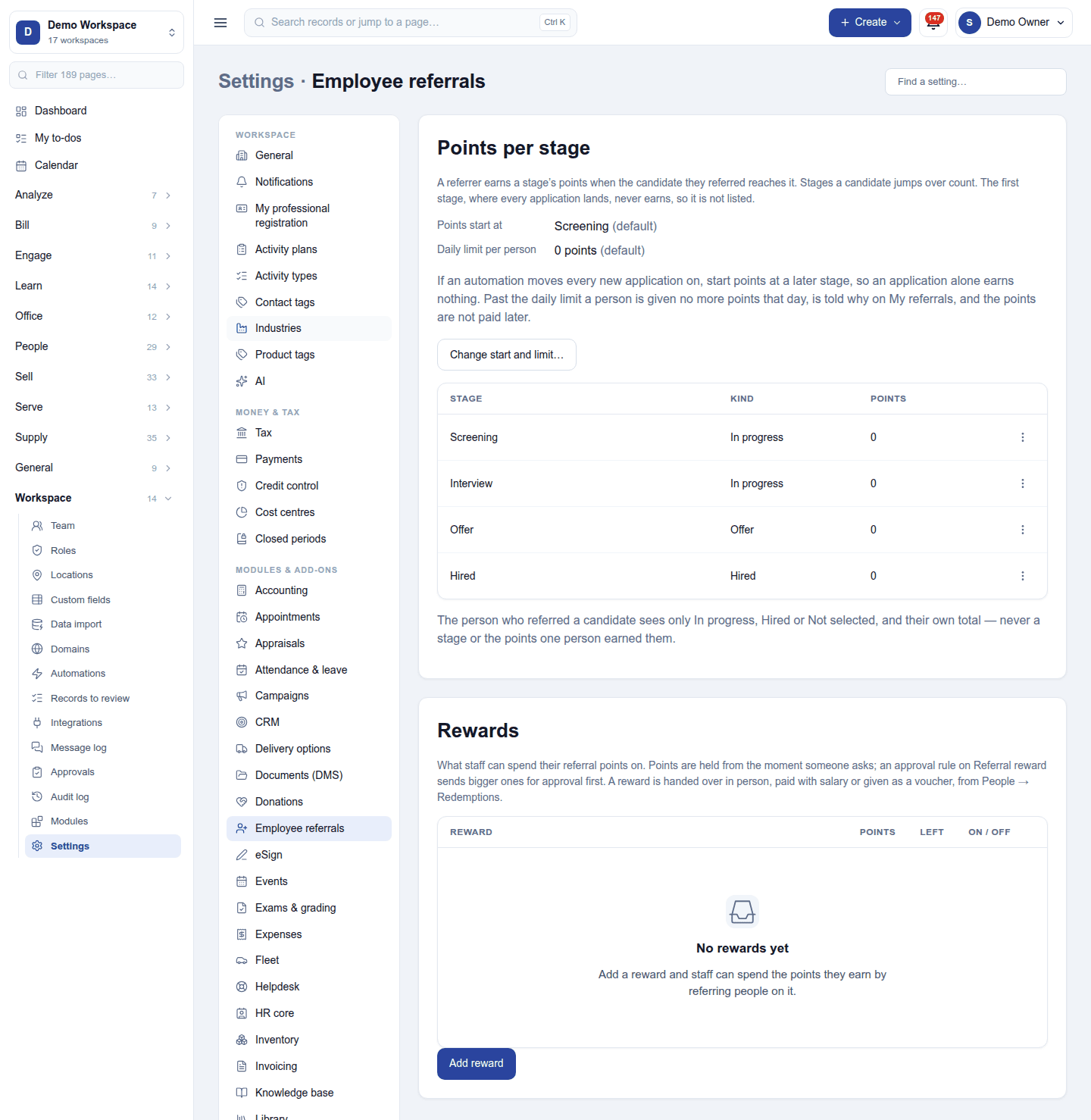
- Points per stage: how many points a referrer earns as their candidate reaches each hiring stage (screened, interviewed, hired …), and where points start and the daily limit.
- Rewards: what points can be spent on, with its cost in points: a payment with the salary (needs Payroll), a voucher, or anything else to hand over. A redemption can go through Approvals.
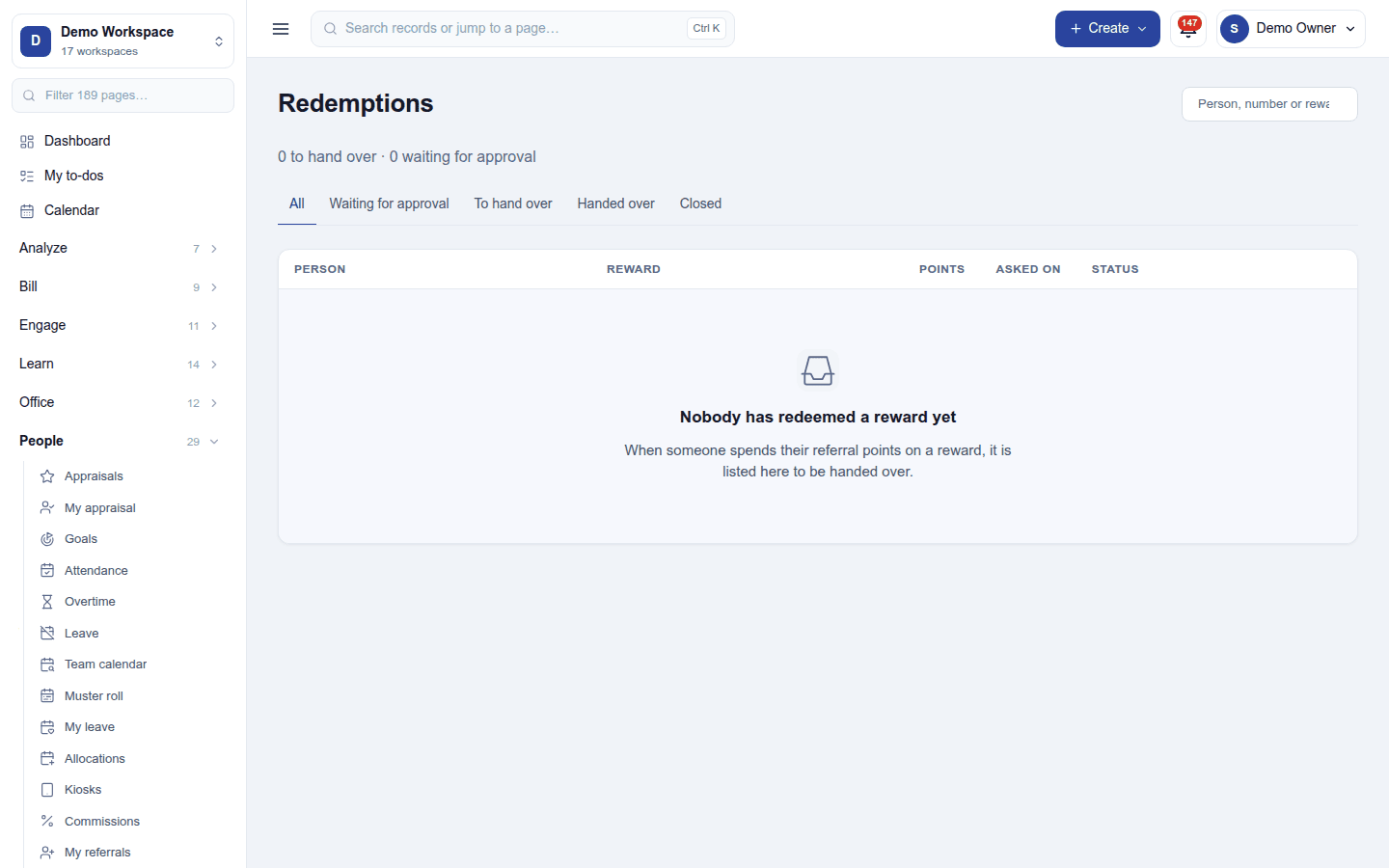
Redemptions lists every reward redeemed, waiting, approved or paid:
Referred candidates
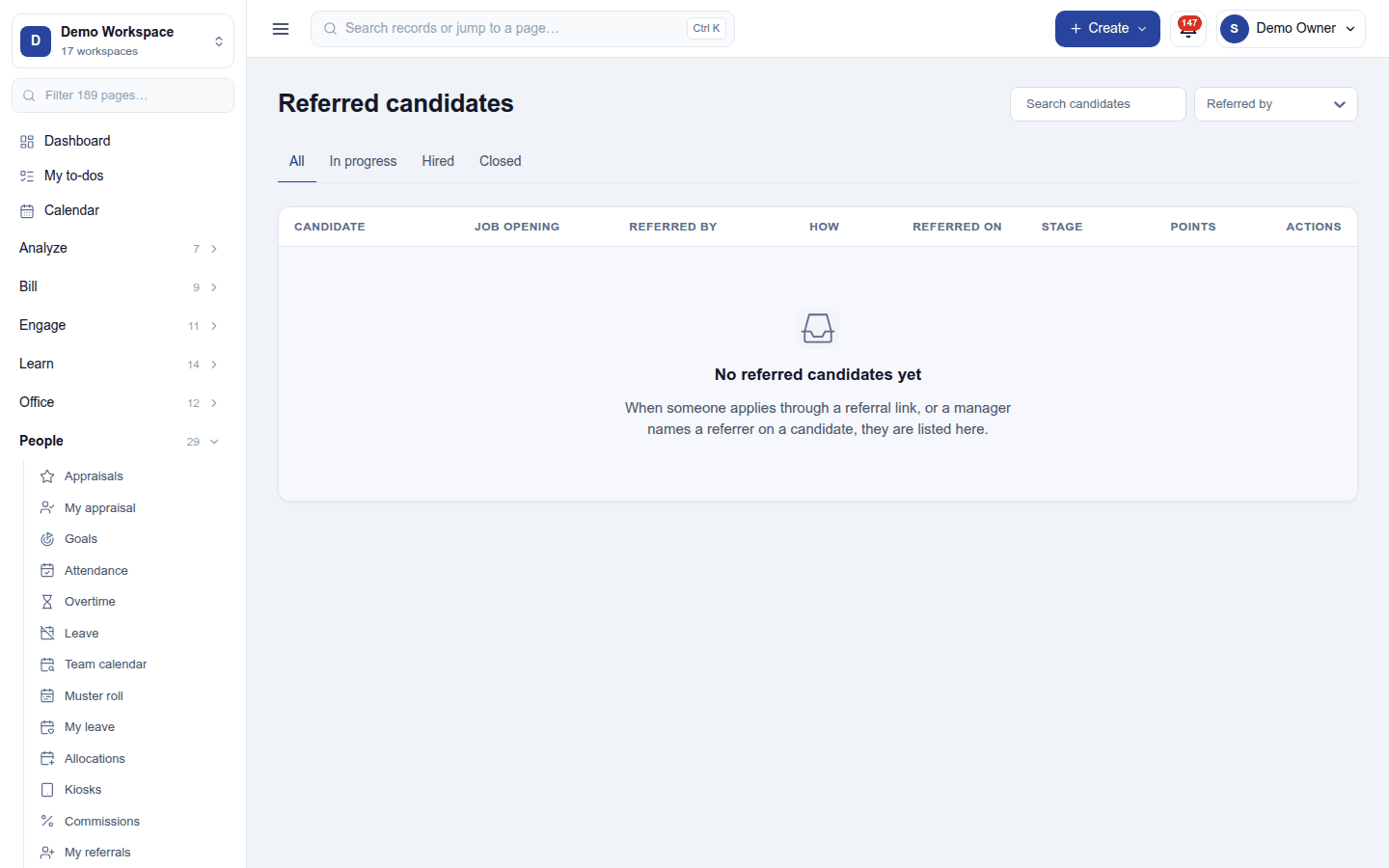
People → Referred candidates (needs View referrals) lists every referral in the workspace: who made it, the candidate and their stage. A candidate in Recruitment shows a Referred by section; Manage referrals can name a referrer by hand or remove one named by mistake. Reports → Referral analysis compares referrers and openings.
Permissions
| Permission | Allows |
|---|---|
Refer candidates (referrals.refer) |
Refer people, see one's own referrals and points, redeem rewards. |
View referrals (referrals.view) |
See every referral, the referral report and the settings. |
Manage referrals (referrals.manage) |
Set points and rewards, decide redemptions, and name a referrer by hand. |
Ready-made automations
| Name | Kind | What it does | Starts |
|---|---|---|---|
| Tell me about new referrals | Rule | Tells the workspace owner when an employee refers someone. | On |
Turning it off
The referral screens leave the menu. Referrals, links and points are kept; a link already shared still opens the job's careers page but no longer credits anyone. Recruitment can be switched off only after this module.
In the desktop and mobile apps
Not carried.