







































Events
Runs events: details, venue and capacity, ticket types sold online or at the till, registration with questions, an agenda and online meeting links, badges, check-in at the door, messages and reminders to attendees, refunds, and attendance and revenue reports.
| At a glance | |
|---|---|
| Type | Business module |
| Group | Engage |
| Needs | Nothing. A paid ticket rides the ordinary order and invoice. |
| Included in | Trusts & non-profits, Schools & colleges, Classes & coaching, Event & wedding planner, Corporate training, Association & club |
| Offered to | Every industry pack |
| Permissions | View events (events.view), Manage events (events.manage), Check in attendees (events.check_in) |
Switching it on
Workspace → Modules → Events → Enable (needs Manage modules). Events and Check-in appear under Engage.
Events
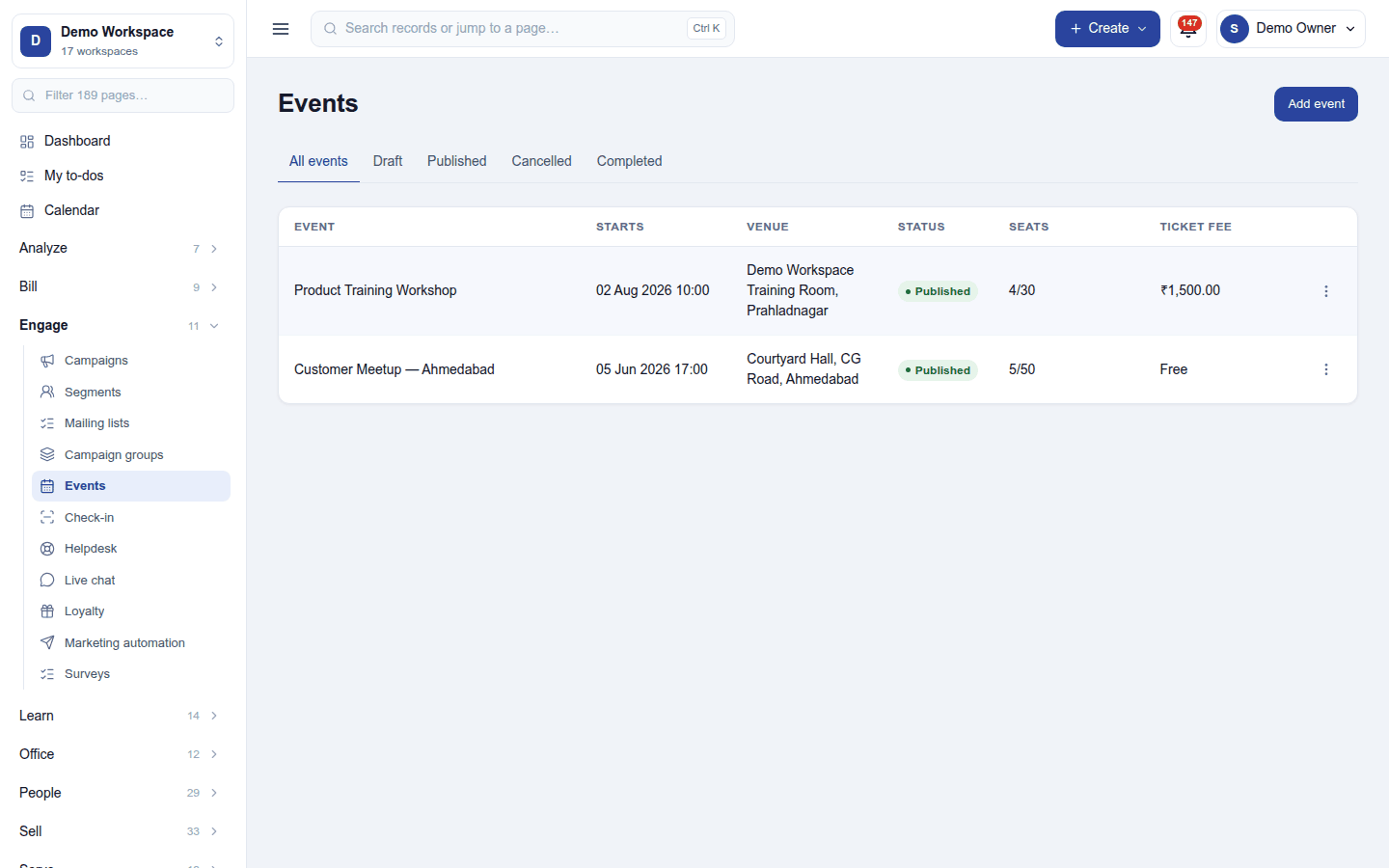
Engage → Events lists each event with when it starts, the venue, status (Draft, Published, Cancelled, Completed), seats taken against capacity, and the ticket fee. Add event sets its name, dates, venue (or online), capacity, description, tags and cover picture; an event can start from a template, and can run in several time slots.
Click an event to open it:
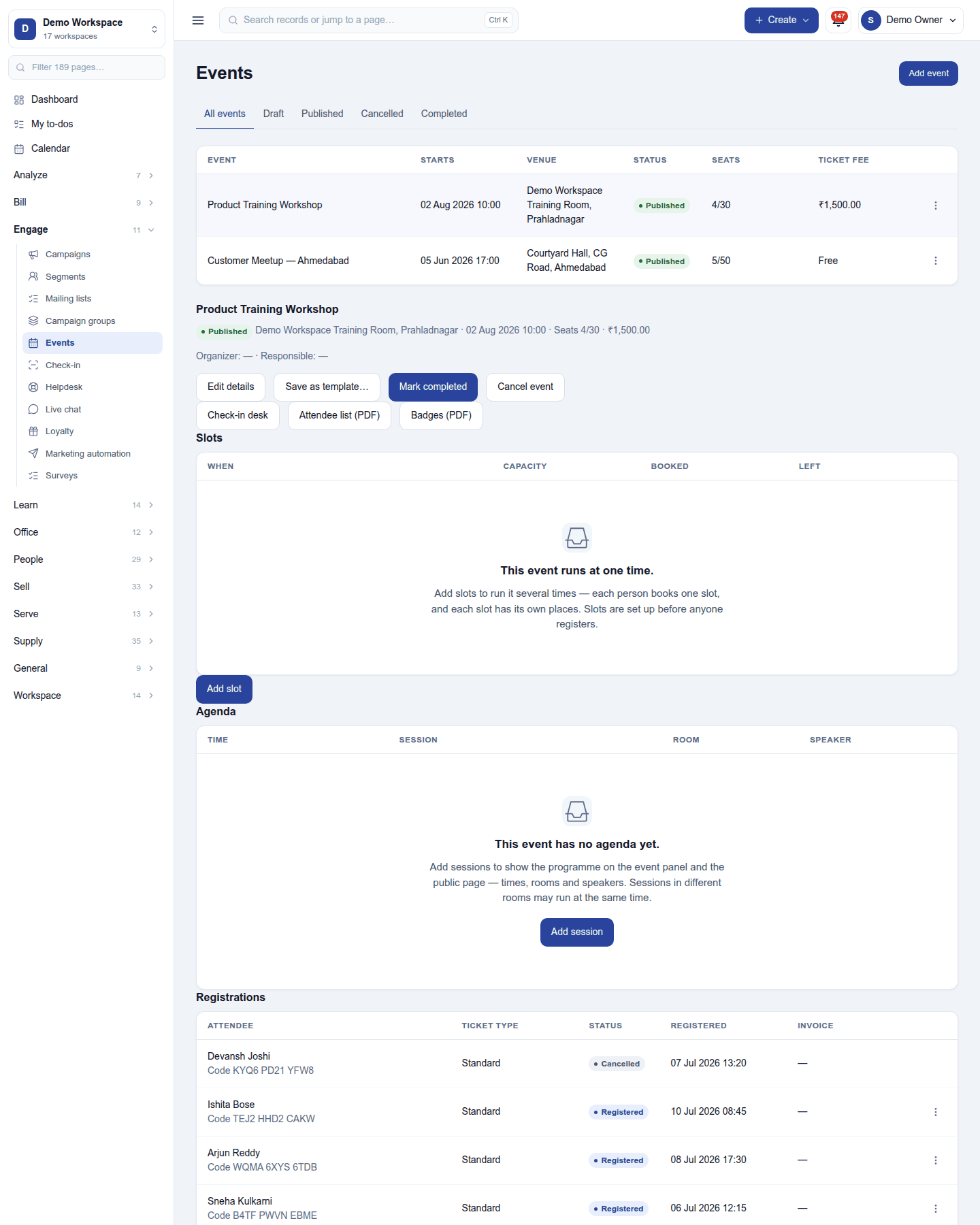
- Edit details, Save as template, Mark completed, Cancel event, Check-in desk, Attendee list (PDF) and Badges (PDF).
- Slots (one event, several sessions) and the Agenda: sessions with times, speakers and rooms.
- Online event: the meeting link, made in Zoom with Meeting links or pasted, given only to people holding a place.
- Ticket types with prices and limits, sold on the event's public page, in the online shop or at the till; registration questions asked when booking.
- Registrations: each attendee with their ticket, code and status (Registered, Attended, Cancelled). Registration stops at capacity.
- Communication: Message attendees by email, SMS or WhatsApp, and reminders before the event.
A payment that bought no place (the event filled while paying) is listed under Needs refund.
Check-in
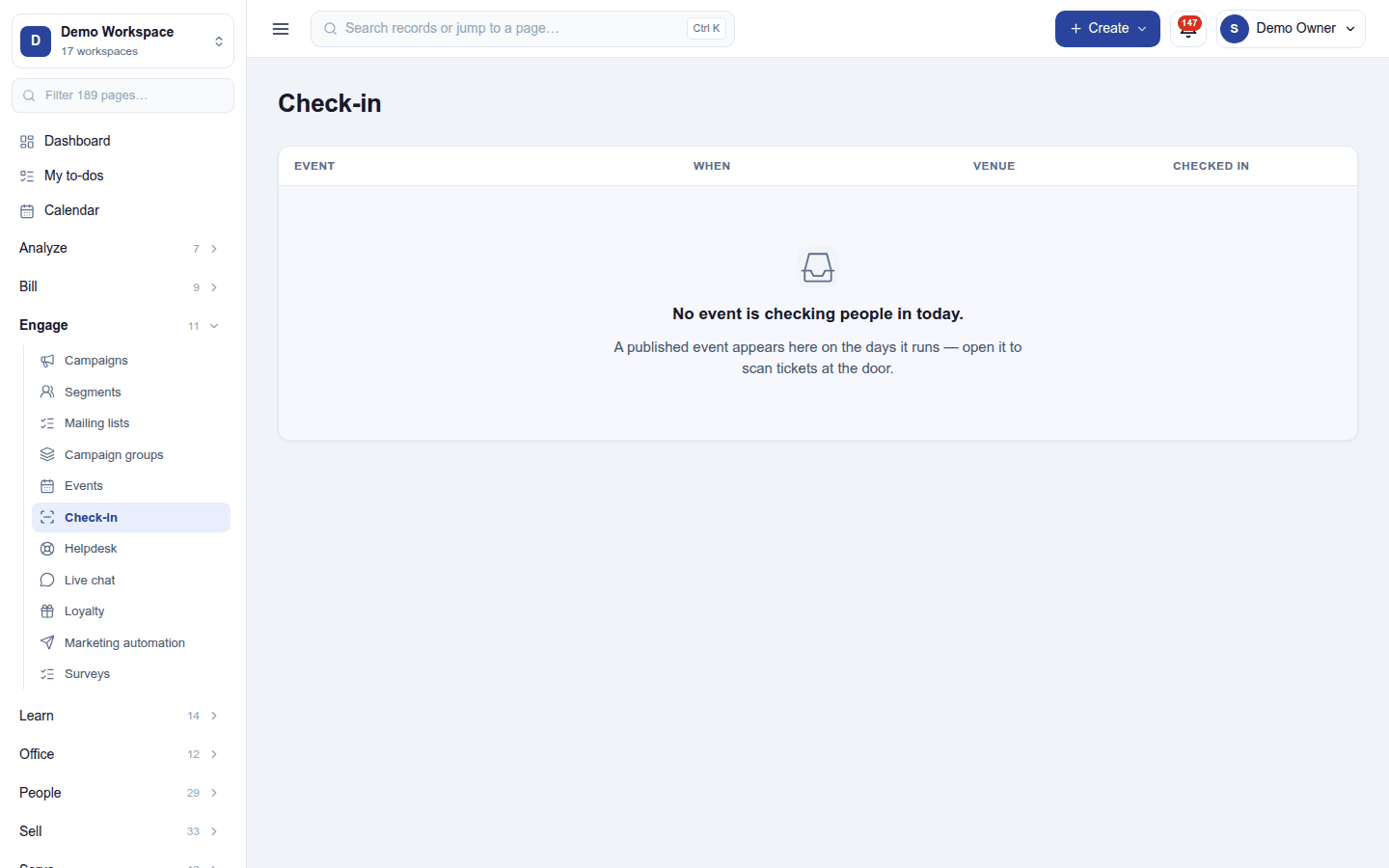
Engage → Check-in lists the events checking people in today; open one to scan tickets at the door (a phone camera or scanner) and check people in. Check in attendees allows only this.
Permissions
| Permission | Allows |
|---|---|
View events (events.view) |
See events, bookings and ticket sales. |
Manage events (events.manage) |
Set up events, sell tickets, message attendees, check people in. |
Check in attendees (events.check_in) |
Scan tickets at the door, and nothing else. |
Ready-made automations
| Name | Kind | What it does | Starts |
|---|---|---|---|
| Tell me about each event registration | Rule | Tells the workspace owner when someone registers. | Off, because a busy event can bring many |
Turning it off
The event screens leave the menu and the public event pages close. Events and registrations are kept.
In the desktop and mobile apps
Not carried. Event tickets can be sold at a POS till.