







































Manufacturing
Makes products from materials: bills of materials (recipes) with versions, routes of production stages, work centres, monthly production plans, work orders run stage by stage on the floor, what each run really cost, lots for traceability, moulds and tools, unbuilding, and engineering changes.
| At a glance | |
|---|---|
| Type | Business module |
| Group | Supply |
| Needs | Inventory |
| Included in | Manufacturing, Restaurant (recipes), Bakery & sweet shop and other packs that make what they sell |
| Offered to | Manufacturing, Restaurant, Bakery & sweet shop, Caterer, Farmer producer organisation, Exporter, Wholesale, E-commerce, Shops & counters, Contractors, Trusts & non-profits, Hotel / guest house, Clinics |
| Permissions | View manufacturing (manufacturing.view), Manage manufacturing (manufacturing.manage) |
Switching it on
Workspace → Modules → Manufacturing → Enable (needs Manage modules). Inventory must be on first. The production screens appear under Supply, and Settings gains a Manufacturing page. A workspace may rename some screens in its own words; this guide uses the module's own names.
Setting up what you make
| Screen | What it holds |
|---|---|
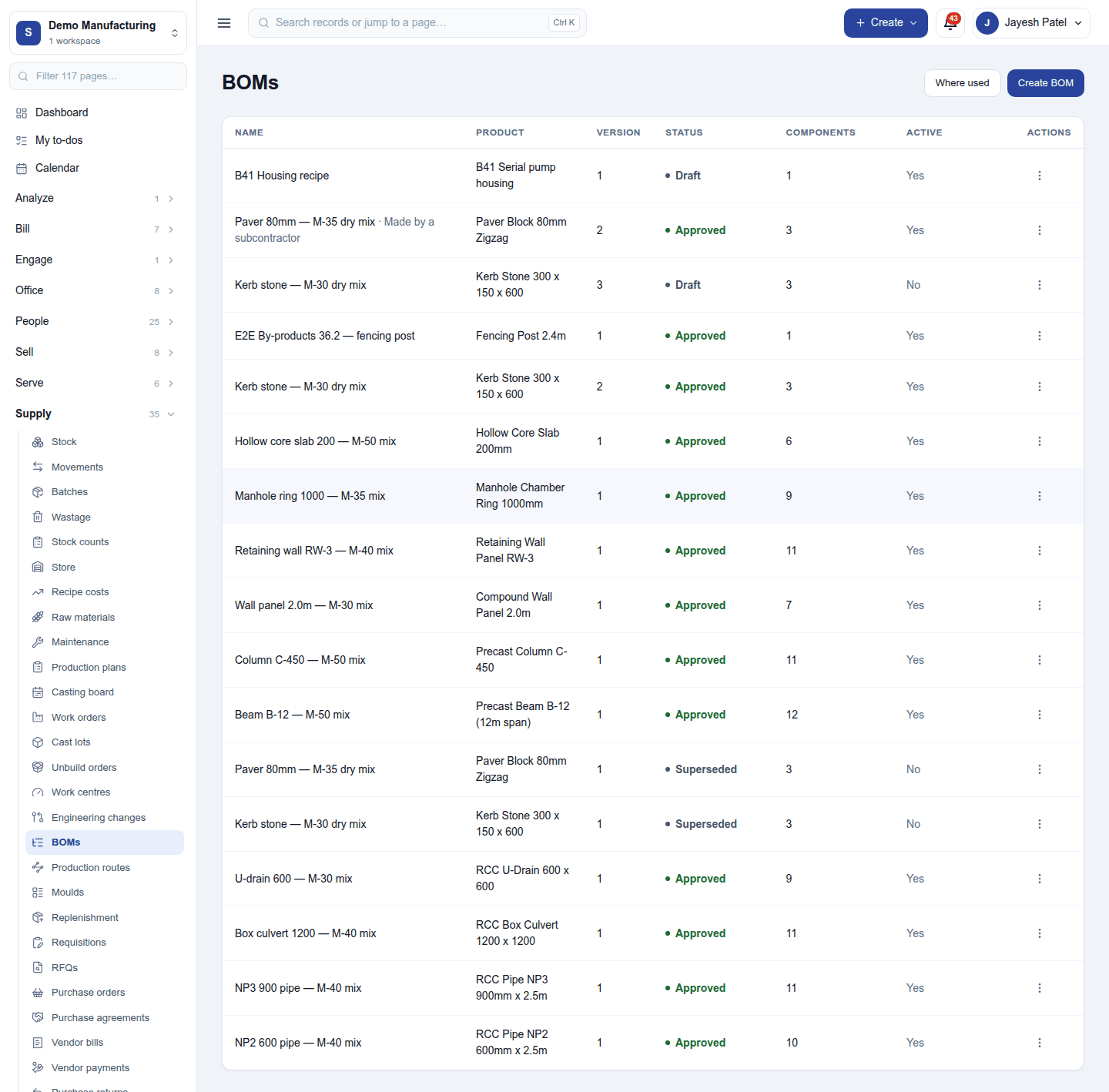
| BOMs | Each product's bill of materials: the components and quantities that make one unit, any by-products, files and drawings. A BOM has versions (Draft, Approved, Superseded), can be scheduled to take effect on a date, and two versions can be compared. Multi-level BOMs use made parts inside other products. |
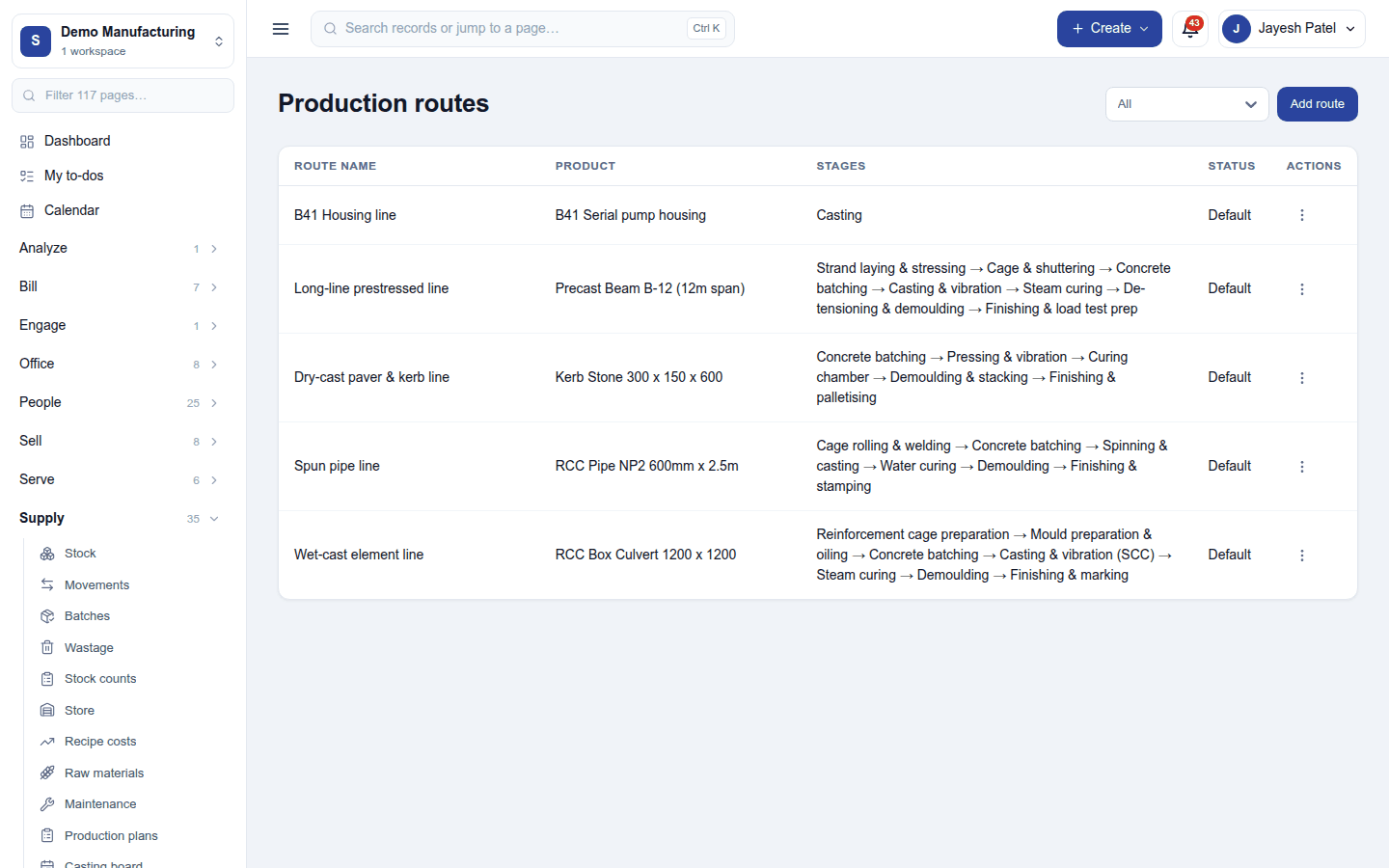
| Routes | The stages a product goes through, in order, with each stage's standard time. A product's default route is used when a run is raised. |
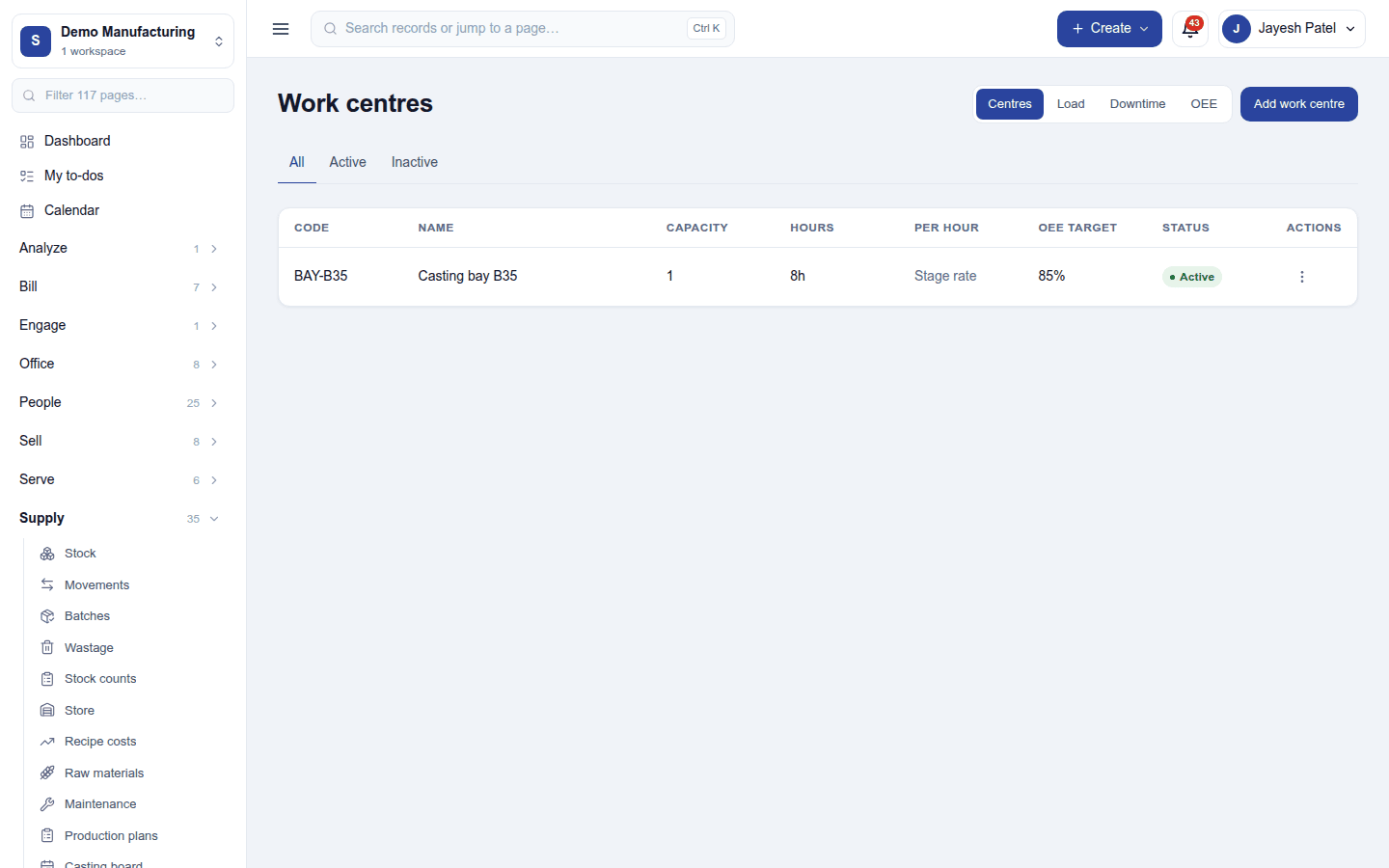
| Work centres | Where work is done: capacity, working hours, the OEE target, and downtime recorded against it. |
| Moulds | Moulds and tools, with how many times each has been used against its design life. |
| Engineering changes | Change orders that revise a BOM, with who asked and why. |
Planning
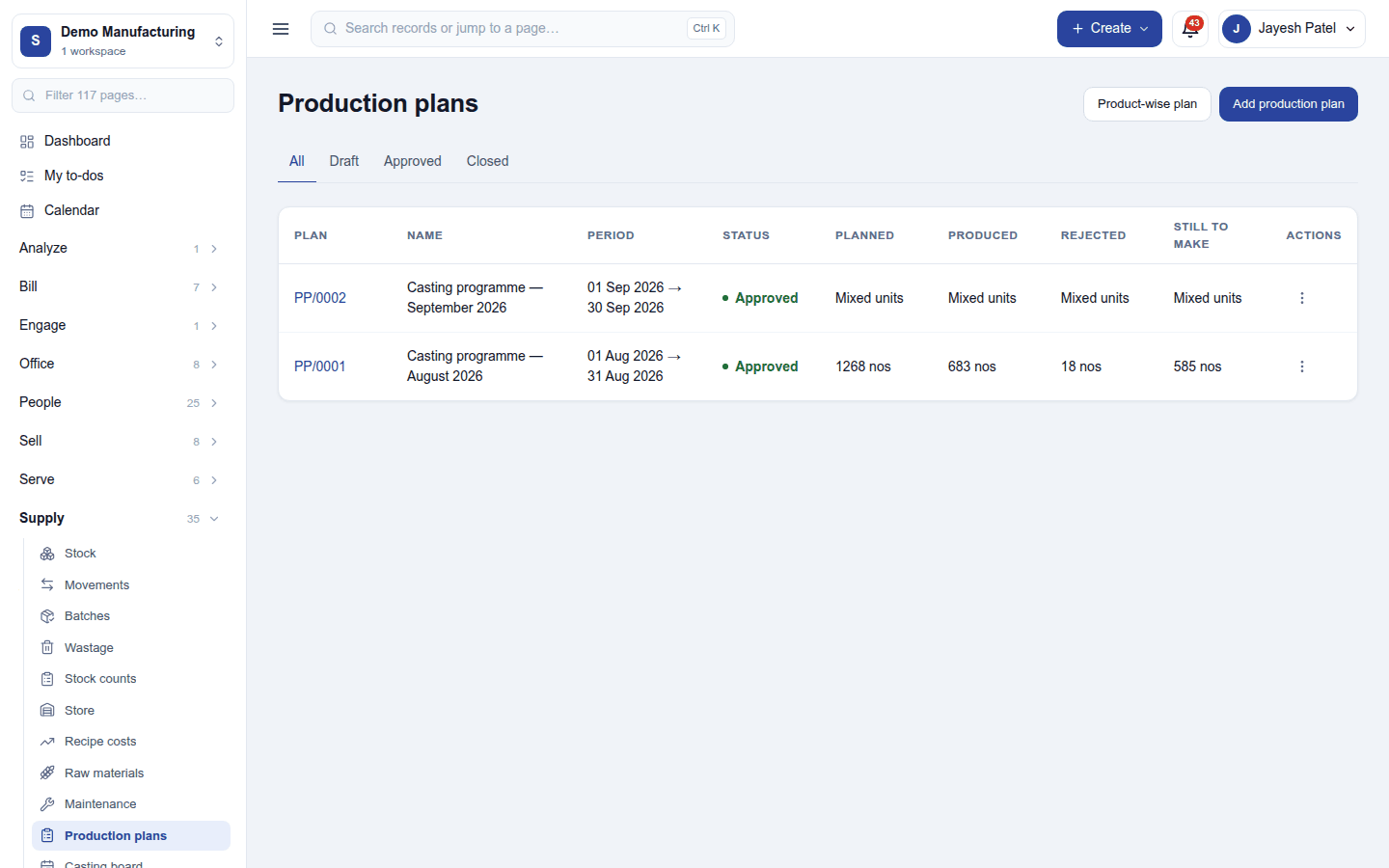
Production plans: what is to be made over a period (a month, say), product by product, with how much was planned, produced, rejected and is still to make. Product-wise plan shows the same by product; approving a plan lets work orders be raised from it.
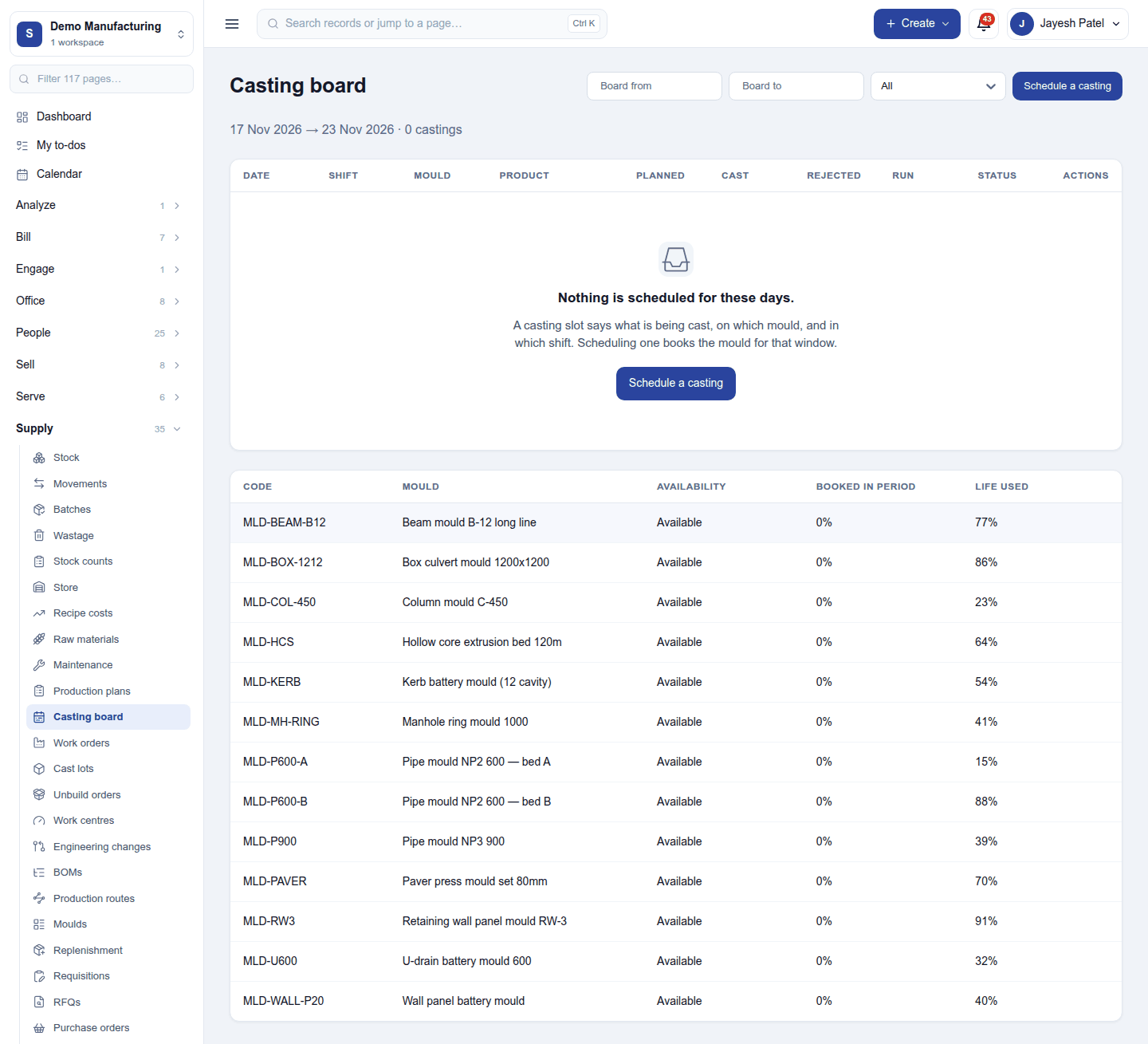
Casting board: the day-by-day schedule of what each mould or tool will produce, with Schedule a casting for a free slot and each mould's availability and life used.
Work orders
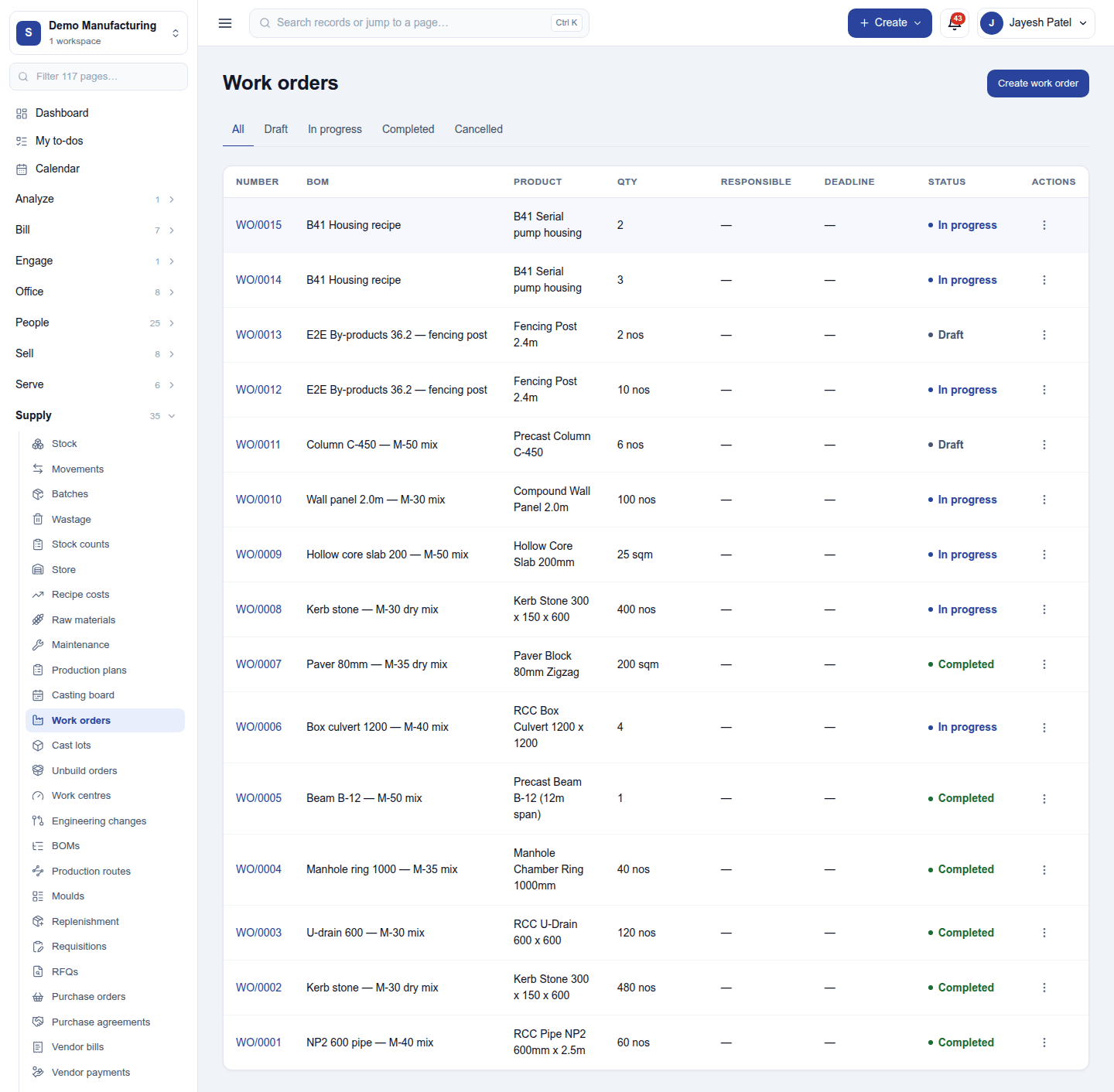
Work orders lists every production run (WO/…) with its BOM, product, quantity, who is responsible, the deadline and status (Draft, In progress, Completed). Create work order raises one, or raise them from a plan or a sales order.
Open a run to work it:
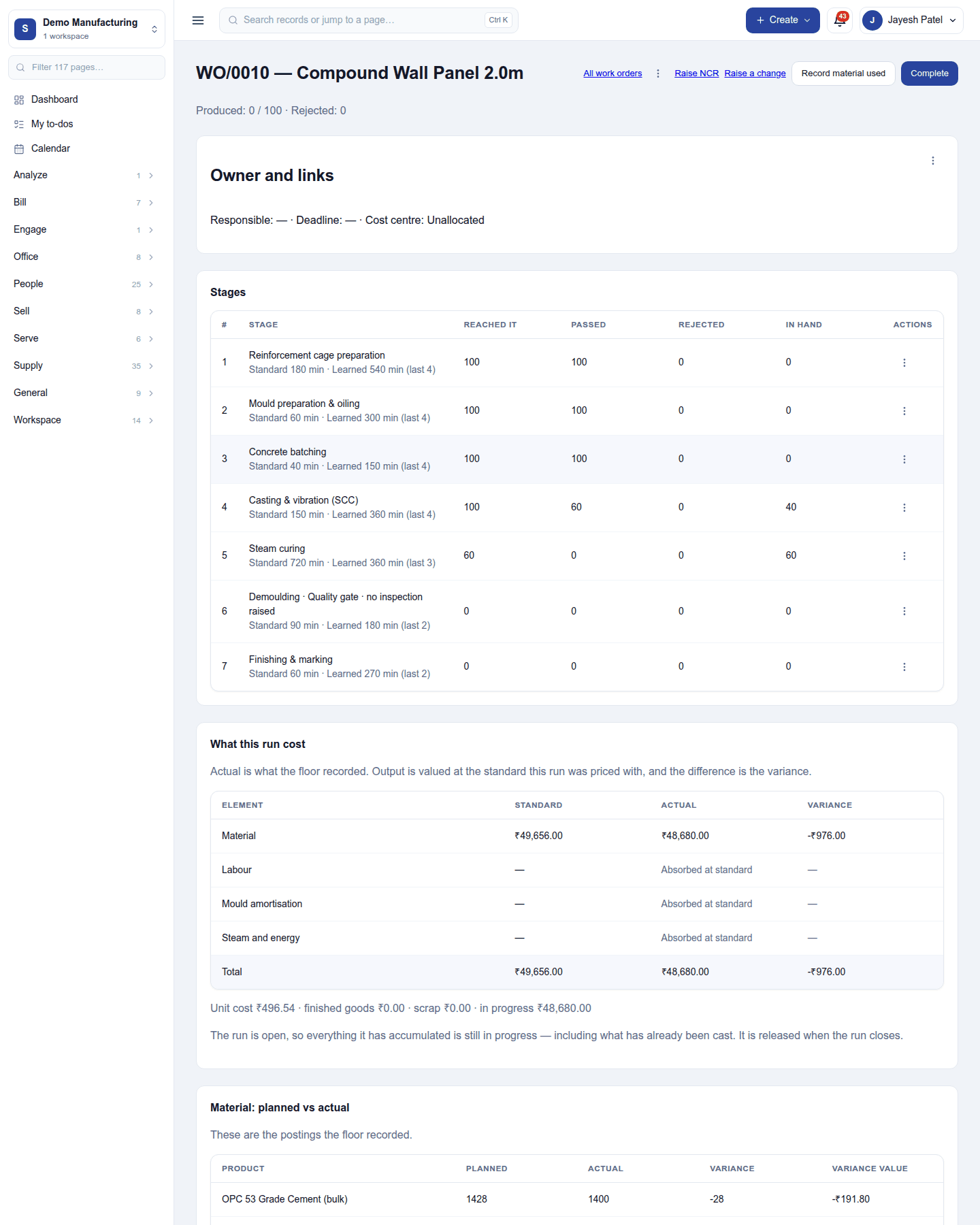
- Stages: each stage of its route, with how many units reached it, passed, were rejected, and are in hand, plus the standard and learned time. A stage can be a quality gate that raises an inspection (Quality).
- What this run cost: material, labour, mould wear and energy at standard against actual, and the variance. Unit cost, finished goods, scrap and work in progress below.
- Material planned vs actual, and Record material used for what the floor really consumed.
- Raise NCR when something is wrong, Raise a change to revise the BOM, and Complete when the run is done (finished goods go into stock).
Lots trace each produced lot back to the material lots it was made from. Unbuild orders take a finished product apart back into its components.
Settings
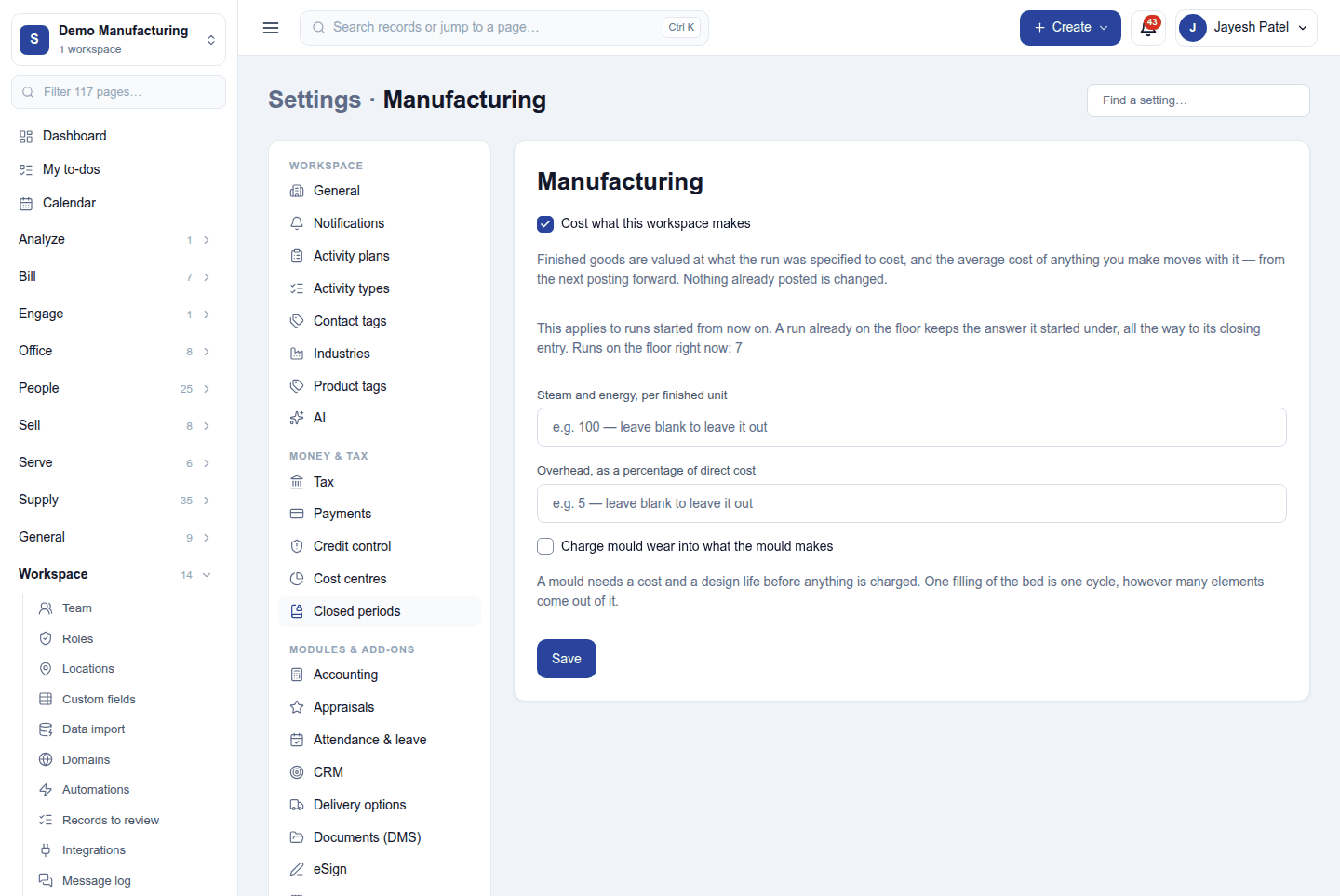
Settings → Manufacturing:
| Setting | What it does |
|---|---|
| Cost what this workspace makes | Values finished goods at what the run was specified to cost, and posts the actual average cost. |
| Steam and energy, per finished unit | An energy charge added to each unit's cost (blank leaves it out). |
| Overhead, as a percentage of direct cost | An overhead added to each run. |
| Charge mould wear into what the mould makes | Spreads a mould's cost over its design life, one use at a time. |
Changes apply to runs started from then on; a run already on the floor keeps the costing it started with.
Permissions
| Permission | Allows |
|---|---|
View manufacturing (manufacturing.view) |
See BOMs, routes, plans and production runs. |
Manage manufacturing (manufacturing.manage) |
Write BOMs and routes, plan, run, record and complete production. |
Ready-made automations
| Name | Kind | What it does | Starts |
|---|---|---|---|
| Remind me of production due tomorrow | Rule | The day before a production order's deadline, tells the workspace owner while it is still open. | On |
| Tell me when production is rejected | Rule | Tells the workspace owner when a production stage rejects output. | On |
Turning it off
The production screens leave the menu. BOMs, runs, lots and their postings are kept. A restaurant's recipes stop deducting ingredients through production.
In the desktop and mobile apps
Not carried.