







































Carbon & ESG
Works out the business's greenhouse-gas footprint from what it already records: purchases on vendor bills, expense claims and vehicle readings are weighed against an openly licensed, cited emission-factor library for the workspace's country, with manual emissions, carbon offsets kept apart, and reports.
| At a glance | |
|---|---|
| Type | Business module |
| Group | Analyze |
| Needs | Nothing. Its activity comes from Purchasing, Expenses and Fleet, each optional. |
| Included in | No pack switches it on by itself |
| Offered to | Every industry pack, on the Pro plan |
| Permissions | View carbon accounting (esg.view), Manage carbon accounting (esg.manage) |
Switching it on
Workspace → Modules → Carbon & ESG → Enable (needs Manage modules; the plan must include it). Emission factors, Factor sources, Emissions, Assignment rules, Manual emissions and Offsets appear under Analyze.
The emission-factor library
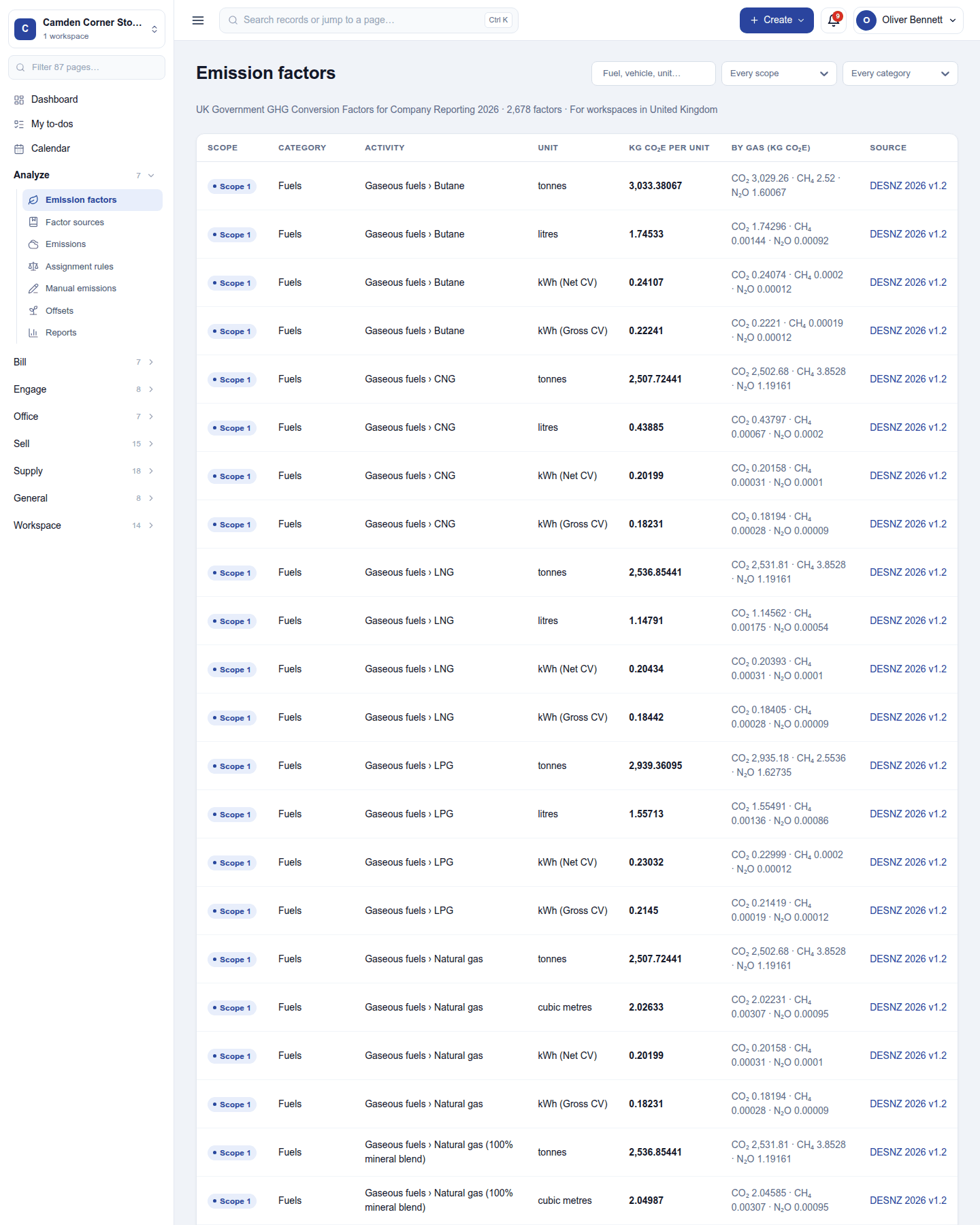
An emission factor says how much greenhouse gas an activity gives off per unit: kg CO₂e per litre of diesel, per kWh of electricity, per room-night in a hotel. Each shows its scope, category, unit, kg CO₂e per unit and, where published, the split by gas (CO₂, CH₄, N₂O).
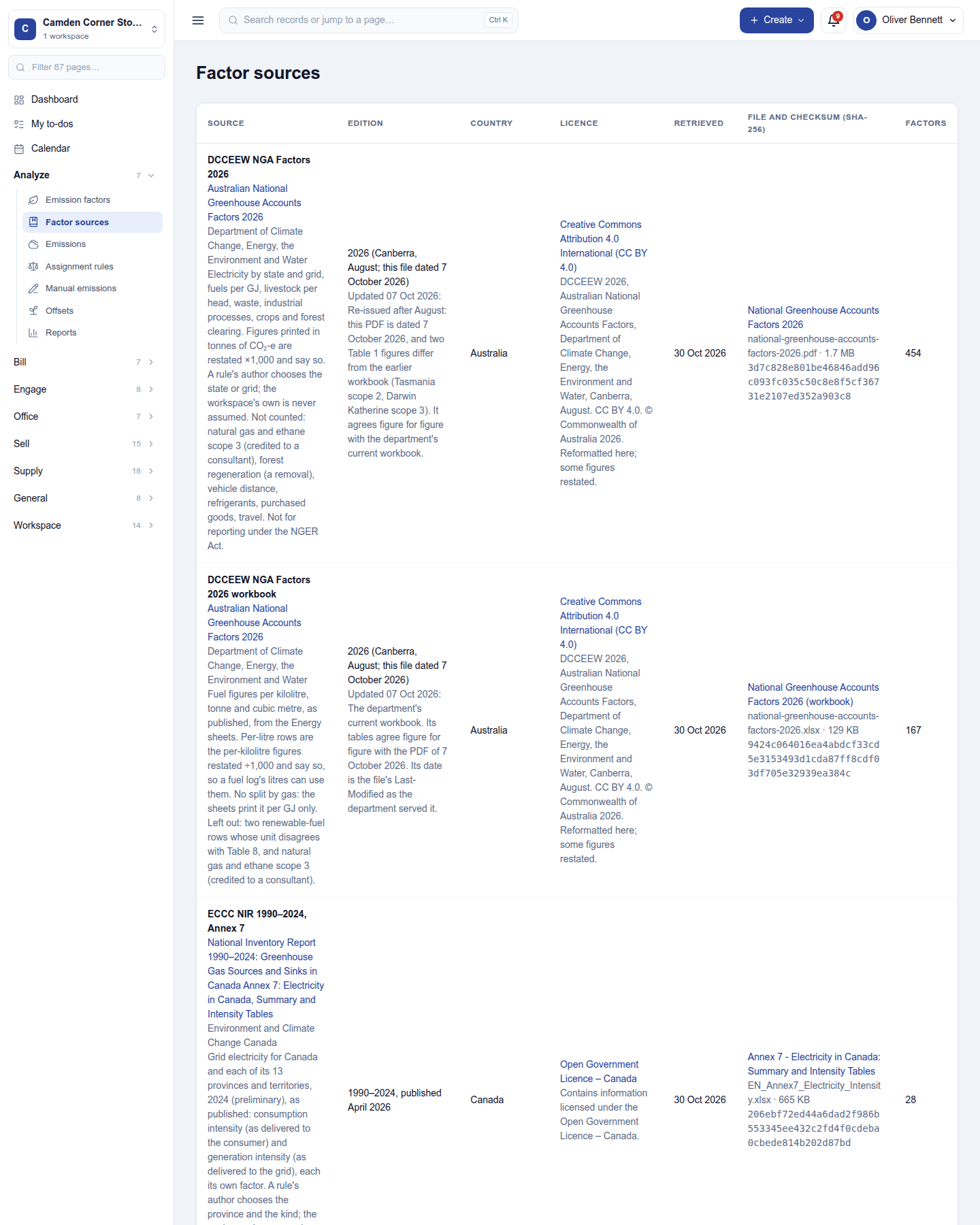
- The factors are never typed by hand. They are loaded from an openly licensed publication, fetched from its publisher and cited: publisher, publication, file, licence and the day it was retrieved. Factor sources lists them.
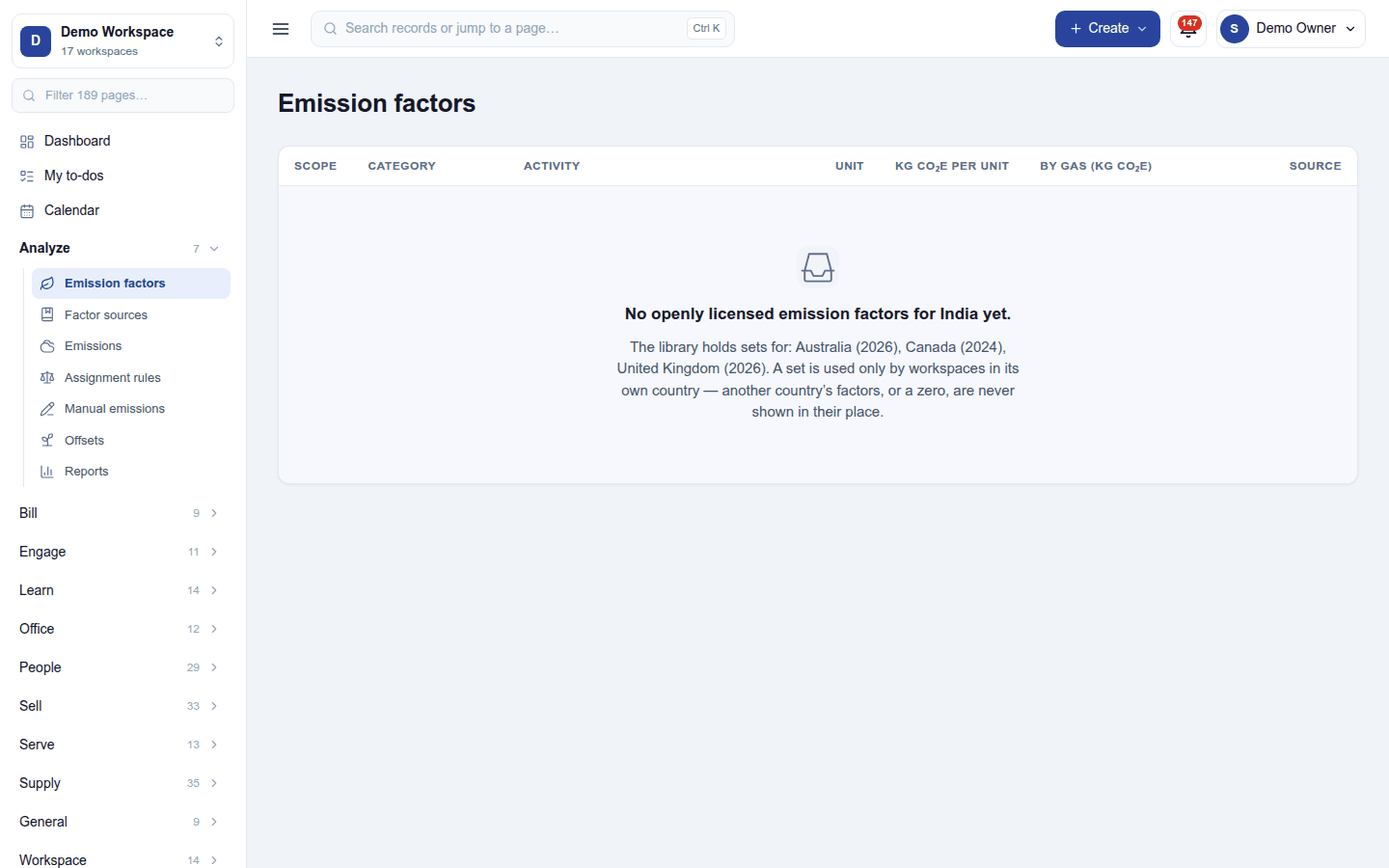
- The workspace's country chooses the set. A workspace reads only its own country's factors. Where no openly licensed set exists for the country, the page says so and lists nothing; it never shows another country's factors or a zero in their place.
Emissions
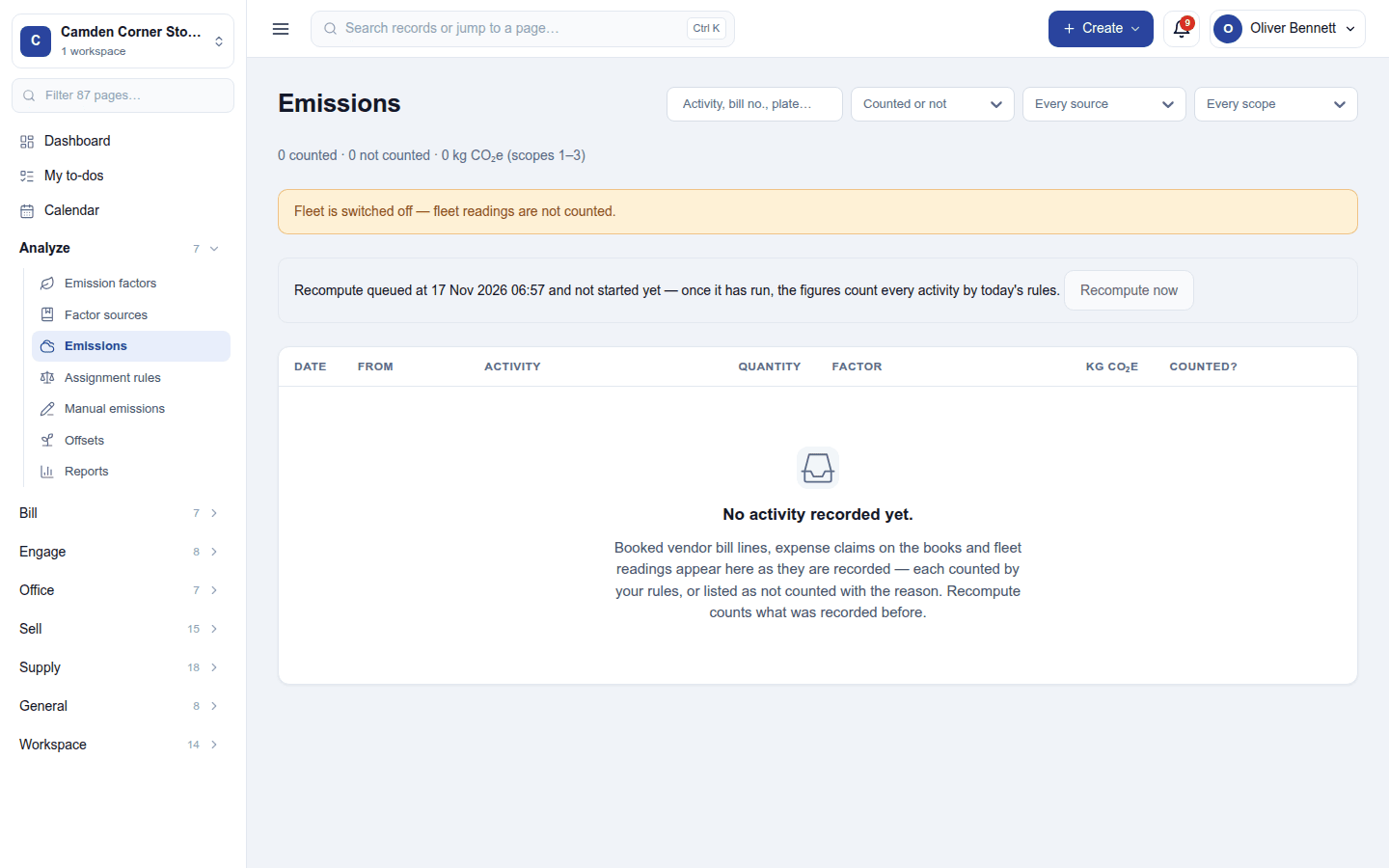
Emissions lists every activity the business recorded, counted or not counted (with the reason):
| Activity | From | Counted when |
|---|---|---|
| Vendor bill lines | Purchasing | the bill is booked (or held by the three-way match) |
| Expense claims | Expenses | the claim reaches the books |
| Fleet readings | Fleet | an odometer reading is recorded (the distance since the last, or the litres on the fuel log) |
- Assignment rules decide which factor weighs which activity: a vendor bill line by its product, its category or its supplier (the most specific rule wins), an expense claim by its expense category, and a fleet reading by the vehicle's fuel. One rule per thing named; changing a rule recomputes what it covers.
- Manual emissions are entered by hand, for what no module records.
- Offsets are carbon credits retired (with their serial numbers or certificate, and tonnes CO₂e), shown in their own column and never subtracted from emissions.
- Recompute now works everything out again.
A module that is switched off is not counted, and the screens say so rather than showing a zero.
Permissions
| Permission | Allows |
|---|---|
View carbon accounting (esg.view) |
See the factor library, sources, emissions and reports. |
Manage carbon accounting (esg.manage) |
Keep rules, manual emissions and offsets, and recompute. The library itself is read-only. |
Ready-made automations
None. Emissions are recomputed on their own.
Turning it off
The carbon screens leave the menu. Rules, manual emissions and offsets are kept.
In the desktop and mobile apps
Not carried.