







































CRM
Tracks every sales opportunity from first contact to won or lost: leads on a pipeline, what each customer asked for (the enquiry), calls, visits and follow-ups, quotations raised from the enquiry, and monthly sales targets.
| At a glance | |
|---|---|
| Type | Business module |
| Group | Sell |
| Needs | Nothing |
| Needed by | Quotations |
| Included in | Manufacturing, Trusts & non-profits, Diagnostic lab, Services & appointments, Wholesale & building materials, Exporter, Bakery, Caterer, Security & manpower agency, Professional practice, Event planner, Property broker, Travel agency, Corporate training, Contractors, Website |
| Offered to | Every industry pack |
| Permissions | View CRM (crm.view), Manage CRM (crm.manage) |
Switching it on
Workspace → Modules → CRM → Enable (needs Manage modules). CRM, Follow-ups and Sales targets appear under Sell, and Settings gains a CRM page.
Leads
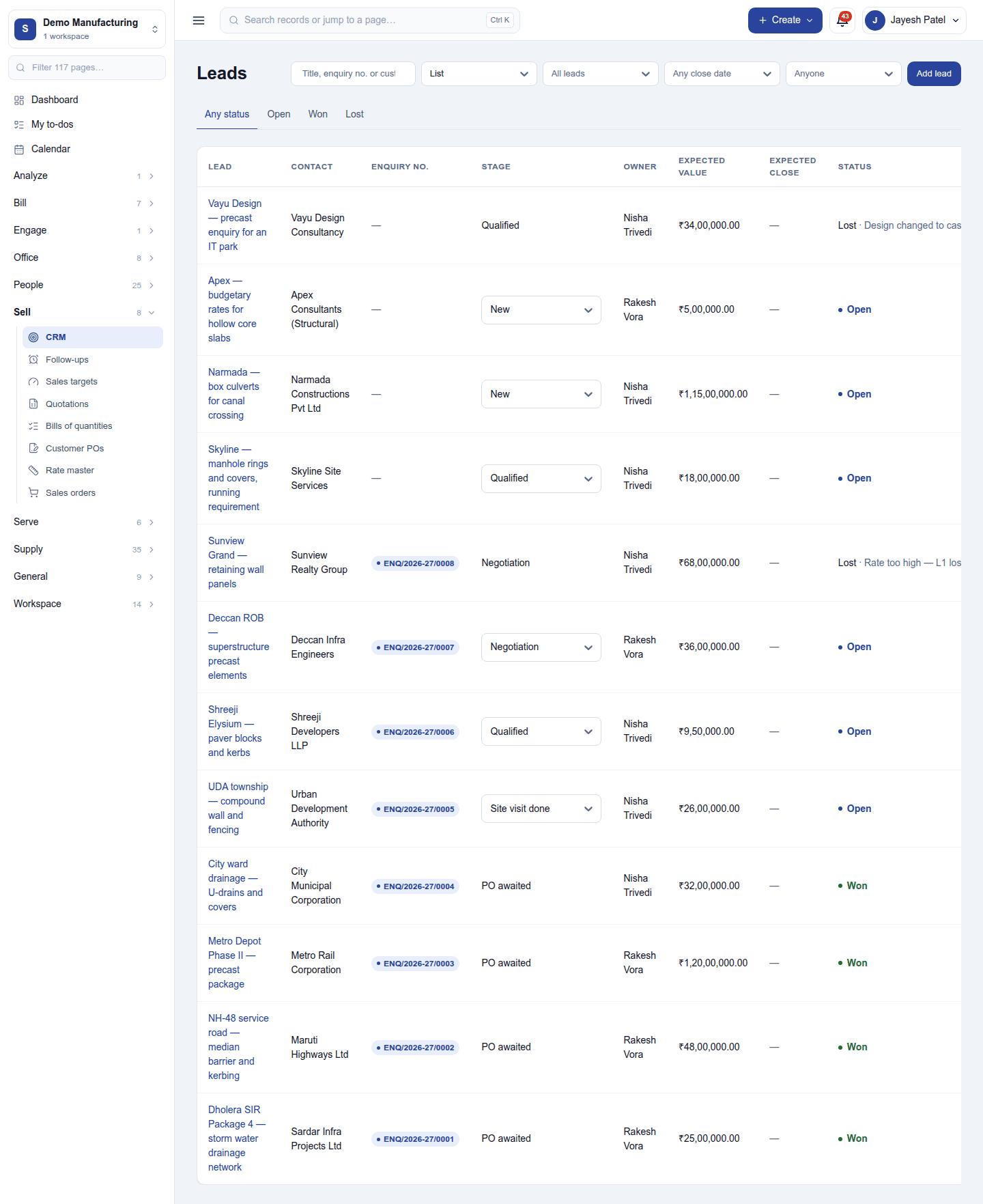
Sell → CRM lists the leads: what the deal is, the contact, its enquiry number, stage, owner, expected value and status. Filter by search (title, enquiry number or customer), Enquiries only / Not yet enquiries, status, owner and pipeline; switch between the list and the board (one column per stage, dragged from stage to stage).
Add lead opens a dialog: the contact, a title (Wadala depot drains), description, pipeline stage, owner, expected value, a recurring value (per month, quarter or year), the date the customer wants it, and where it goes (a location, or a free address).
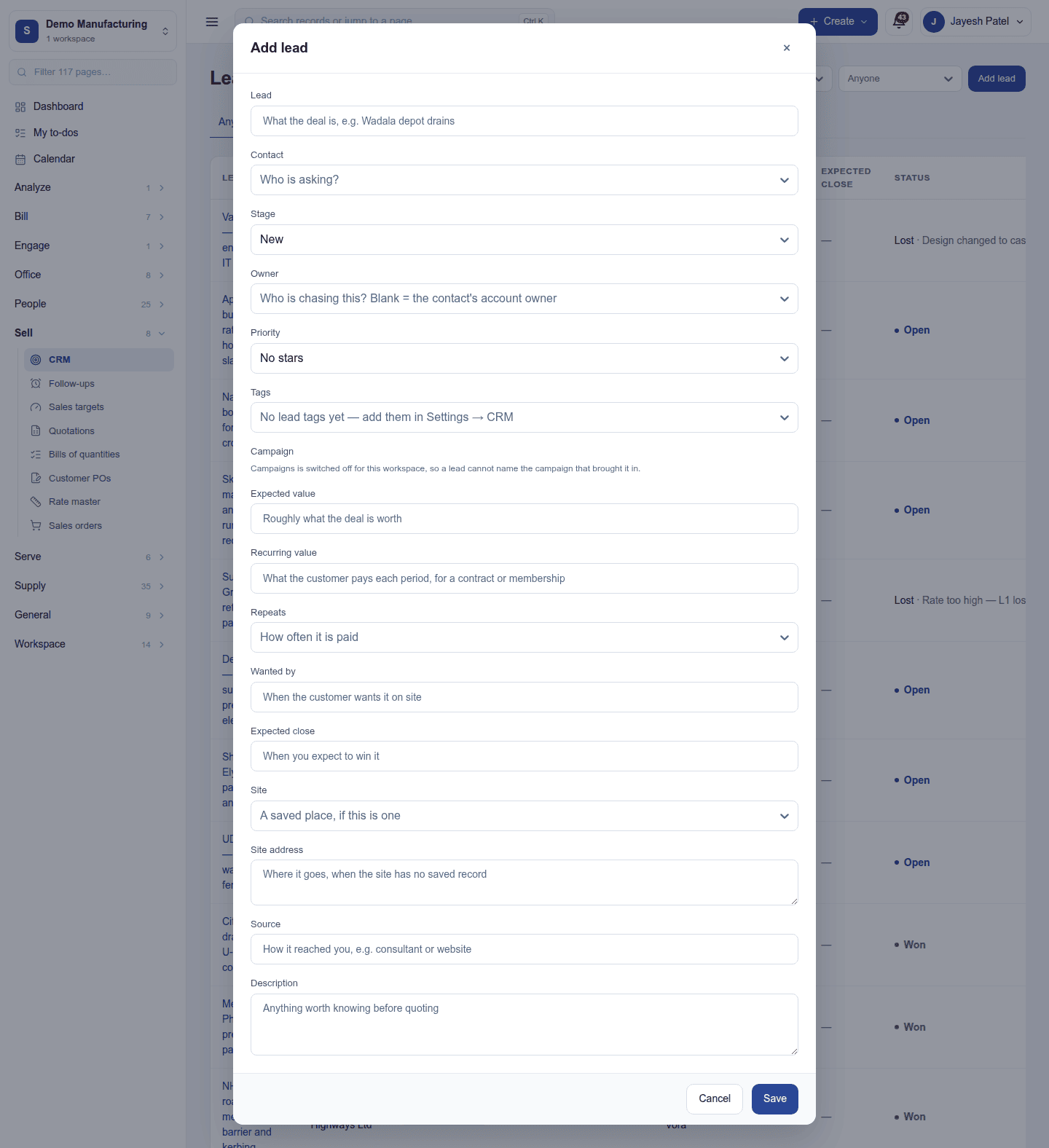
A new lead goes to the owner chosen, or is handed out by the workspace's assignment rule; unassigned leads can be handed out on a schedule.
A lead
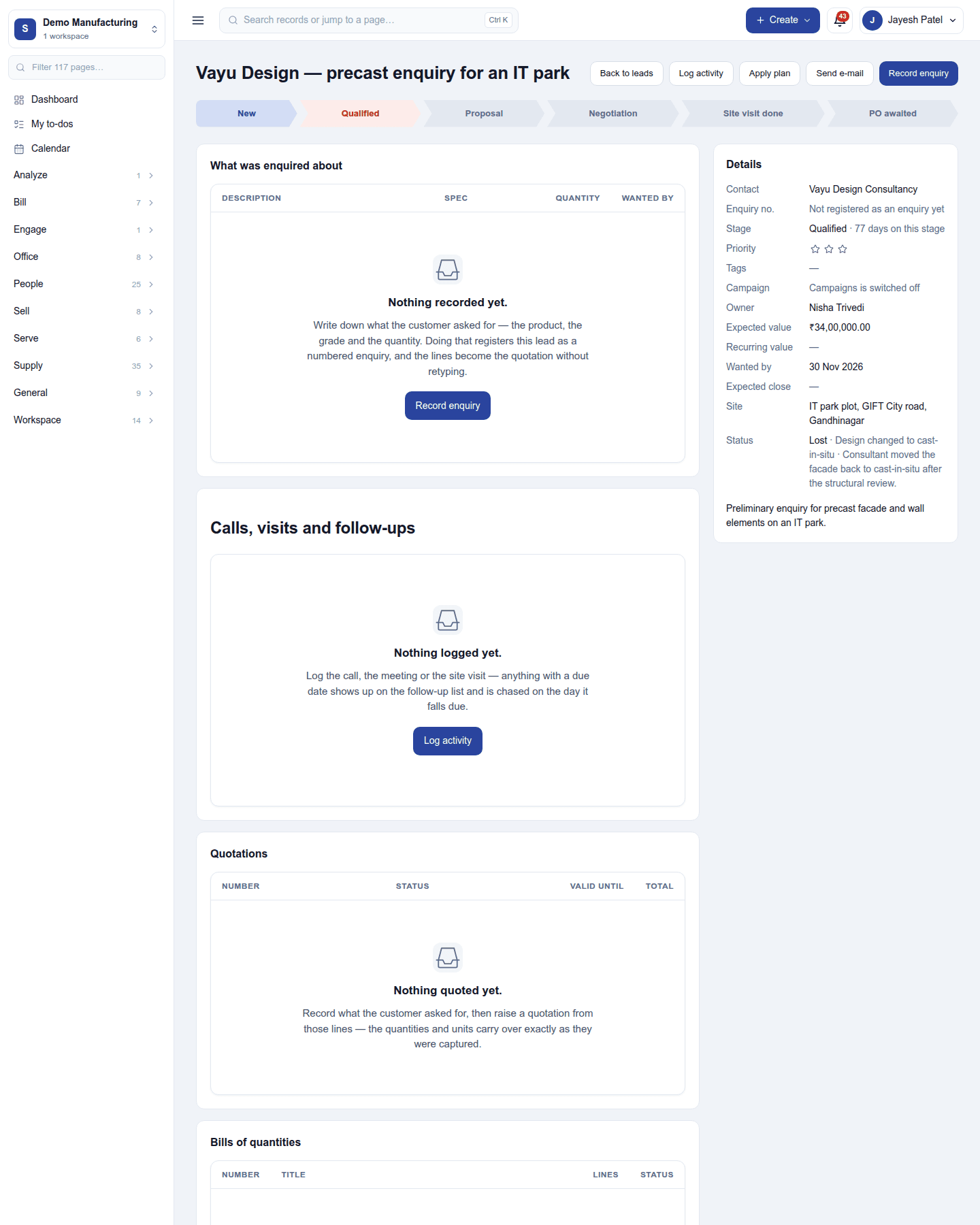
Click a lead's title to open it. Across the top, its stage bar (click a stage to move it) and the actions Log activity, Apply plan, Send e-mail and Record enquiry. Below:
- What was enquired about: Record enquiry lists each thing the customer asked for (a product, or a bespoke line), its spec (M-40, 600mm), quantity and wanted-by date. Saving the first line registers the enquiry with a number (
ENQ/2026-27/0001), once. - Calls, visits and follow-ups: every activity logged, with due dates that remind the owner. A site visit can be recorded with its findings.
- Quotations raised from this lead. Raise a quotation from these lines creates a draft quotation priced from the catalogue, with no retyping.
- Bills of quantities for the lead, with Quotations.
- Details: contact, enquiry number, stage and how long it has sat there, priority, tags, owner, expected and recurring value, expected close date, the campaign that brought it, site, and status.
Marking a lead lost asks why, from the workspace's lost reasons; won stages mark it won as soon as it reaches them. Duplicate leads can be merged.
Follow-ups and targets
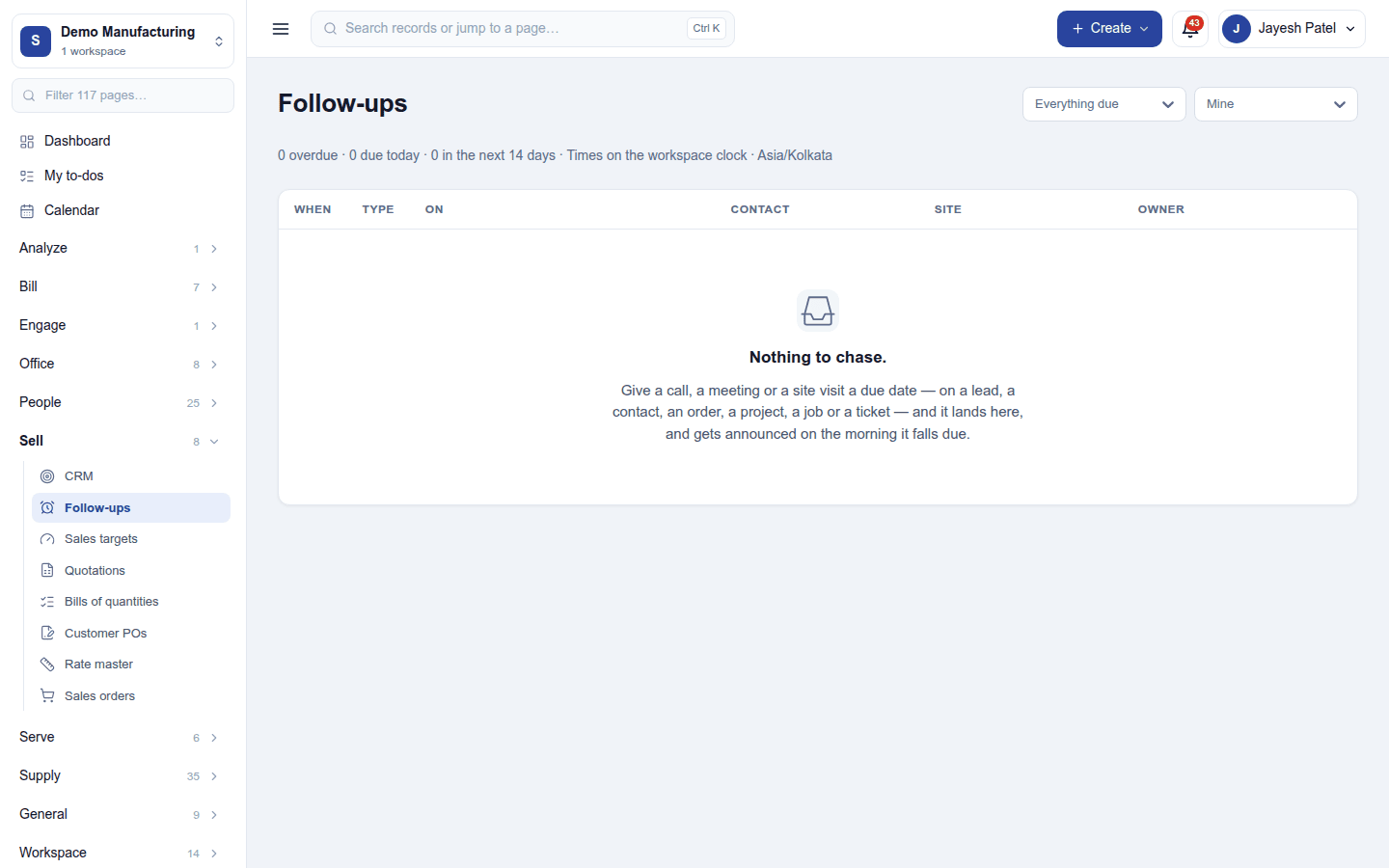
- Sell → Follow-ups lists every open activity on every lead, with what is overdue first.
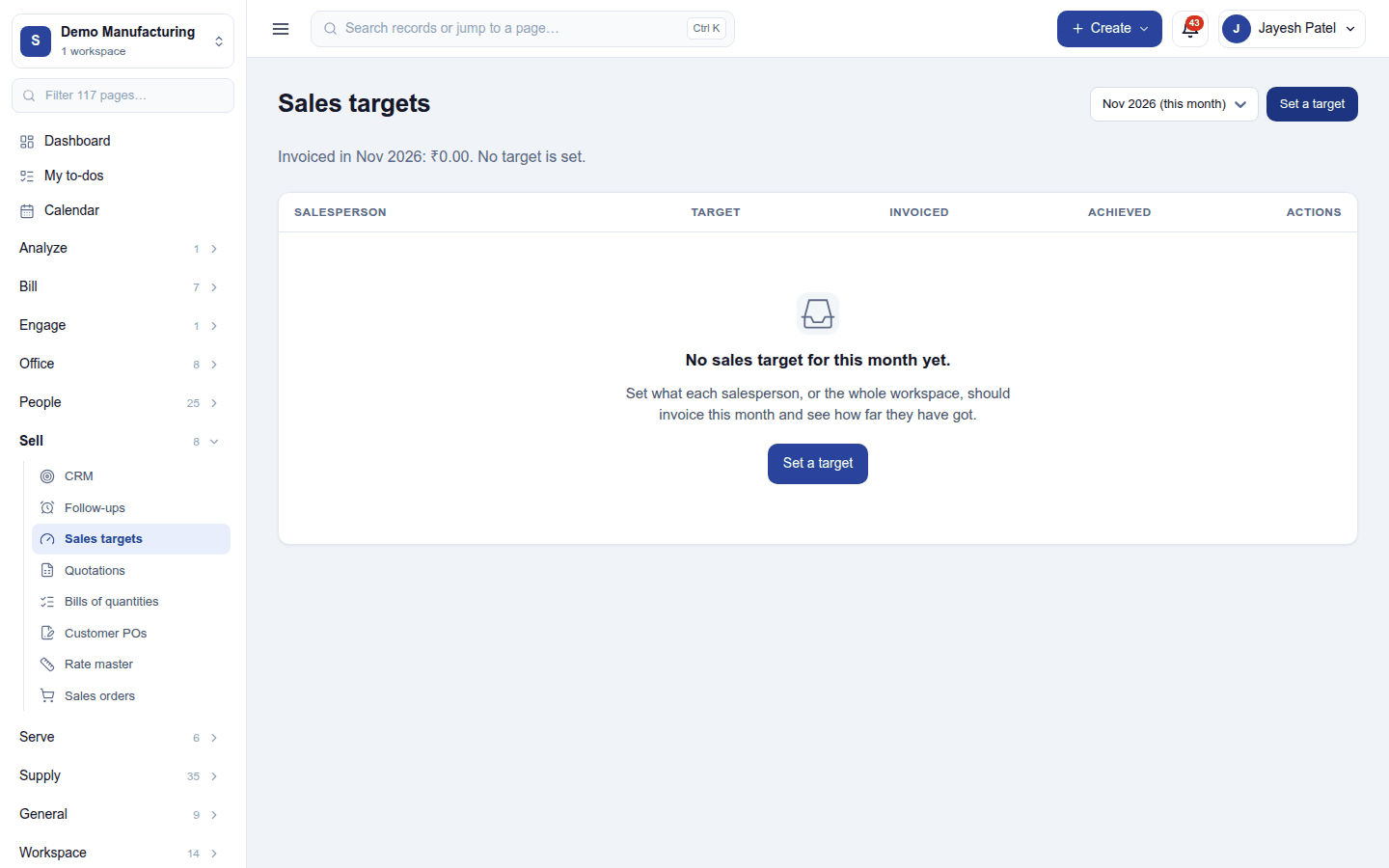
- Sell → Sales targets sets a monthly target per salesperson and shows it against what was invoiced.
Settings
Settings → CRM:
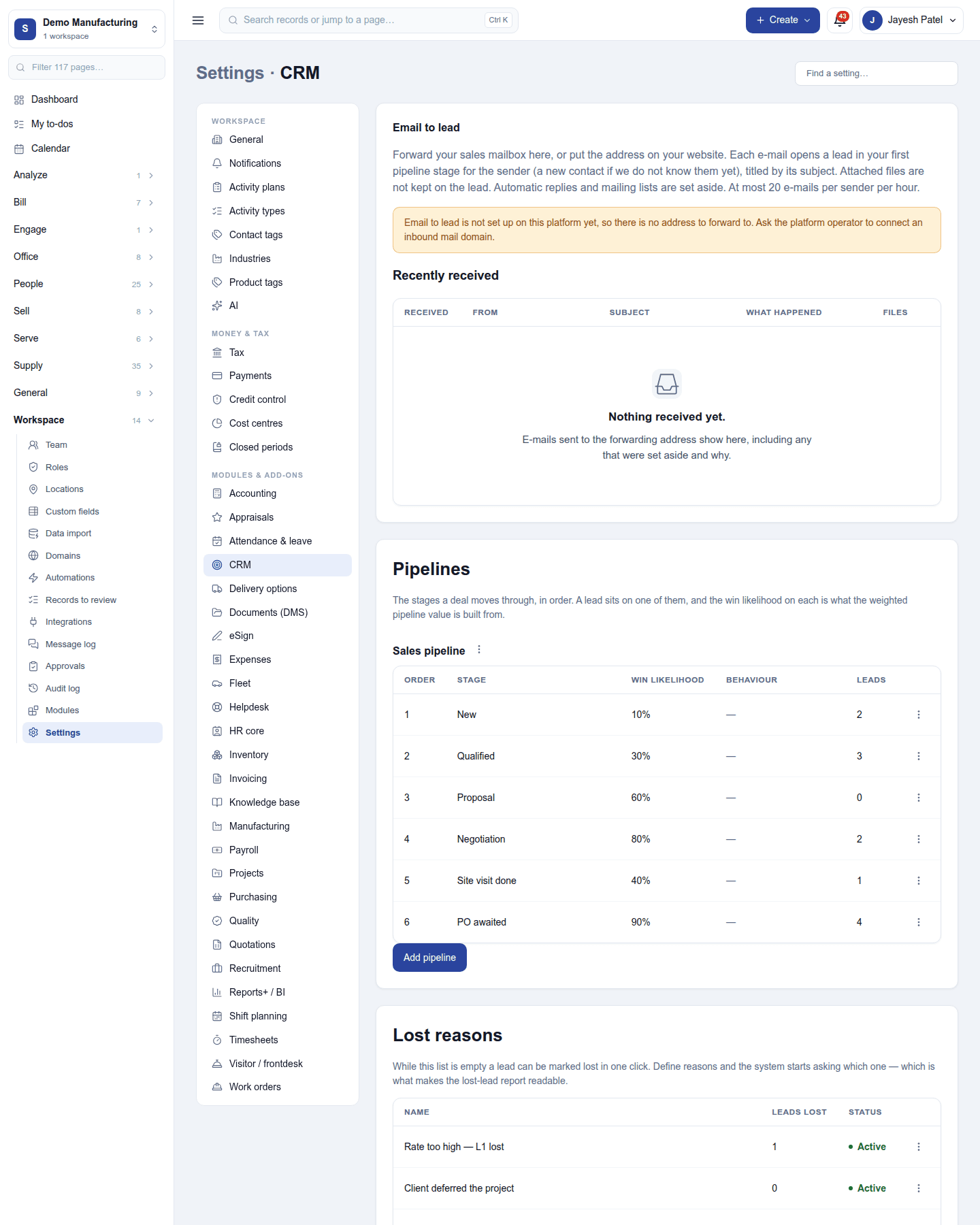
- Email to lead: a private address that turns every email forwarded to it into a lead, with the recently received ones listed.
- Pipelines: each pipeline's stages in order, with each stage's win likelihood, requirements (what must be true before a deal belongs there), rots after days (an open lead sitting longer is flagged), won stage and folded (collapsed on the board).
- Lost reasons: why deals are lost, for the funnel report.
- Lead tags: tags with colours, for filtering.
Permissions
| Permission | Allows |
|---|---|
View CRM (crm.view) |
See leads, pipelines, follow-ups, targets and the activity on them. |
Manage CRM (crm.manage) |
Add, assign, move, merge and close leads; record enquiries; set targets; keep pipelines, lost reasons and tags. |
Ready-made automations
| Name | Kind | What it does | Starts |
|---|---|---|---|
| Tell the salesperson about a new lead | Rule | Tells the person a new lead is assigned to. | On |
| Call tomorrow | Action (on a lead) | Adds a call for tomorrow for the person the lead is assigned to. | On |
Turning it off
The CRM screens leave the menu. Leads and their history are kept. Quotations needs CRM, so it must be switched off first.
In the desktop and mobile apps
Not carried.