







































Shift planning
Plans who works when: reusable shifts, a weekly roster per person, publishing a week to the staff, how many people each shift needs, open shifts, automatic planning, clashes with leave, recurring shifts, and each person's own My shifts.
| At a glance | |
|---|---|
| Type | Business module |
| Group | People |
| Needs | HR core |
| Included in | Clinics, Diagnostic lab, Hotel / guest house, Manufacturing, Trusts & non-profits, Restaurant and others |
| Offered to | Every industry pack |
| Permissions | View shift plan (shift_planning.view), Manage shift plan (shift_planning.manage), View own shifts (shift_planning.view_own) |
Switching it on
Workspace → Modules → Shift planning → Enable (needs Manage modules). HR core must be on first. Shift planning and My shifts appear under People.
The roster
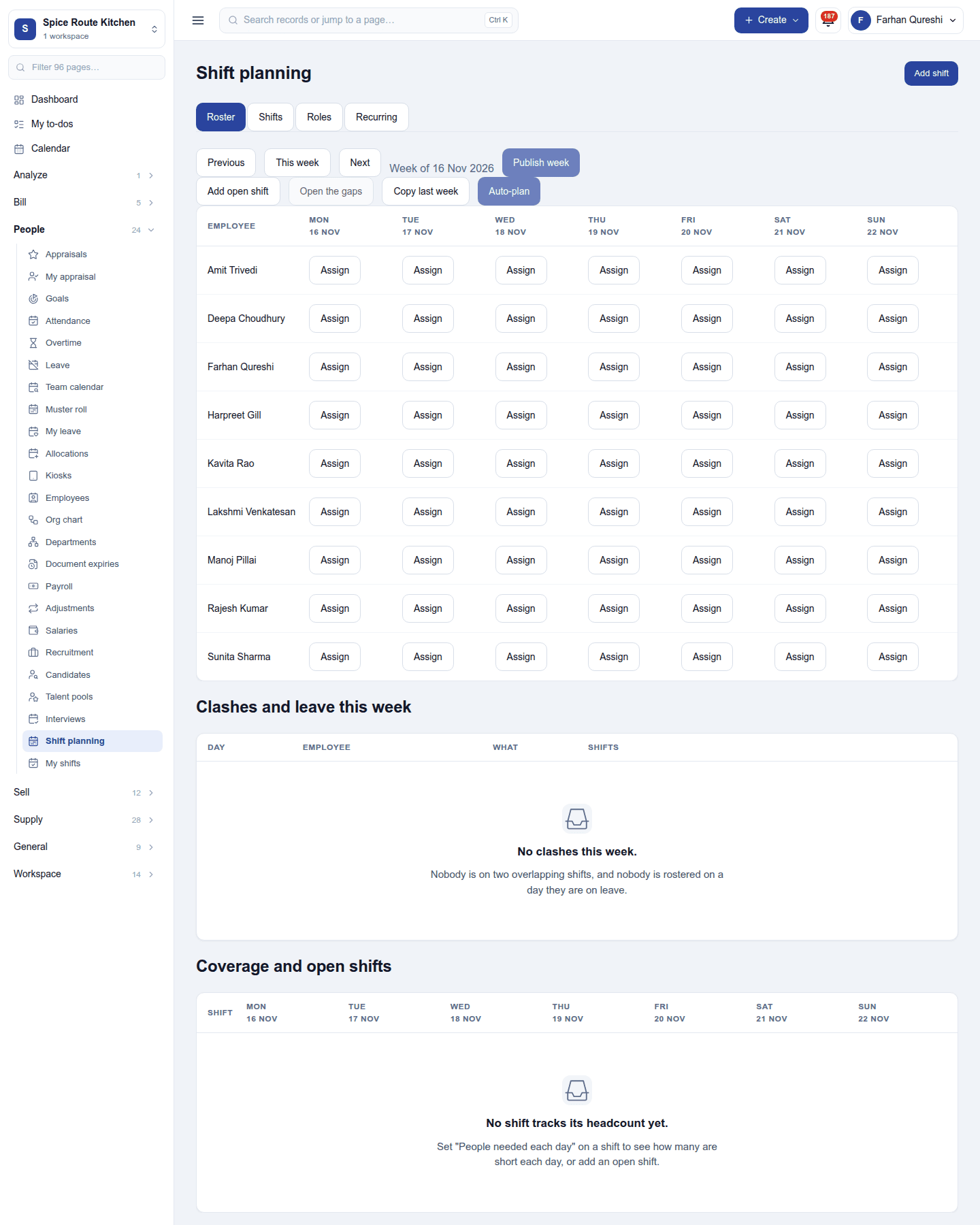
People → Shift planning shows a week as a grid: each employee down the side, each day across, and their shift in each cell (Assign in an empty one). Tabs switch between the Roster, the Shifts (reusable templates such as Morning 09:00–17:00), the Roles people are planned in, and Recurring shifts. Step weeks with Previous, This week and Next.
- New shifts are drafts. Publish week sends the week to the staff; changes after that are drafts until Re-send changes.
- Add open shift posts a shift nobody holds yet. Copy last week and Auto-plan fill the week from the pattern and the coverage needed.
- Clashes and leave this week lists anyone planned on two shifts at once or on approved leave.
- Coverage and open shifts shows, per shift and day, how many people are planned against how many are needed.
Shifts can also be planned onto projects, and created from services sold.
My shifts
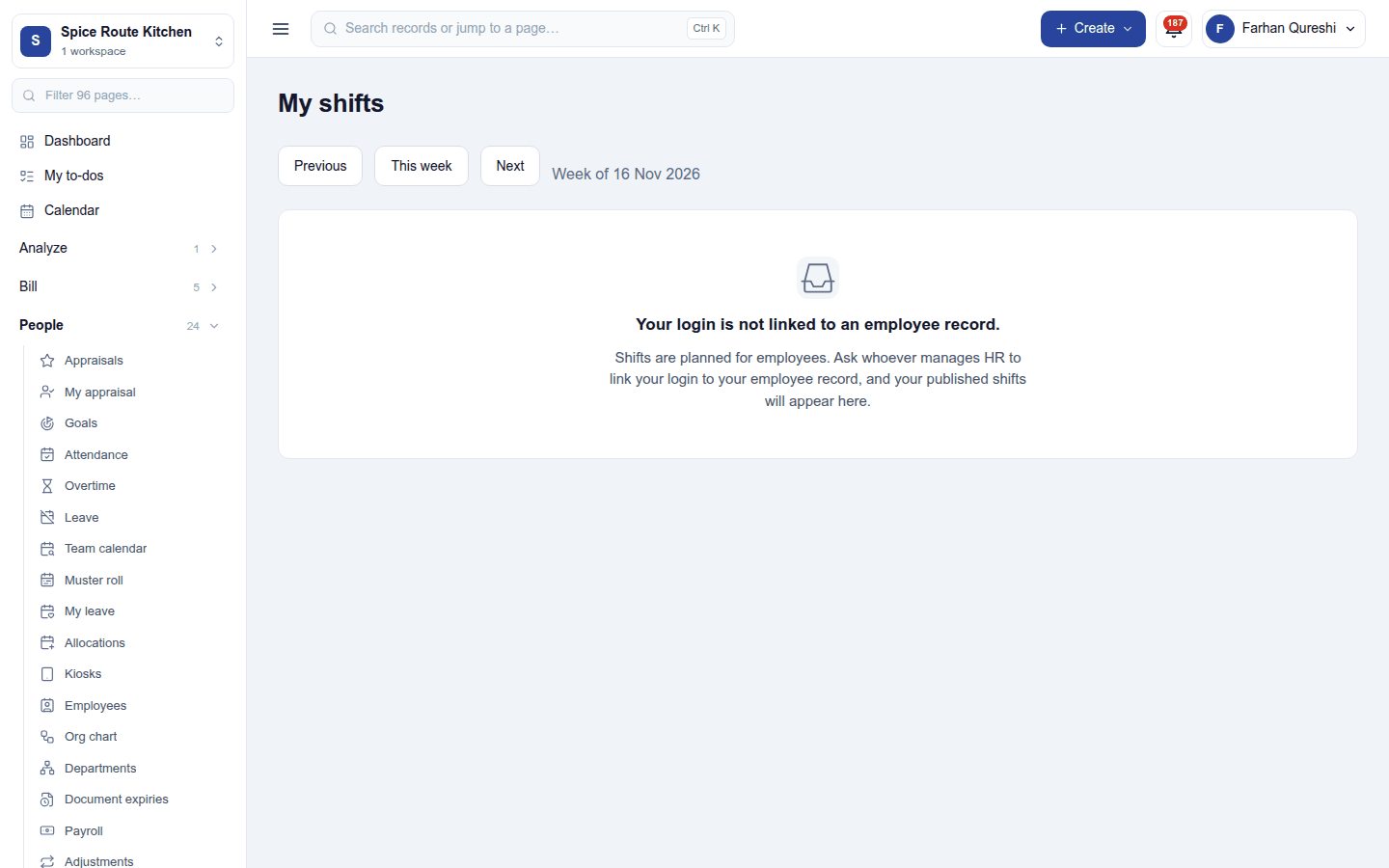
People → My shifts shows a person their own published shifts week by week. It needs their login to be linked to an employee record; without one, the page says so:
Permissions
| Permission | Allows |
|---|---|
View shift plan (shift_planning.view) |
See everyone's shifts. |
Manage shift plan (shift_planning.manage) |
Plan, publish and change shifts. |
View own shifts (shift_planning.view_own) |
See one's own published shifts, and nobody else's. |
Ready-made automations
| Name | Kind | What it does | Starts |
|---|---|---|---|
| Tell me when someone misses a shift | Rule | Tells the workspace owner when a shift is marked absent, so it can be covered. | On |
Turning it off
The shift screens leave the menu. Shifts already planned are kept.
In the desktop and mobile apps
Not carried.