







































Payroll
Pays people every month: salaries built from components, the month's attendance and leave turned into paid days, one-off inputs and recurring adjustments, statutory deductions, checks before finalising, payslips by email, the salary bank file, and the posting to the books.
| At a glance | |
|---|---|
| Type | Business module |
| Group | People |
| Needs | HR core and Attendance & leave |
| Included in | Schools & colleges, Hotel / guest house, Restaurant, Manufacturing and others |
| Offered to | Every industry pack |
| Permissions | View payroll (payroll.view), Manage payroll (payroll.manage) |
Switching it on
Workspace → Modules → Payroll → Enable (needs Manage modules). HR core and Attendance & leave must be on first. Payroll, Adjustments and Salaries appear under People, and Settings gains a Payroll page.
Salaries
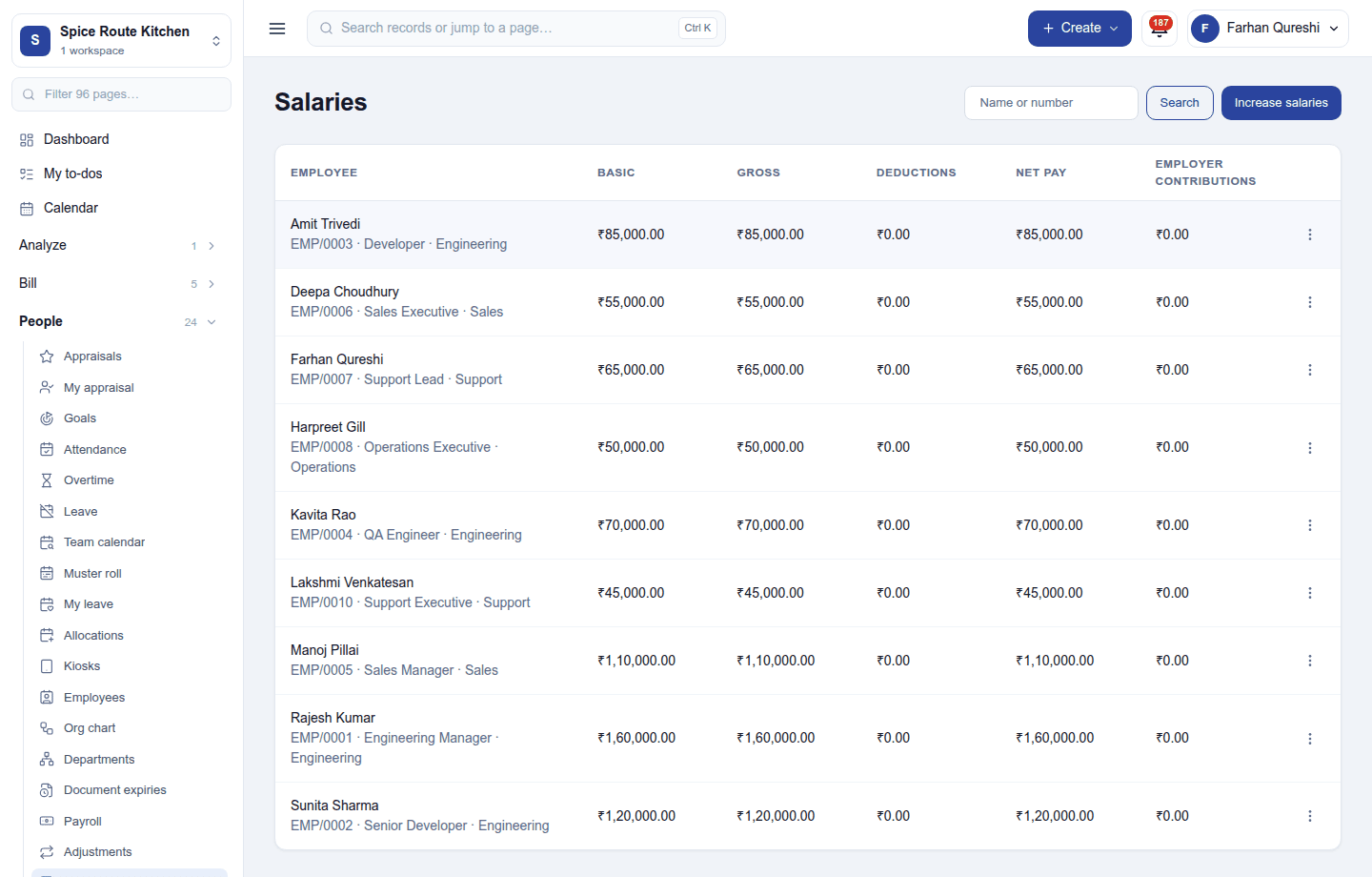
People → Salaries gives each employee their salary: its components (basic, allowances, deductions …), paid by the month, the day or the hour. In India the salary template splits a CTC into its components. A salary change keeps its history, and a mid-month change is paid pro rata. A bulk salary increase raises many salaries at once.
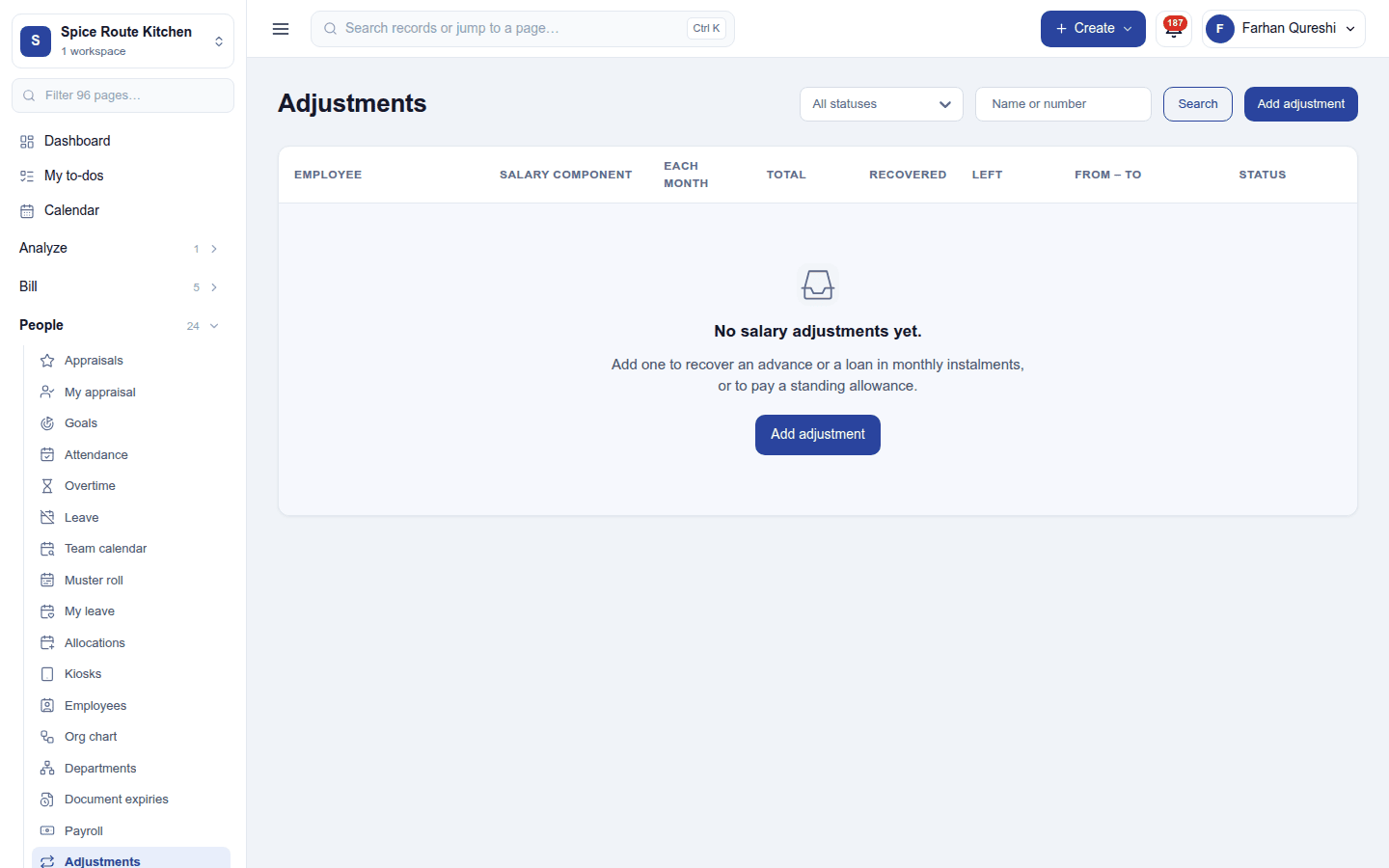
Adjustments holds one-off inputs (a bonus, an advance recovered) and recurring adjustments (a loan instalment) that the next runs pick up.
A payroll run
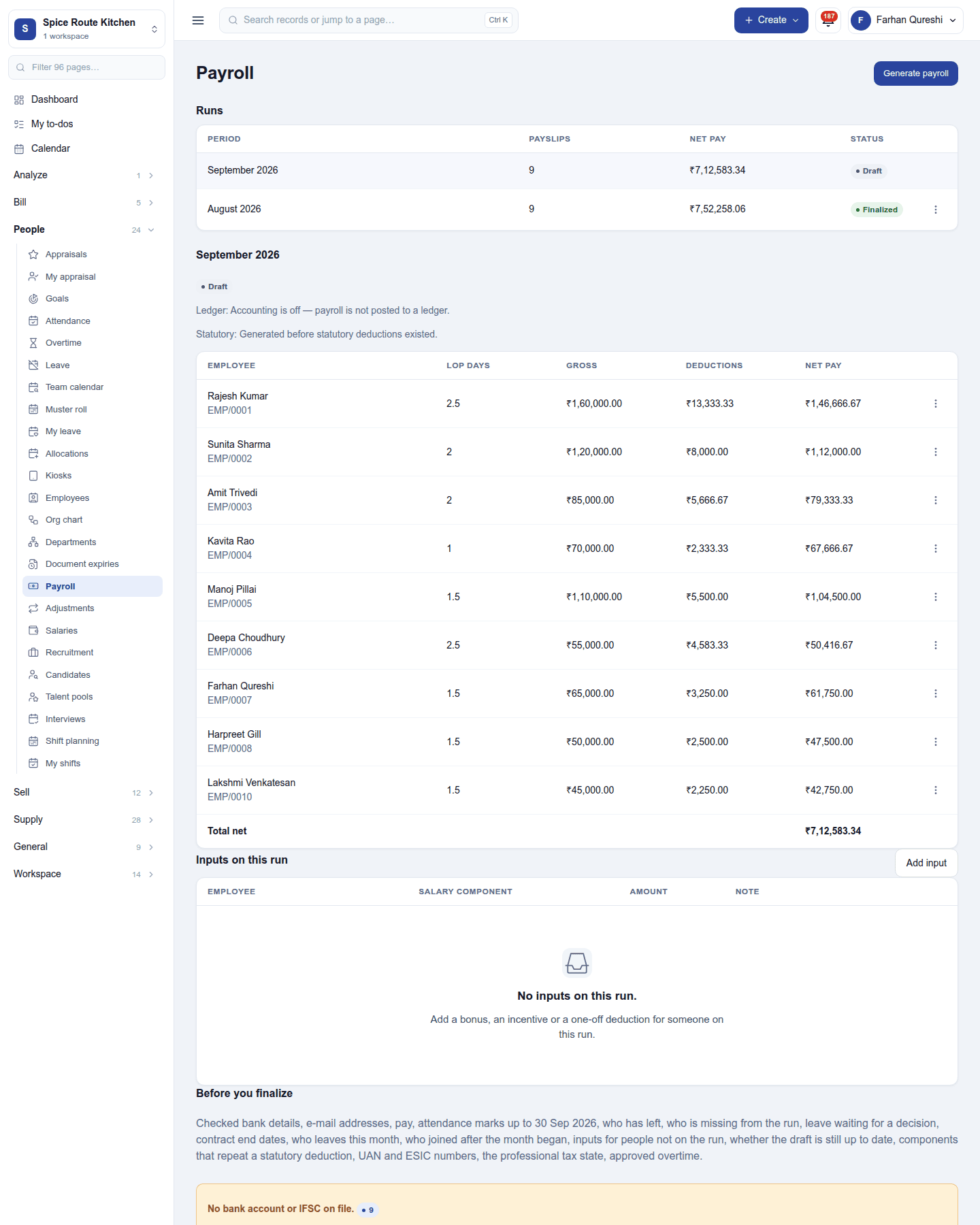
People → Payroll lists the runs by period with their payslips, net pay and status. Generate payroll creates the month's regular run; an adjustment run pays corrections off the cycle.
Each payslip works out:
- the paid days: the month's calendar or scheduled working days, less loss-of-pay days from attendance and unpaid leave; joiners and leavers are paid for the days they were employed;
- gross, from the salary components, plus overtime pay and the month's inputs;
- deductions, including the statutory ones switched on;
- net pay, with year-to-date figures.
Before Finalize, a panel lists checks that never block: people with no bank details or email, nothing to pay, working days with no attendance mark, leave requests still waiting, someone missing from the run or no longer belonging on it, a contract that ended, someone leaving this month. Finalising locks the run. Then:
- Post to ledger puts salaries and deductions in the books (Accounting), and later the payment.
- Mark paid with the date and the bank reference.
- Payslips go out by email (protected by a password) when that is switched on, and print as PDF.
- With Payroll exports: the bank transfer sheet and, in India, the EPF return and ESIC figures.
Expense claims marked to be paid through payroll are added to the payslip.
Settings
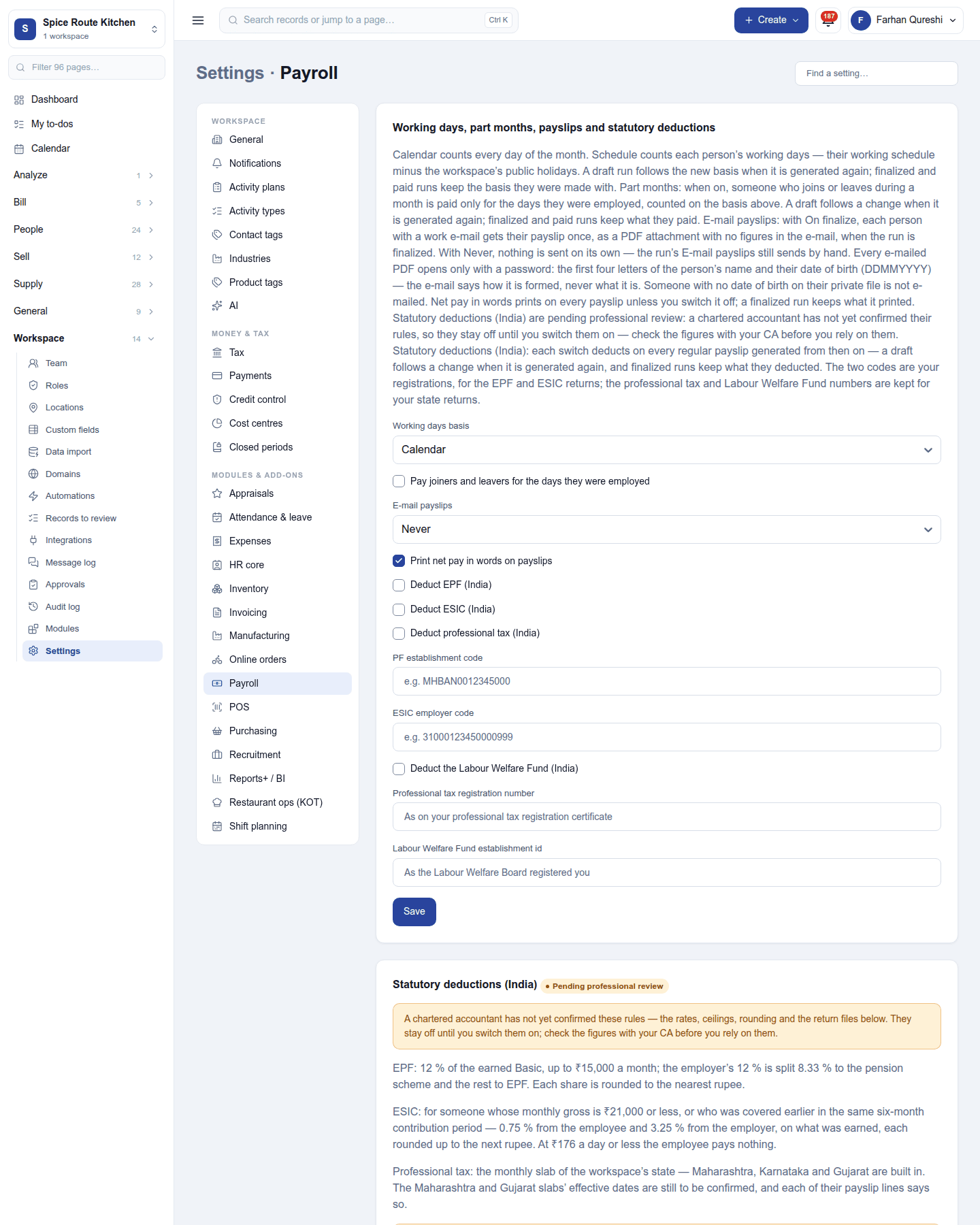
Settings → Payroll:
| Setting | Default | What it does |
|---|---|---|
| Working days basis | Calendar | Paid days counted from calendar days or the working schedule. |
| Pay joiners and leavers for the days they were employed | On | Part months pro rata. |
| E-mail payslips | Never | Or on finalize. |
| Print net pay in words on payslips | On | |
| Deduct EPF, ESIC, professional tax, Labour Welfare Fund (India) | Off | Each with its registration code. |
| Salary bank file | Salary bank sheet | Or the country's standard file (Nacha, SEPA, CPA 005, ABA), with the bank details each needs, and the days before the bank pays. |
Permissions
| Permission | Allows |
|---|---|
View payroll (payroll.view) |
See payroll runs and payslips. |
Manage payroll (payroll.manage) |
Set salaries, run, finalise, post and mark payroll paid. |
Ready-made automations
| Name | Kind | What it does | Starts |
|---|---|---|---|
| Tell me when payroll is ready to pay | Rule | Tells the workspace owner when a payroll run is finalized. | On |
Turning it off
The payroll screens leave the menu. Runs, payslips and salaries are kept.
In the desktop and mobile apps
Not carried.